Best Free Online Translators in 2026
 Add to Chrome
TABLE OF CONTENTS
Not all free translators are created equal. Some give you 249 languages but butcher your document layout. Others nail European languages but lock the best features behind a paywall. Here’s what actually works in 2026 — and what doesn’t.
Best Free Online Translators at a Glance
| Best for… | Tool | Why |
|---|---|---|
| Language coverage | Google Translate | 249 languages, no competition |
| Translation quality | DeepL | Still the gold standard for European language pairs |
| File format variety + AI tools | OpenL | Most file formats supported, plus grammar check, AI detection, and writing tools |
| Microsoft Office users | Microsoft Translator | Built into Word, PowerPoint, Teams, and Edge |
| Language learners | Reverso | Contextual examples + flashcards + conjugation tools |
| Creative & context-aware | ChatGPT / Claude | Control tone, style, and nuance through prompting |
1. Google Translate — The Swiss Army Knife
Website: translate.google.com
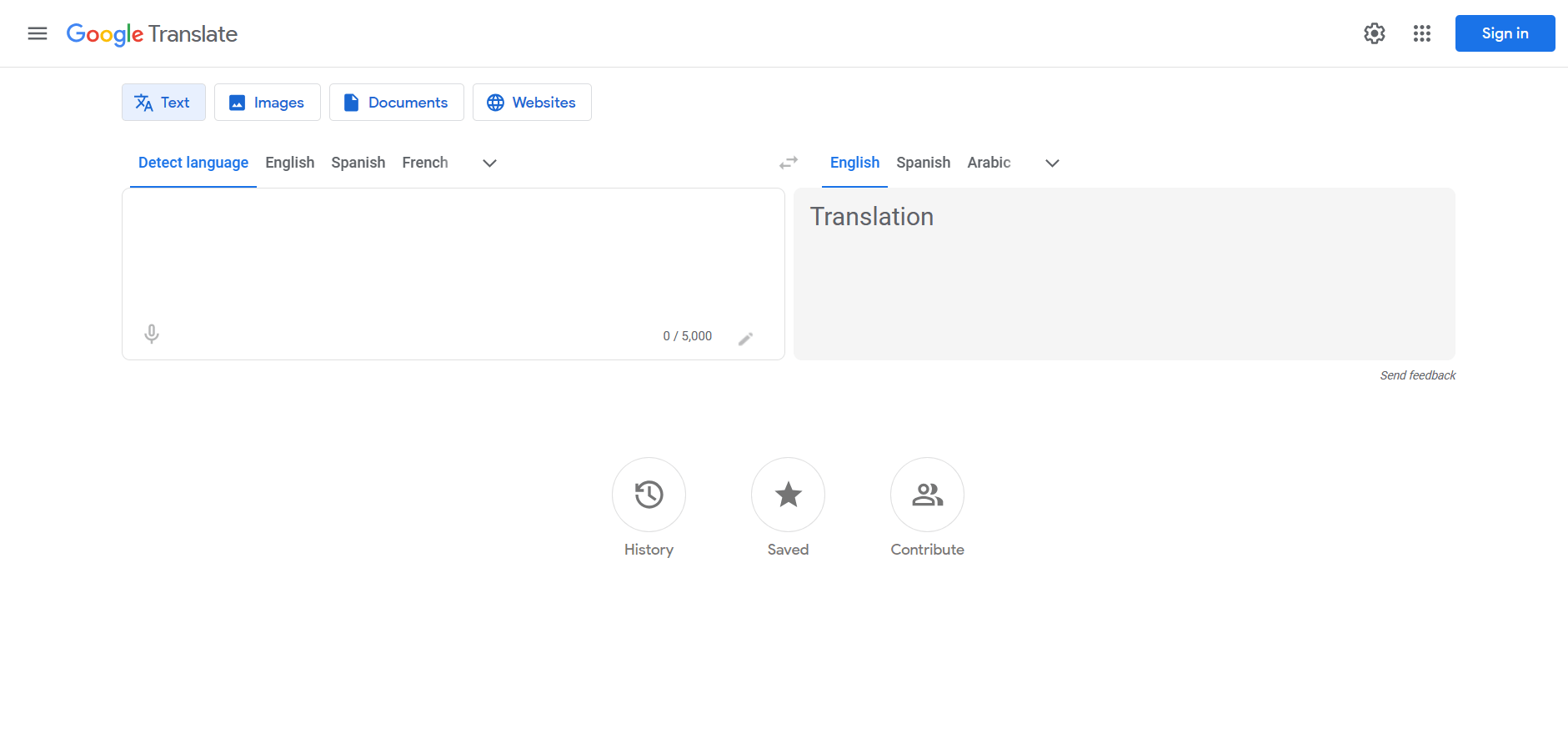
Google Translate marked its 20th anniversary in 2026. It supports 249 languages covering roughly 95% of the world’s population — from major world languages like English and Chinese to endangered ones like Aymara and North Sami.
What’s Free
- Unlimited text translation — paste paragraphs or entire pages, no character cap
- Document translation — upload DOCX, PDF, PPTX, or XLSX files (max 10 MB, up to 300 pages for PDFs)
- Website translation — enter any URL for a fully translated version of the page
- Offline mode — download packs for 59 languages, no internet needed
- Camera translation — point your phone at signs, menus, or documents in 94 languages
- Conversation mode — real-time bilingual speech in 70 languages
- Handwriting input — draw characters instead of typing, supports 96 languages
- Chrome integration — one-click page translation built into the browser
The Catch
Google Translate’s quality varies dramatically by language pair. For English ↔ Spanish or French it’s solid. For less common pairs, expect literal translations that miss idioms and tone entirely. Document formatting is its weakest point — tables, headers, and images frequently shift or break in translated output. There’s also no glossary support, so you can’t enforce consistent terminology.
Who It’s For
Anyone who needs a quick, free translation in almost any language. Travelers, casual users, and people working with rare or low-resource languages will find it indispensable.
2. DeepL — The Quality Benchmark
Website: deepl.com
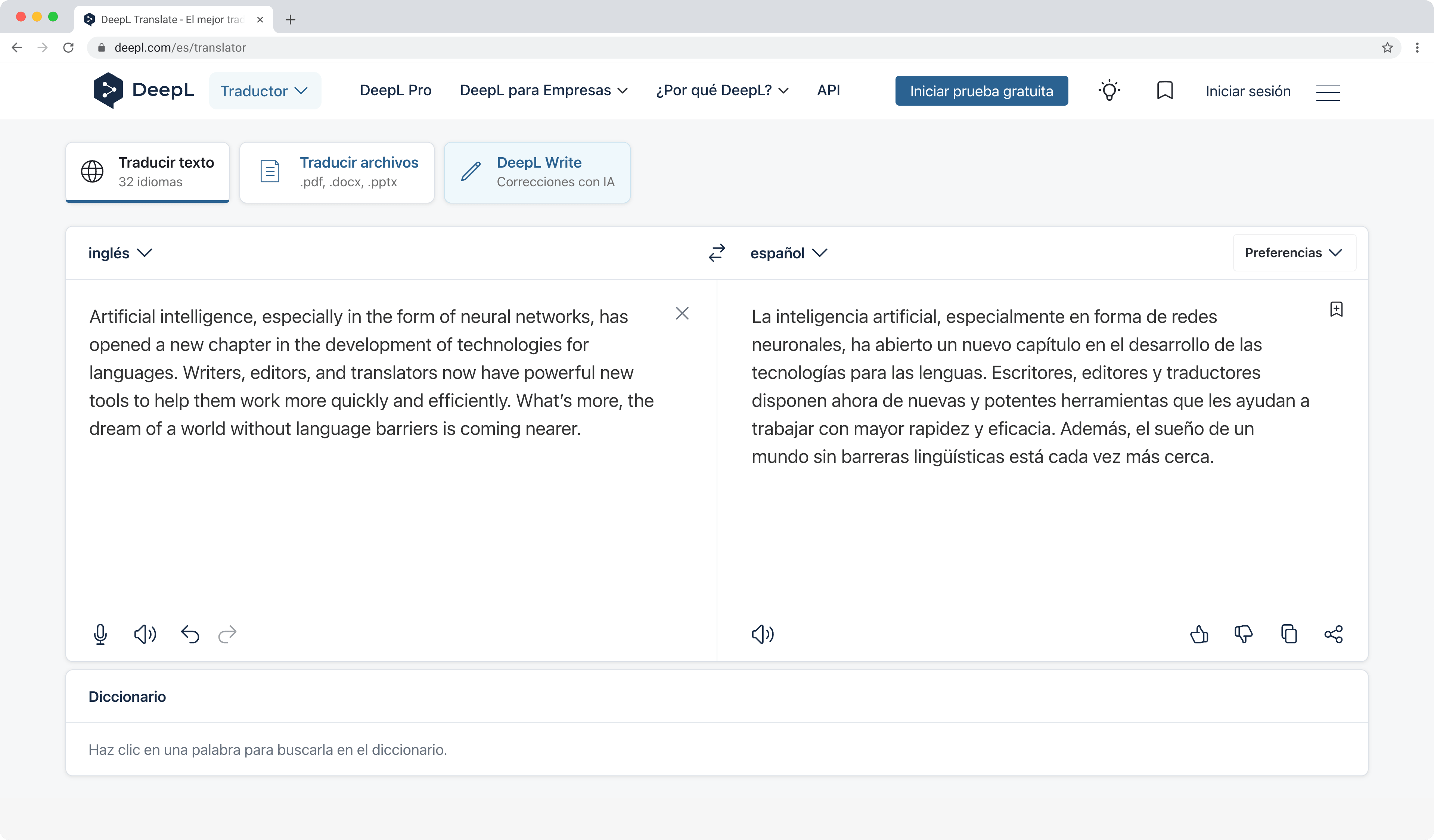
DeepL consistently ranks as the most natural-sounding machine translator for European language pairs. Its neural network produces translations that often read like a human wrote them — which is why professional translators use it as a first draft tool.
What’s Free
- Text translation — up to 1,500 characters per request on the web interface
- Document translation — 3 files per month (PDF, DOCX, PPTX), max 5 MB each
- Formality toggle — switch between formal and informal register
- DeepL Write — AI writing assistant for improving your English or German text
- API access — 500,000 characters per month for developers
The Catch
The free plan is restrictive. Three document translations per month won’t cut it for regular use. Data on the free tier may be stored for service improvement — not ideal for confidential documents. DeepL also supports only 33 languages, mostly European. If you need Arabic, Hindi, or Thai, look elsewhere.
Who It’s For
Professionals who need polished European-language output and don’t mind the volume limits. Students, freelancers, and anyone prioritizing quality over quantity.
3. OpenL — More Formats, More AI Tools
Website: openl.io
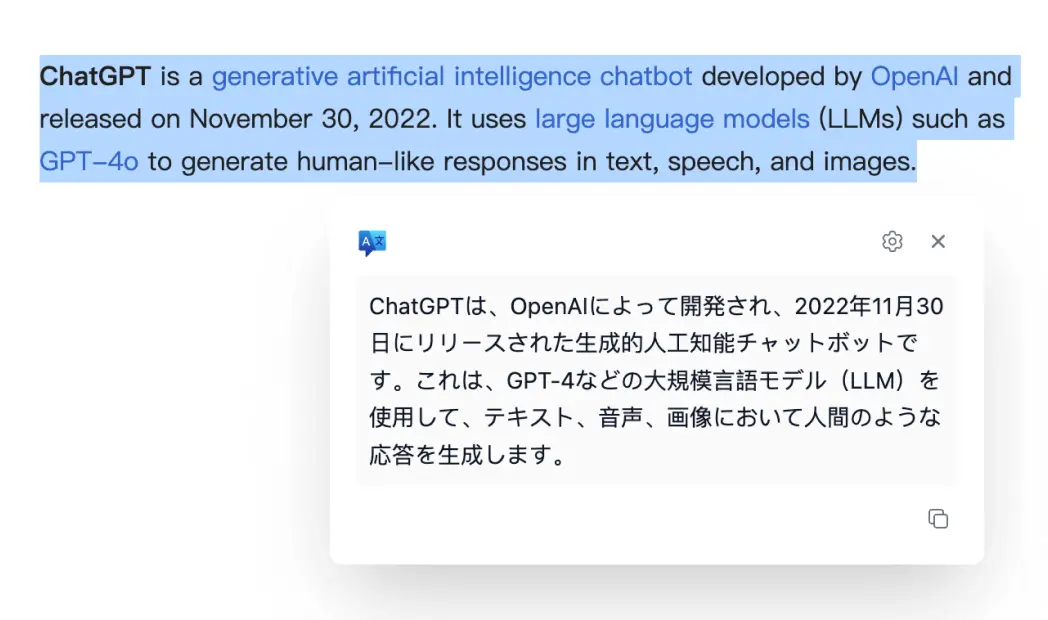
OpenL is a translation platform that goes beyond just translating text. It supports 100+ languages and handles more file formats than most competitors — PDF, DOCX, PPTX, XLSX, TXT, and images. On top of translation, OpenL bundles a suite of AI-powered tools: grammar checker, AI detector, text summarizer, and an AI humanizer.
What’s Free
- 40 translations per day — text or document, enough for personal use
- Broad file format support — PDF, DOCX, PPTX, XLSX, TXT, and image translation all available on the free tier
- AI grammar checker — catch errors in your writing across multiple languages
- AI detector — check if a text was written by AI
- Word and character counter — built directly into the translation interface
- Chrome extension — translate text on any webpage with one click
- Scanned PDF OCR — limited daily quota on the free plan
The Catch
Daily usage caps at 40 translations — fine for casual use, tight for heavy work. Some advanced features (large file OCR, JSON translation) and higher usage limits require the Pro plan (from $7.90/month). If you need professional-grade format preservation for documents, OpenL has a separate service at DOC.OpenL.io for that specific use case.
Who It’s For
Anyone who needs to translate different types of files and wants extra AI tools in one place without switching between multiple websites. The OpenL vs DeepL comparison breaks down how the two stack up.
4. Microsoft Translator — The Office Power User’s Pick
Website: translator.microsoft.com
Microsoft Translator supports 179 languages and is deeply embedded in the Microsoft ecosystem — Word, PowerPoint, Excel, Outlook, Teams, and Edge all have it built in.
What’s Free
- Unlimited text translation on the web interface
- Document translation in Office apps (right-click → Translate)
- Group conversation mode — up to 500 participants seeing translations in their own language
- Offline translation — download language packs for 70+ languages
- Image/OCR translation via the mobile app
- API free tier — 2 million characters per month for developers
- Profanity filter — keeps workplace translations appropriate
The Catch
Translation quality for European languages trails slightly behind DeepL. The web interface is functional but less polished than competitors. The standalone app has fewer users than Google Translate, so the community and phrasebook ecosystem is thinner.
Who It’s For
If you work in Word, use Teams for international calls, or build apps on Azure, Microsoft Translator is the natural choice. The Office integration alone makes it worth using for anyone in a corporate environment.
5. Reverso — The Translator That Teaches You the Language
Website: reverso.net
Reverso is a hybrid: part translator, part language learning platform. Every translation comes with real-world contextual examples pulled from books, movie subtitles, and official documents, so you see how words are actually used — not just their dictionary definition.
What’s Free
- Contextual translation — each result shown in multiple real sentences (2,000 char limit per request)
- Verb conjugation — full conjugation tables for 10 languages
- Flashcards and quizzes — spaced repetition system for vocabulary retention
- Synonyms and antonyms — built into every word lookup
- Pronunciation — natural audio of complete sentences in native accents
- AI Writer — improve your writing with one click (new in 2026)
- Offline vocabulary lists — review saved words without internet
The Catch
Only 25 languages are supported — far fewer than any other tool on this list. The 2,000-character per request limit is tight. The free version is ad-supported, and some newer AI features (Speak practice, Define mode) are premium-only (€4.99/month).
Who It’s For
Language learners who want a translator that doubles as a study tool. If you’re learning French, Spanish, or German and want to understand why a translation works the way it does, Reverso is the best free option.
6. ChatGPT & Claude — The AI Wildcards
Website: chatgpt.com / claude.ai
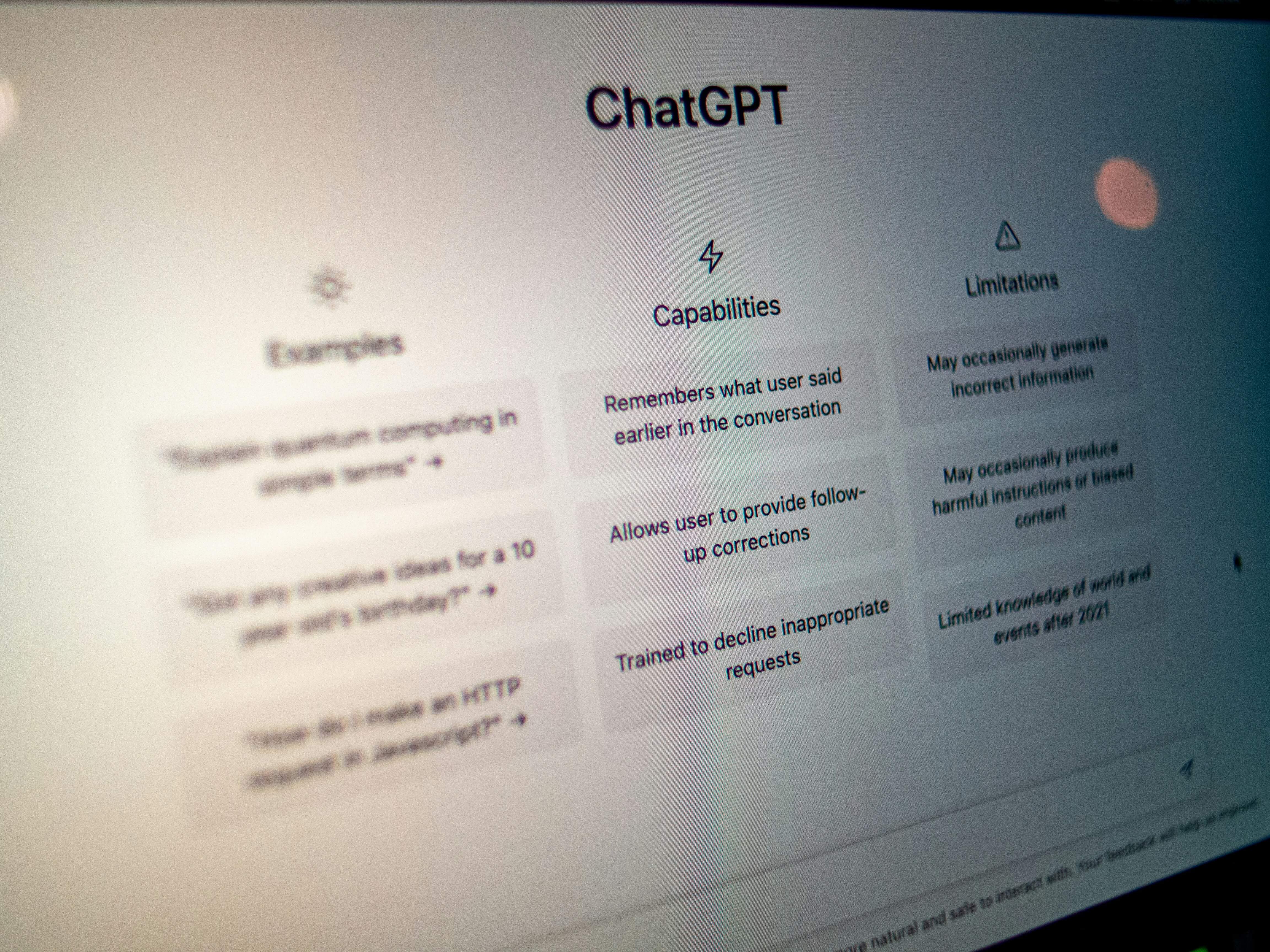
AI chatbots changed the translation game in 2026. Unlike traditional translators that give you one output, ChatGPT and Claude let you iterate on translations through conversation — ask for a different tone, clarify ambiguous passages, or request cultural adaptations.
What’s Free
- Context-aware translation — provide background about your document, audience, and desired tone
- Tone control — ask for formal, casual, marketing, academic, or child-friendly output
- Explanation mode — the AI can explain why it chose a particular word or phrasing
- Multi-language mixing — handle sentences that mix two languages, or translate while preserving code snippets
- ~100 languages — strong coverage, especially for high-resource languages
- Creative adaptation — slogans, poetry, and marketing copy where literal translation fails
The Catch
No formatted document export — you’ll get plain text back, not a translated PDF or DOCX. AI chatbots can hallucinate — invent plausible-sounding but incorrect translations, especially for rare languages. Output is inconsistent across sessions — the same prompt can produce different results. Free tiers have daily message caps (varies by platform and demand).
For a deeper comparison, see our Google Translate vs DeepL vs ChatGPT breakdown.
Who It’s For
Anyone working on creative or context-heavy content — marketing copy, blog posts, customer emails, or anything where tone matters as much as accuracy. Also useful as a second opinion: translate something in DeepL or Google, then ask ChatGPT to polish the result.
Comparison Table
| Feature | Google Translate | DeepL | OpenL | Microsoft Translator | Reverso | ChatGPT / Claude |
|---|---|---|---|---|---|---|
| Languages | 249 | 33 | 100+ | 179 | 25 | ~100 |
| Free text limit | Unlimited | 1,500 chars/req | 40/day | Unlimited | 2,000 chars/req | Daily caps |
| Document formats | DOCX, PDF, PPTX, XLSX | PDF, DOCX, PPTX | PDF, DOCX, PPTX, XLSX, TXT, images | DOCX, PDF, PPTX (via Office) | DOCX, PDF | None (plain text) |
| Format support | 4 formats (DOCX, PDF, PPTX, XLSX) | 3 formats (PDF, DOCX, PPTX) | 6+ formats (PDF, DOCX, PPTX, XLSX, TXT, images) | 3 formats via Office (DOCX, PDF, PPTX) | 2 formats (DOCX, PDF) | Plain text only |
| Offline mode | 59 languages | None | None | 70+ languages | Vocabulary only | None |
| Tone/formality control | None | Yes | None | None | None | Best in class |
| OCR / image translation | 94 languages | None | Yes | Yes | None | Via vision features |
| API free tier | None (paid only) | 500K chars/month | Pay-per-use | 2M chars/month | None | Via API credits |
Which Free Translator Should You Pick?
| Your Need | Use This |
|---|---|
| ”I just need to look up a word in any language” | Google Translate |
| ”I need to translate different file types and want extra AI tools” | OpenL |
| ”I’m writing an email in French and want it to sound natural” | DeepL |
| ”I work in Word and Teams all day” | Microsoft Translator |
| ”I’m learning Spanish and want to understand the grammar” | Reverso |
| ”I’m localizing a marketing campaign and need cultural nuance” | ChatGPT or Claude |
No single tool wins everywhere. The smart approach is to use two or three: a general-purpose translator for quick lookups (Google Translate or Microsoft Translator), a quality-focused one for important documents (DeepL or OpenL), and an AI chatbot when you need to control tone or adapt creative content.
FAQ
Are free online translators safe for confidential documents?
Generally no. Most free translation services — including Google Translate and DeepL’s free tier — state in their terms that submitted text may be stored and used to improve their models. For business contracts, legal documents, or anything sensitive, use a paid plan with a data processing agreement, or a tool with an explicit no-logging policy.
Which free translator handles Chinese best?
For Chinese ↔ English, DeepL and OpenL are the strongest performers in 2026. DeepL handles Chinese more naturally than most competitors but isn’t perfect for technical or classical Chinese. Google Translate covers Chinese well for casual use but sometimes produces overly literal output. AI chatbots like ChatGPT can also handle Chinese well with the right prompting.
Can I really translate documents for free?
Yes, with limits. Google Translate and Microsoft Translator let you upload documents at no cost. OpenL offers 40 free translations per day including files. DeepL gives you 3 free document translations per month. The trade-off is usually format preservation — free document translation often means fixing broken layouts afterward.
Do I need to create an account?
Most tools let you translate text without signing up. Google Translate, Microsoft Translator, and DeepL work anonymously for basic text. OpenL and Reverso require free registration for some features. AI chatbots require an account.
What about Yandex Translate and Papago?
Yandex Translate (100+ languages) is strong for Slavic language pairs like Russian ↔ English and supports OCR. Papago (Naver) excels at Korean, Japanese, and Chinese translation, handling honorifics and East Asian linguistic nuance better than Western tools. Both are excellent regional options, though neither matches the global reach of Google Translate or the European quality of DeepL.
Sources
- Google Translate Help — official documentation on supported languages, file formats, and offline capabilities
- DeepL — official website with plan features, pricing, and language list
- OpenL — official website with supported formats, pricing, and feature list
- Microsoft Translator — official documentation on languages, features, and API limits
- Reverso — official website with language list, features, and premium pricing
- Smartling: Google Translate vs DeepL 2026 — independent comparison of free and paid tiers
- AI Translation in 2026: Better Than Average Humans — analysis of LLM translation quality benchmarks
- Android Authority: Is Microsoft Translator Worth Downloading? — 2026 feature review and Converse retirement note