7 Best Resume Translators in 2025
 Add to Chrome
TABLE OF CONTENTS
If you’re applying for jobs in another country, your resume (or CV) often needs to be translated—sometimes into multiple languages. In 2025, this is no longer just about converting words from one language to another. A good resume translator must keep:
- Your professional tone and achievements
- Your layout and formatting
- Important keywords that Applicant Tracking Systems (ATS) look for
- Privacy and confidentiality for sensitive personal data
This guide walks through how to choose the best resume translator in 2025 and compares several popular tools, with a special focus on AI-powered solutions like OpenL.
What Makes a Great Resume Translator in 2025?
Resumes are not like casual emails or social media posts. They are structured documents with specific expectations in each country and industry. When evaluating resume translators, we focus on the following criteria:
-
Translation Accuracy and Professional Tone
The tool should handle formal, professional language well. It must understand context (e.g., “lead developer”, “P&L responsibility”, “quota-carrying role”) and produce natural target-language wording. -
Formatting and Layout Preservation
Most resumes are built in Word, Google Docs, PDF, or design tools. The best resume translators keep:- Sections (Experience, Education, Skills, etc.)
- Bullet lists
- Headings and spacing
- Bold/italic emphasis
-
ATS-Friendly Output
Many companies use Applicant Tracking Systems to scan resumes for keywords. A good translator should:- Keep relevant keywords (job titles, tools, certifications)
- Avoid weird line breaks or special characters that can confuse ATS parsing
- Support popular file formats like DOCX and PDF
-
Language and Locale Support
Translating a resume from English to “Spanish” is not always enough—you may need Spanish for Spain vs. Mexico, or French for France vs. Canada. The best tools either:- Let you specify target locale, or
- Produce neutral, widely acceptable professional language
-
Privacy and Security
Resumes contain full names, emails, phone numbers, work history, sometimes even addresses and ID details. Look for:- Clear privacy policy
- No long-term storage of documents
- Encryption during upload/processing
-
Ease of Use and Speed
Ideally, you should be able to:- Upload a file
- Choose the language
- Get a translated resume in minutes, not hours
-
Cost and Value
Some users just need a one-time translation. Others may be agencies translating hundreds of resumes. Free tools are fine for simple use cases, but professionals may prefer paid options with better quality and privacy.
1. OpenL Doc Translator
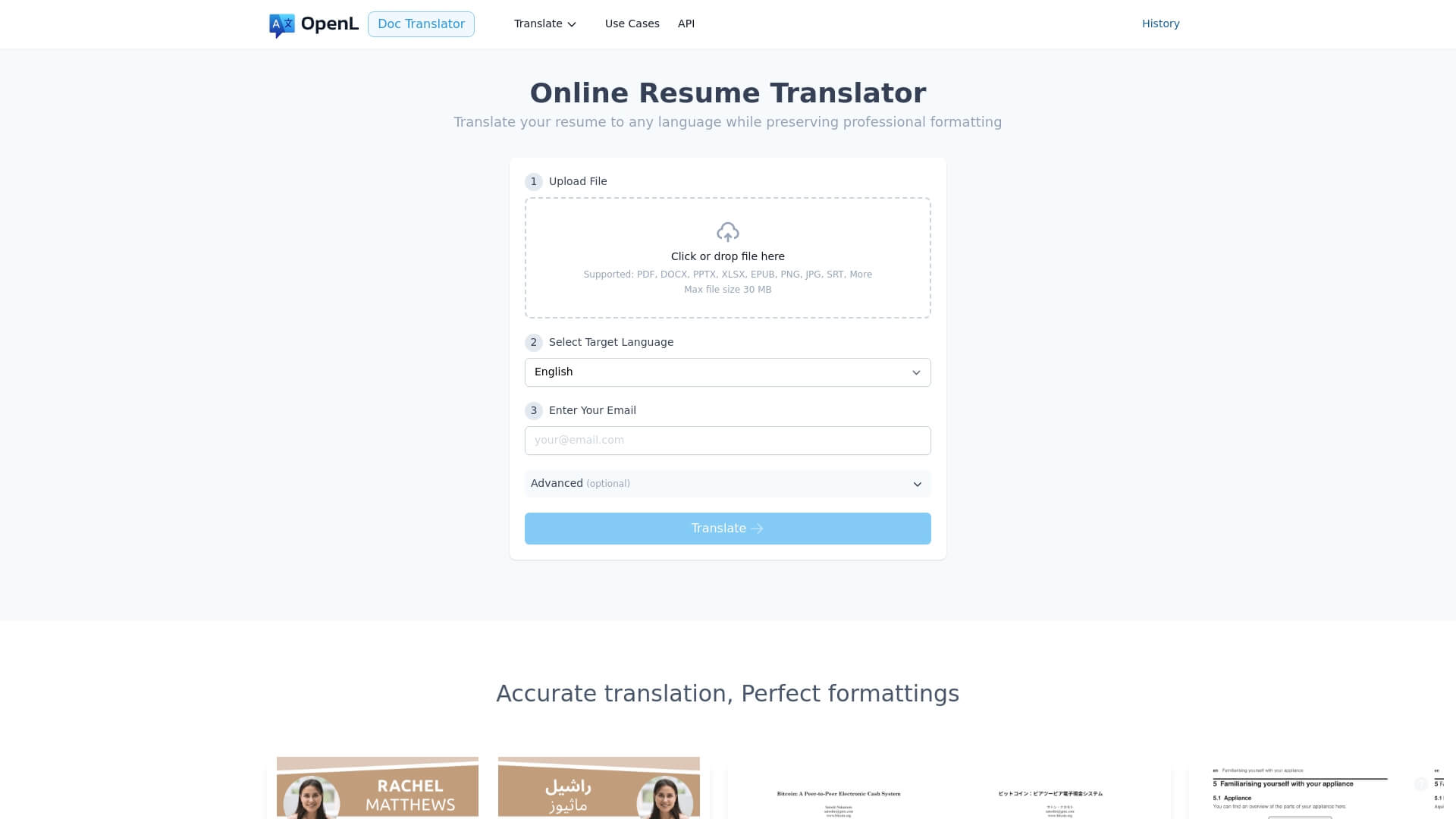
OpenL is designed for translating documents, including resumes and CVs, with a strong focus on layout preservation and data privacy. Instead of just copying text into a box, you can upload your resume file and get a translated version that looks almost identical to the original.
Why it works especially well for resumes
- Layout-aware translation: OpenL keeps headings (“Work Experience”, “Education”), bullet points, dates, and spacing intact, which is critical for readability and ATS parsing.
- Good handling of business and technical language: It works well for resumes in tech, marketing, finance, and other knowledge-based roles, where terminology matters.
- Multiple document formats: Supports common resume formats like DOCX, PDF, and more, so you don’t need to rebuild the document after translation.
- Strong privacy stance: OpenL emphasizes not storing your documents longer than necessary and focuses on secure processing, which matters for personal data.
Best for: Professionals applying to jobs abroad, HR teams translating batches of resumes, users who care about both formatting and privacy.
2. DeepL
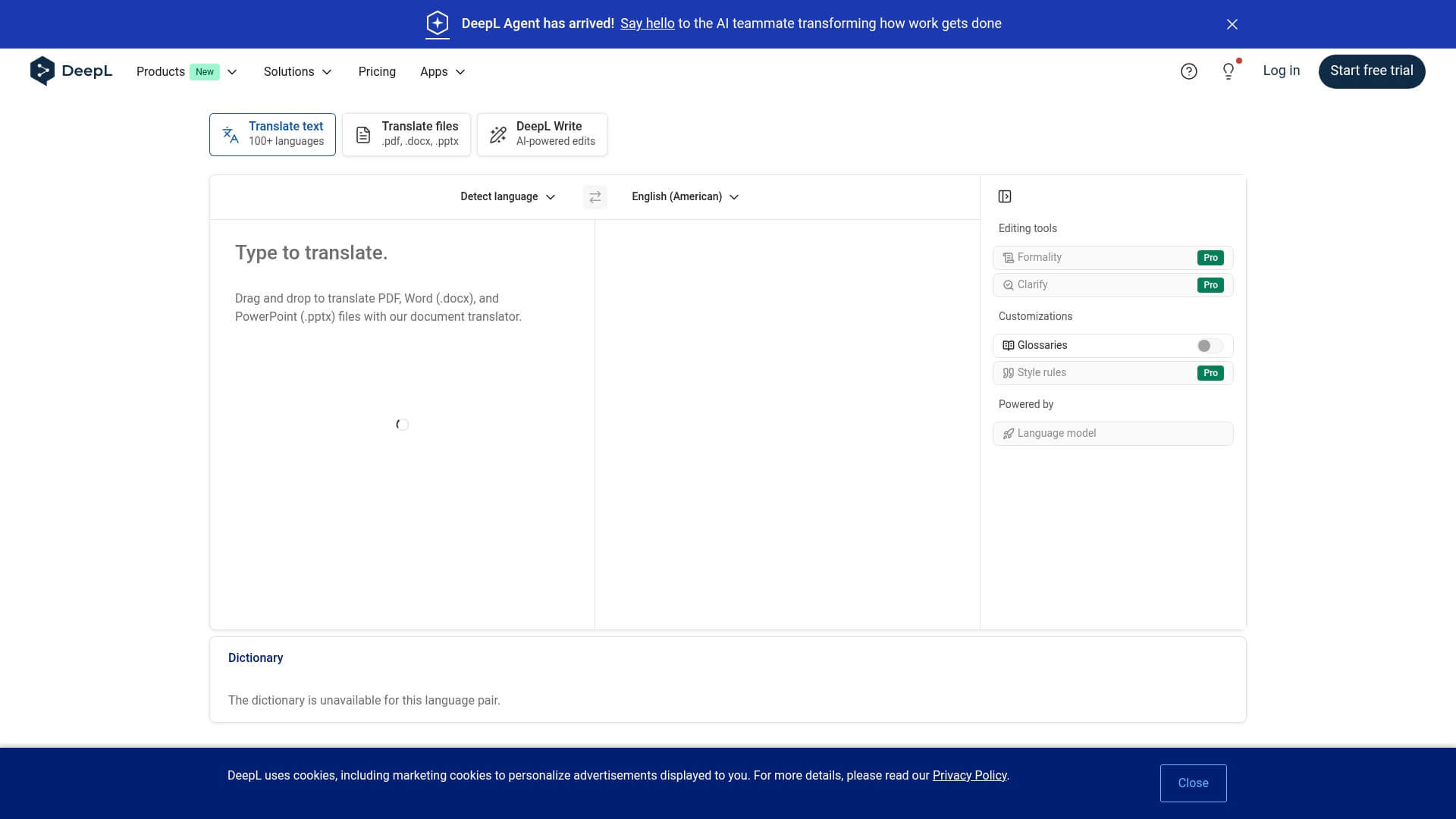
DeepL is widely known for its natural-sounding translations, especially for European languages (e.g., English↔German, French, Spanish, Italian, Dutch, Polish).
Why it’s good for resumes
- High-quality wording: It often produces polished phrasing suitable for professional contexts. Job titles and responsibilities usually read naturally in the target language.
- Doc translation: You can upload DOCX or PDF resumes and get translated versions without manually copying/pasting.
- Style adjustments (where supported): In some language pairs you can choose more formal/informal tones, which can be useful for CVs.
Limitations
- Focused more on European languages; other language pairs may be less strong.
- Some complex layouts (two-column resumes, heavy design elements) may not be preserved perfectly.
Best for: European language resumes where tone and fluency matter more than exact design.
3. Google Docs + Google Translate
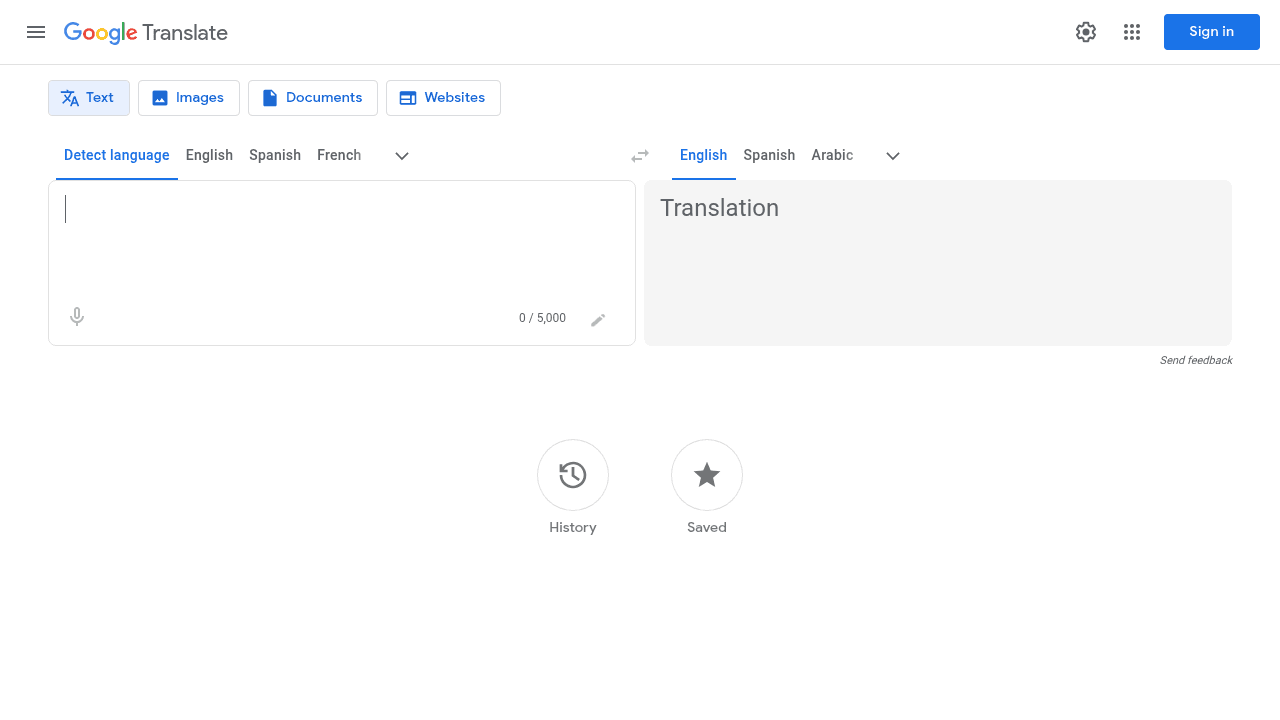
For simple, text-heavy resumes and casual applications, Google Translate combined with Google Docs is still a pragmatic free solution.
How people typically use it
- Paste your resume text into Google Docs and use the built-in “Translate document” feature, or
- Upload a DOCX/PDF to Google Drive, open it in Docs, and translate from there.
Pros
- Free and widely accessible.
- Supports many languages, including less common ones.
- Integrated with Google Drive, so it’s convenient if you already manage documents there.
Cons
- Translation quality can be uneven for professional or technical resumes.
- Formatting often breaks for complex layouts; you may need to reformat manually.
- Not ideal for highly confidential resumes if you are concerned about data processing policies.
Best for: Students, early-career applicants, or quick translations where perfect polish is not critical.
4. Microsoft Word + Translator
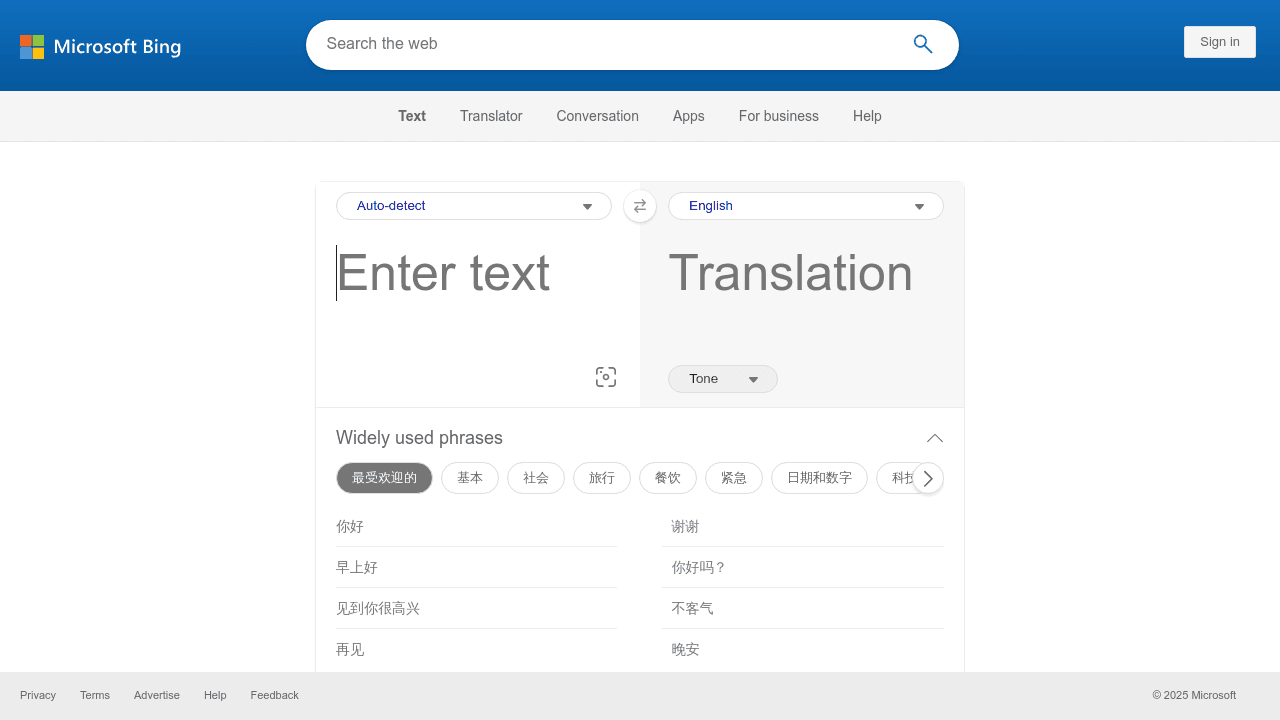
If your resume lives in Microsoft Word, the built-in translation features (powered by Microsoft Translator) can be convenient.
Why it can be useful
- Directly in Word: No need to export files or change tools; you can translate inside the document you’re editing.
- Business-friendly: Works well in organizations already using Microsoft 365.
- Basic layout preservation: Simple headings and bullet points usually survive the translation process.
Limitations
- May require manual editing after translation to fix awkward phrasing or line breaks.
- Quality varies depending on language pair and subject matter.
Best for: Users who are already heavily invested in Microsoft Office and want an integrated option.
5. ResumeMaker.online
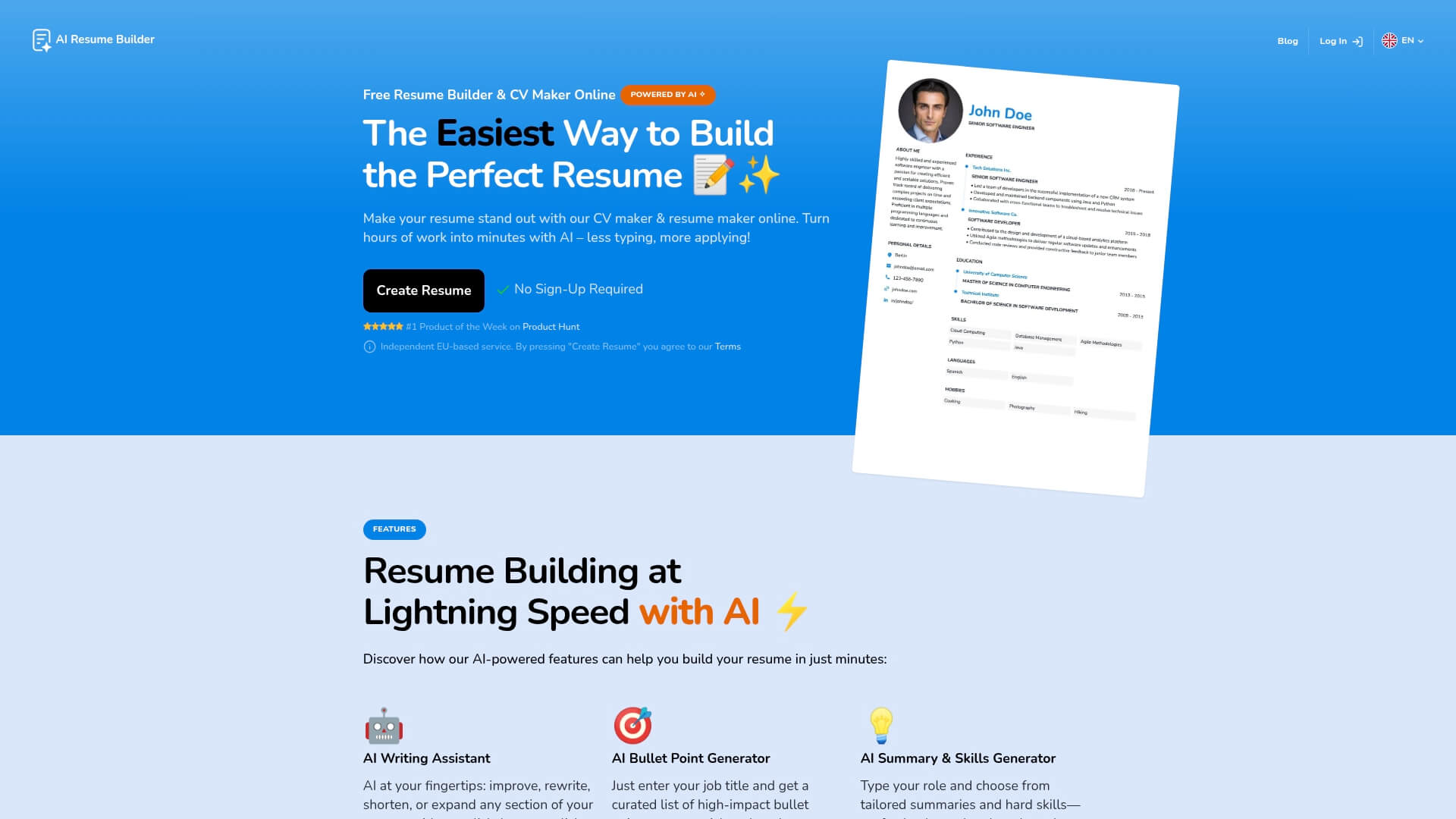
ResumeMaker.online offers a free AI Resume Translator that turns an English resume into more than 100 languages (around 102), making it useful when you start from a well‑structured English CV and need quick localized versions.
Good for: Quick translations from English into many languages, including less common ones.
Why it’s useful
- Very wide language support (100+ languages).
- No sign‑up required for basic use.
Typical workflow
- Prepare your English resume in your preferred editor.
- Paste the text into ResumeMaker.online’s AI Resume Translator.
- Choose the target language (for example Spanish, German or Japanese).
- Copy the result back into your resume template and adjust formatting as needed.
Because it’s fast and free, you should still read the output carefully and fix any awkward or incorrect lines.
6. Supawork
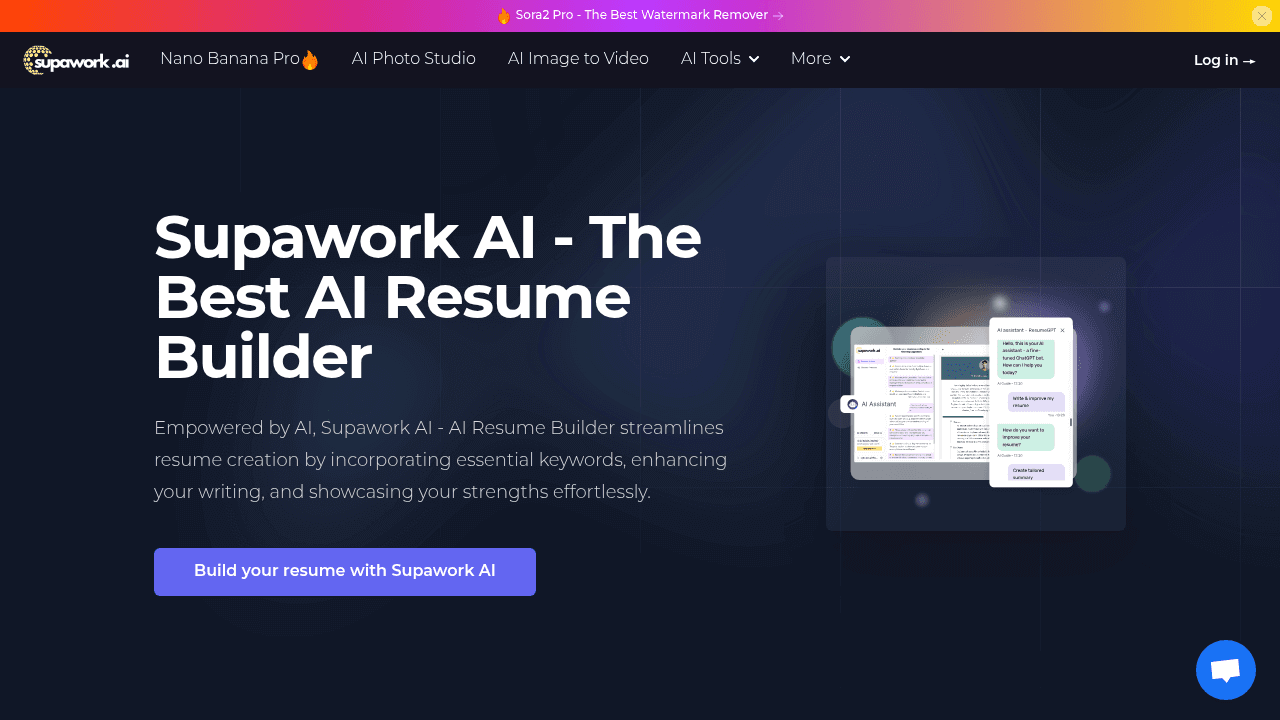
Supawork provides a free AI Resume Translator aimed at people who already have a PDF resume and don’t want to rebuild it from scratch. You can upload your existing PDF and translate it into one of several supported languages.
Good for: Job seekers with an existing PDF resume who want a quick translation.
Why it’s good
- You can upload your current PDF resume or CV directly.
- Free to use for resume translation.
- Focused specifically on resumes rather than generic documents.
- Supports 12 target languages: Spanish, French, Portuguese, Arabic, German, Italian, Russian, Japanese, Hindi, Bengali, Slovak and English.
This is especially convenient if your resume is already nicely designed and saved as a PDF.
7. O.Translator
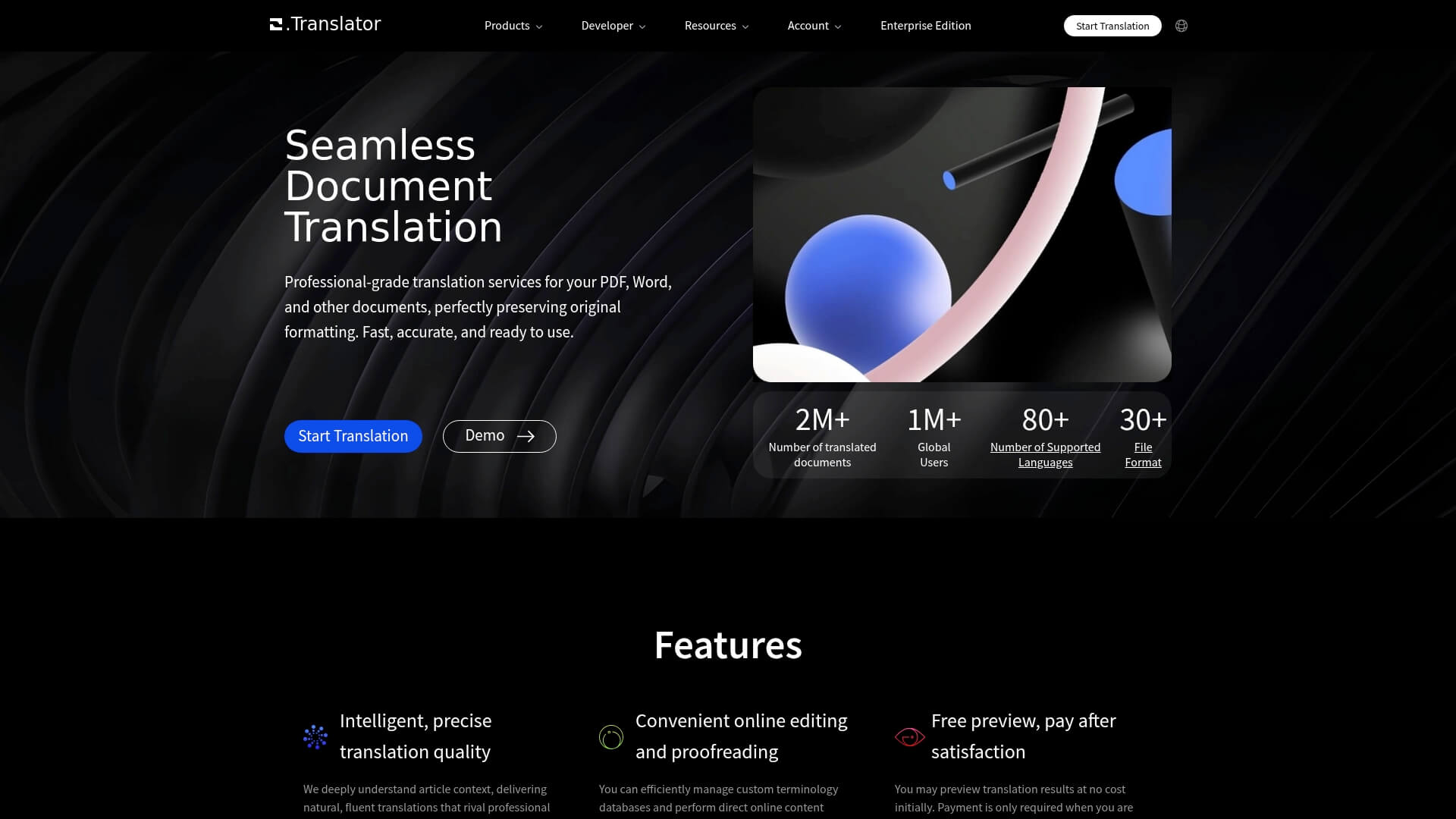
O.Translator is a specialist resume translator built only for CVs and resumes, with a strong focus on keeping your original layout intact. Its own materials emphasize how broken formatting or poor translation can undermine a strong resume, and position O.Translator as a way to avoid that.
Good for: Carefully designed, visually polished resumes where layout matters a lot.
Why it stands out
- Built specifically for resumes, not general text.
- Strong emphasis on formatting and layout preservation.
- Lets you preview the translated resume and pay only if you are satisfied.
If your resume uses a custom design and you really do not want to redo the layout, O.Translator is worth considering.
Side‑by‑Side Comparison
| Tool | Key strengths | Cons | Price Model (Approx.) | Best for |
|---|---|---|---|---|
| OpenL Doc Translator | Preserves resume layout while translating full documents | Usage/file‑size limits; AI‑only quality | Pay‑as-you-go | Professionals needing polished, layout-intact resumes |
| DeepL | Very fluent translations for many European languages | Mixed results for some non-European pairs; complex layouts may shift | Subscription / Free tier | High-quality CVs for EU-focused roles |
| Google Docs + Translate | Free, accessible and supports many languages | Formatting breaks easily; uneven professional tone | Free | Students and early-career applicants on a budget |
| Microsoft Word + Translator | Integrated directly into Word; easy to tweak after translating | Quality varies; limited automation for large volumes | Included with Microsoft 365 | Office users translating occasional resumes |
| ResumeMaker.online | Free AI translator for English resumes into 100+ languages | Manual layout work needed; English source focus | Free | Quick multi‑language drafts from an English CV |
| Supawork | Upload and translate existing PDF resumes into 12 languages | Limited language set; layout still needs review | Free | Users with designed PDF resumes |
| O.Translator | Resume‑only translator with strong layout preservation | Paid; narrower focus on CV use‑cases | Pay‑per‑use | Design‑heavy resumes where layout is critical |
Final Thoughts
The best resume translator in 2025 is often not a single tool but a workflow. AI services like OpenL and DeepL can quickly generate high‑quality drafts while preserving layout, and free options such as Google Docs and Microsoft Word integrations provide accessible entry points for simpler needs. For critical applications, however, human translators remain essential to adapt your resume to local expectations and refine tone, terminology and emphasis.
Whichever option you choose, always review the translated resume carefully, verify key details such as dates and job titles and, where possible, ask a native speaker to scan the final version. A well‑translated, locally appropriate resume can significantly improve your chances in the global job market—and ensure that your hard‑earned experience is understood and appreciated in any language.