Best PPT Translator in 2026
TABLE OF CONTENTS
If you are presenting to global teams or international clients, your PowerPoint deck often needs translation, sometimes into multiple languages. In 2026, PPT translation is not just about text accuracy. A good PPT translator must also preserve:
- Your layout and design
- Your tone and business terminology
- Text spacing, fonts, and charts
- Privacy for sensitive content
This guide explains how to choose the best PPT translator in 2026 and compares several popular tools, including AI-powered solutions like OpenL. If you need a step-by-step workflow, see our guide on how to translate PowerPoint while preserving design and our translation QA checklist.
What Makes a Great PPT Translator in 2026?
Presentations are highly structured; headings, bullet lists, charts, and visual hierarchy all matter. When evaluating PPT translators, we look at:
-
Translation Accuracy and Professional Tone The tool should handle business-grade language, marketing copy, and technical terms with clarity and consistency.
-
Formatting and Layout Preservation A strong PPT translator should keep:
- Slide structure and spacing
- Bullet formatting
- Fonts and emphasis
- Charts and SmartArt alignment
-
Terminology Consistency Brands often have required product terms or tone. The best tools support:
- Glossaries or term locking
- Consistent rendering of key phrases
- Style control across slides
-
Language and Locale Support Some teams need localized versions (for example, Spanish for Spain vs. Mexico). Good tools either allow locale selection or produce neutral, professional output.
-
Privacy and Security Decks may contain confidential data. Look for:
- Clear privacy policy
- Minimal retention
- Secure upload and processing
-
Ease of Use and Speed Ideally you can:
- Upload a PPTX
- Select language
- Download a translated deck quickly
-
Cost and Value Some teams translate a few decks per year; others translate dozens every month. The best tool depends on volume, quality needs, and workflow.
Scoring emphasis: For 2026, weight layout fidelity and terminology consistency above speed and price.
1. OpenL Doc Translator

OpenL is designed for translating documents, including PowerPoint decks, while preserving layout and formatting.
Why it works especially well for PPTs
- Layout-aware translation: Keeps headings, bullet points, and slide spacing intact.
- Strong handling of business language: Useful for marketing, product, and sales decks.
- File-based workflow: Upload a PPTX and download a translated version without rebuilding slides.
- Privacy-focused processing: Emphasizes secure handling of uploaded documents, with PPTX workflow details on the OpenL PPT translation page.
Best for: Professionals and teams that need clean, layout-safe PPT translations at scale.
2. DeepL
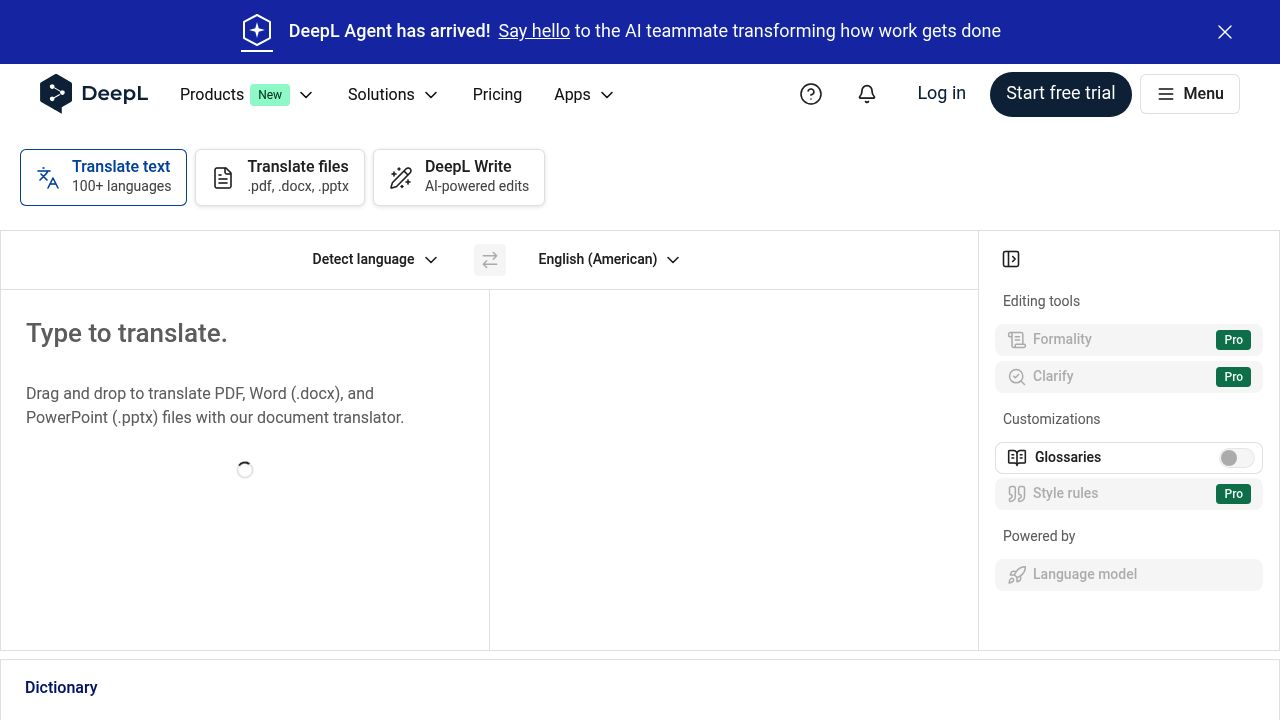
DeepL is known for natural-sounding translations, especially in European languages, and supports document translation workflows.
Why it is good for PPTs
- High fluency: Good tone for executive summaries and marketing copy.
- Document workflow: Upload PPTX files for translation.
- Professional output: Often produces polished phrasing with minimal editing; see DeepL’s document translation details.
Limitations
- Best in European language pairs; others can be less consistent.
- Complex layouts may still require manual adjustment.
Best for: European-language decks where tone quality is the priority.
3. Google Translate (Document Upload)
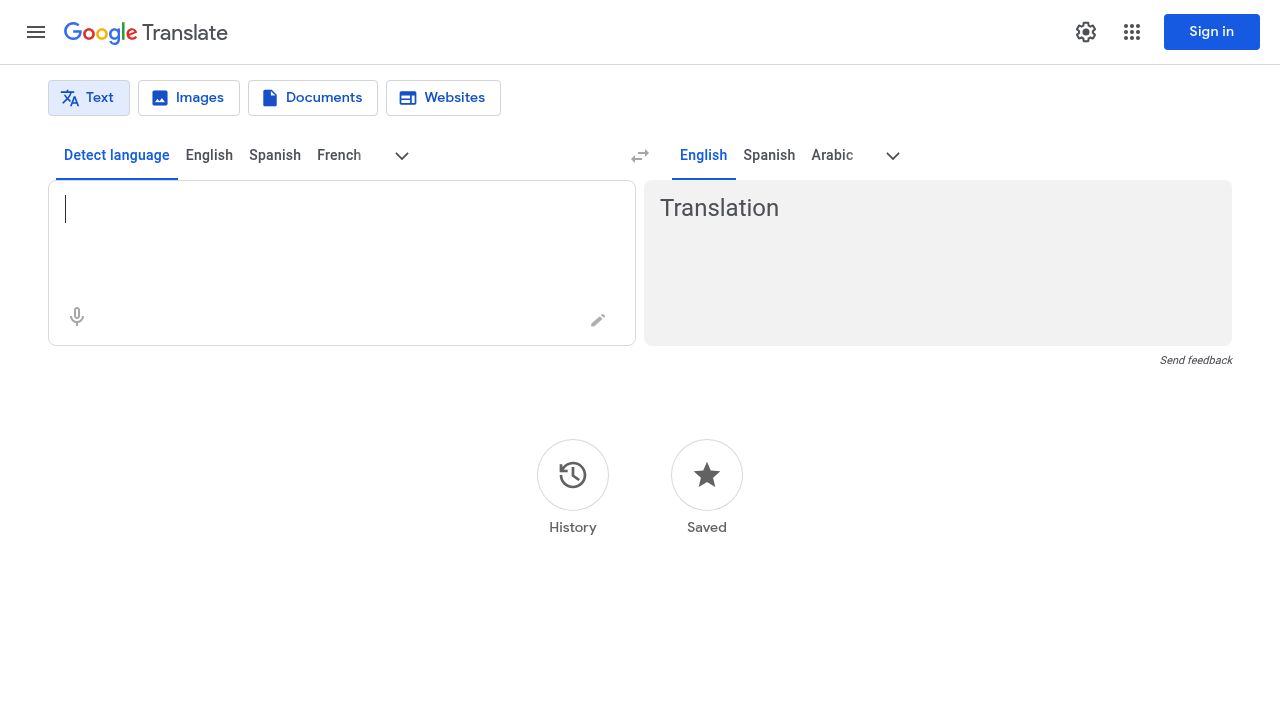
Google Translate supports document uploads and is widely accessible.
Pros
- Free and fast.
- Supports many languages.
- Simple workflow for quick translations; Google provides document translation help.
Cons
- Formatting can shift for complex slide designs.
- Tone and terminology consistency can be uneven.
Best for: Early drafts or simple, text-heavy decks.
4. Microsoft PowerPoint + Translator
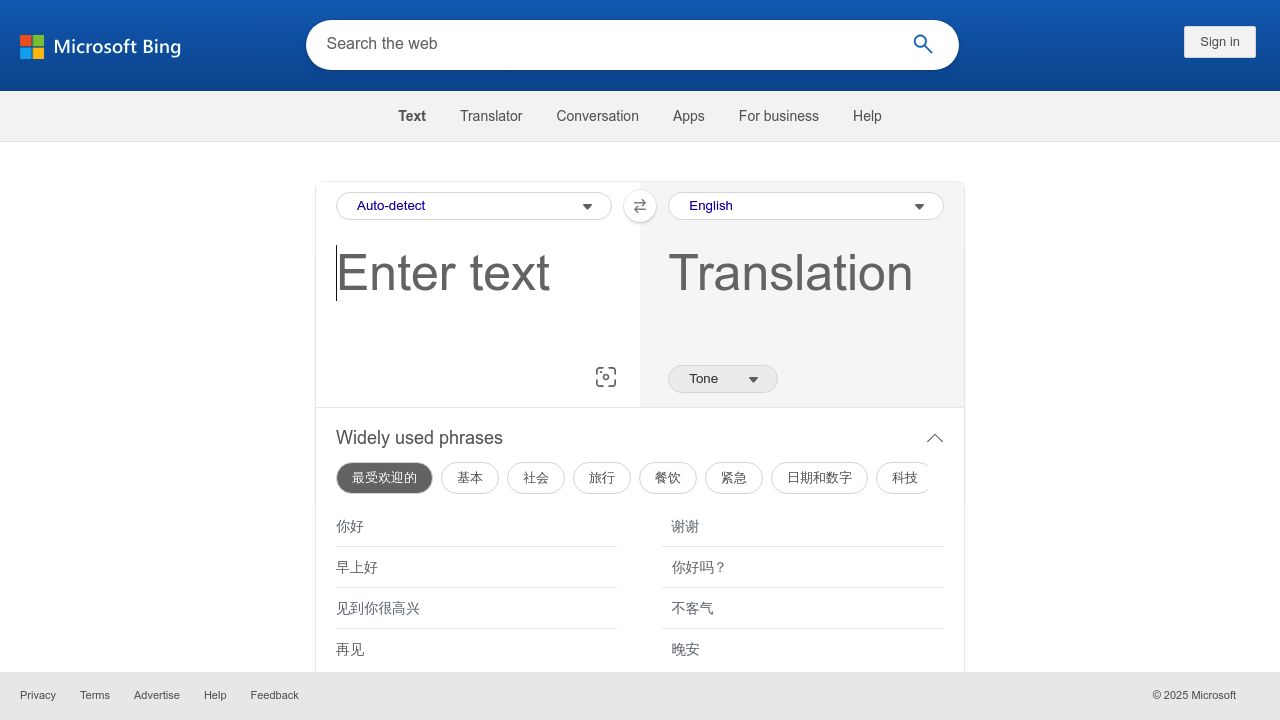
If you already build decks in PowerPoint, the built-in translation options (powered by Microsoft Translator) can be convenient.
Why it can be useful
- Integrated workflow inside Office.
- Familiar editing environment for quick tweaks.
- Reasonable for simple slide structures; see Microsoft Support for PowerPoint translation features.
Limitations
- Quality varies by language pair and topic.
- Layout still needs review, especially for dense slides.
Best for: Teams already using Microsoft 365 who want a quick in-tool solution.
5. Canva Translate
Canva includes translation features for presentations built inside its editor.
Why it is useful
- Design-aware translation for Canva presentations.
- Helpful if your slides are built with Canva templates.
- Fast workflow without exporting or importing; Canva documents translation features.
Limitations
- Best only if your deck lives in Canva.
- Exported PPTX may still need review.
Best for: Designers and marketing teams using Canva for decks.
6. Smartcat (CAT Workflow)
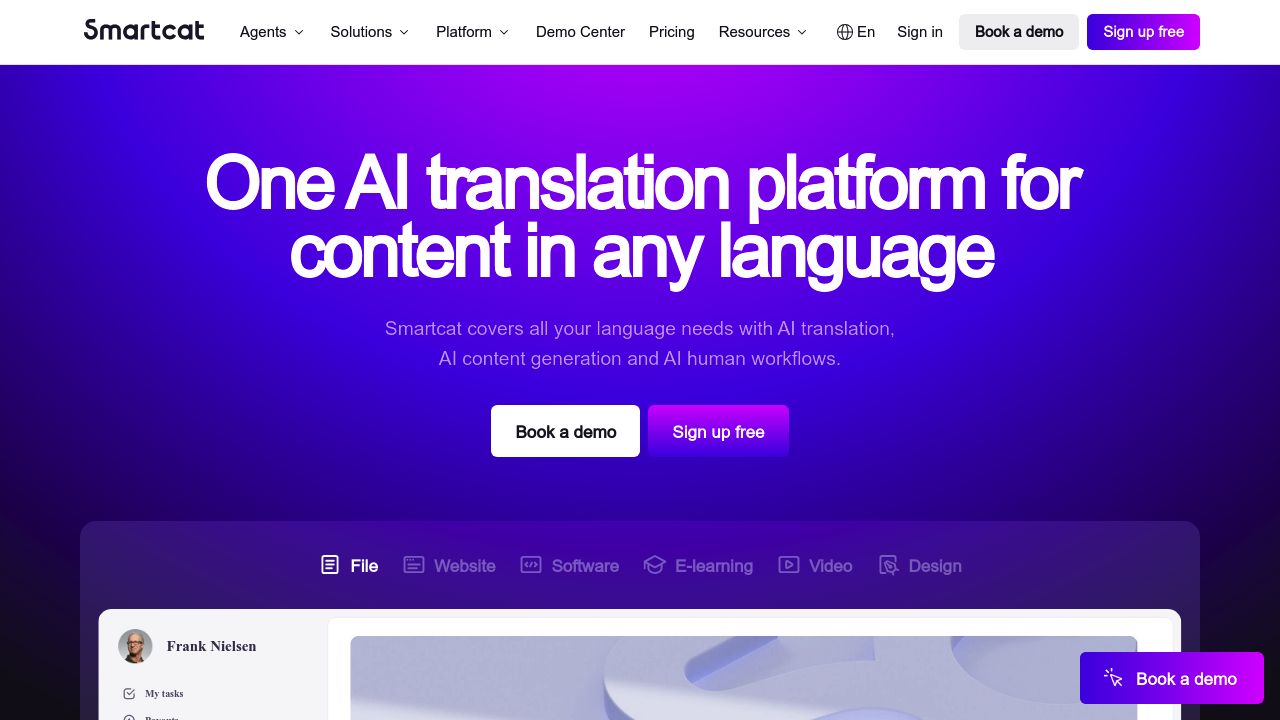
Smartcat is a CAT (computer-assisted translation) platform that supports PPTX and collaborative translation workflows.
Why it stands out
- Glossaries and translation memory
- Review workflows
- Strong for multi-language team collaboration; Smartcat documents PPTX support and workflows.
Limitations
- More complex setup than single-click tools.
- Best for teams, not one-off use.
Best for: Organizations translating multiple decks with quality control.
7. Trados and Enterprise CAT Tools
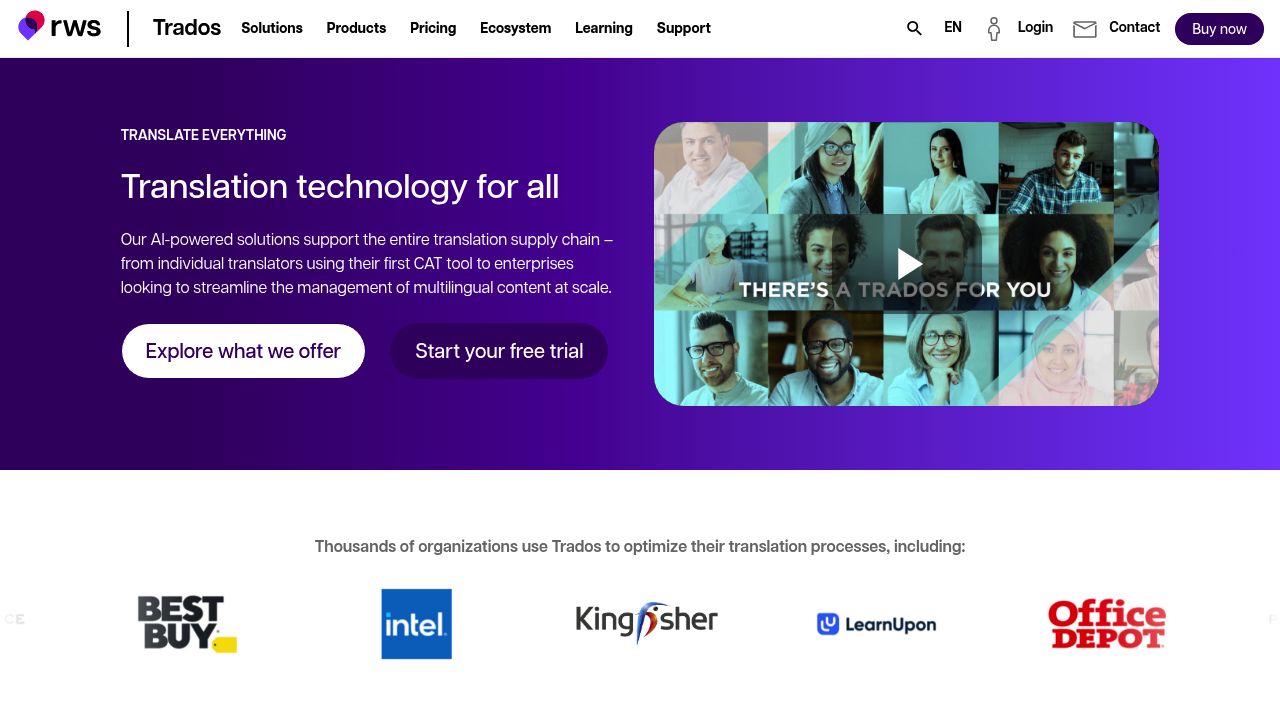
Enterprise CAT tools (like Trados) can handle PPTX translation with full control over terminology, QA, and reviewer workflows.
Why it matters
- High consistency for branded language
- Advanced QA checks
- Suitable for regulated or high-risk industries; Trados documents file support and QA tools.
Limitations
- Higher cost and setup effort.
- Requires experienced translators or localization teams.
Best for: Large teams or enterprise localization pipelines.
Side-by-Side Comparison
| Tool | Key strengths | Cons | Price Model (Approx.) | Best for |
|---|---|---|---|---|
| OpenL Doc Translator | PPTX layout preservation and strong formatting fidelity | Usage limits; AI quality varies by topic | Pay-as-you-go | Clean, layout-safe PPT translation |
| DeepL | Natural language quality in many European pairs | Layout issues in complex slides | Subscription / Free tier | Polished EU-language decks |
| Google Translate | Free and very accessible | Formatting shifts; uneven tone | Free | Quick drafts and simple decks |
| PowerPoint Translator | Integrated in Office | Quality varies by language | Included with Microsoft 365 | Office-native workflows |
| Canva Translate | Great for Canva-built decks | Limited outside Canva | Included in Canva plans | Canva presentation teams |
| Smartcat | Glossaries, QA, collaboration | More setup required | Subscription | Teams with QA needs |
| Enterprise CAT Tools | Terminology control and compliance | Costly, complex | Enterprise pricing | High-stakes or regulated content |
Final Thoughts
The best PPT translator in 2026 is usually a workflow: fast AI drafts plus targeted human review for critical slides. AI tools like OpenL and DeepL are excellent for high-quality drafts that keep slide structure intact. Built-in options like PowerPoint Translator and Google Translate work well for lightweight needs. For brand-critical decks, CAT platforms add the terminology control and QA layers that AI alone cannot fully guarantee.
No matter which tool you choose, always review the translated deck for layout breaks, terminology accuracy, and tone. A clean, localized presentation can dramatically improve clarity and credibility with global audiences. For broader document workflows, you can also reference how to translate PDF files and keep formatting.