How to Translate Invoices and Receipts
 Add to Chrome
TABLE OF CONTENTS
Translating invoices and receipts sounds simple until totals shift, taxes get misread, or line items lose context. If you need to translate invoices for customers, vendors, or auditors, use this workflow to keep numbers, dates, and compliance details accurate. You will still deliver a readable translation.
What you should protect before you translate
Invoices are data-heavy. The safest approach is to lock down anything that cannot change.
- Totals, subtotals, tax rates, and currency symbols
- Invoice number, purchase order number, and payment terms
- Dates and due dates (format varies by locale)
- Company names, addresses, and registration numbers
- Bank details, IBAN, SWIFT, and tax IDs
Create a simple “do not translate” list at the top of your file so the translator, or tool, has clear boundaries. If you need a template, see What Not to Translate.
Step 1: Start from the best source format
Whenever possible, translate the editable source file instead of a scan. This is the simplest way to translate invoices without losing line items.
- Best: DOCX, XLSX, or the original accounting export
- Good: text-based PDF
- Last resort: scanned PDF or photo
If you only have a scan, run OCR first to turn the image into text, then translate. This is covered in How to Translate a Scanned PDF.
Step 2: Normalize numbers and dates
Different regions use different separators. Decide which format the target audience expects.
- Decimal:
1,234.56vs.1.234,56 - Date:
MM/DD/YYYYvs.DD/MM/YYYY - Currency:
$1,234.56vs.1.234,56 €
Keep the source amounts unchanged during translation. Reformat only if the recipient requires a local convention. This step helps reduce common accounting errors when you translate invoices, especially those caused by separators and currency placement.
Step 3: Preserve layout and line item structure
Invoice errors often come from broken alignment or missing rows. This is common after OCR or PDF conversion.
- Keep each line item on a single row
- Preserve column headers and order
- Keep quantities and unit prices aligned
- Do not merge lines to “improve” wording
If you translate a PDF, use a tool that keeps tables and spacing intact. See How to Translate PDF Files and Keep Formatting.
Step 4: Translate the text fields only
Focus on labels, descriptions, and payment instructions. Examples:
- “Payment due within 30 days”
- “Subtotal,” “VAT,” “Total”
- “Billing address,” “Shipping address”
Leave numeric fields untouched. If a term is ambiguous, add a short clarifier in parentheses rather than altering the meaning. This keeps translated invoices aligned with the original ledger. It matters even more when you translate invoices at scale.
Step 5: Run a two-pass QA check
Treat invoice translation like a mini audit. A two-pass check helps reduce rework by catching totals, dates, and IDs before delivery.
Pass 1: Accuracy
- Compare totals and taxes to the source
- Verify invoice numbers and account details
- Confirm dates and currency codes
Pass 2: Readability
- Check labels and headings for clarity
- Ensure descriptions are concise
- Confirm the payment instructions make sense in the target language
Common issues and fast fixes
Issue: Totals do not match
Fix: Recheck separators and currency placement. A comma-to-period swap can change values.
Issue: Currency codes mismatch
Fix: Verify ISO codes (USD, EUR, GBP) and ensure they match the source document and payment instructions.
Issue: Tax terms are inconsistent
Fix: Use the official local term, or keep the source term with a short translation in parentheses.
Issue: OCR created broken rows
Fix: Rebuild the table once, then translate the clean version.
Recommended workflow with OpenL
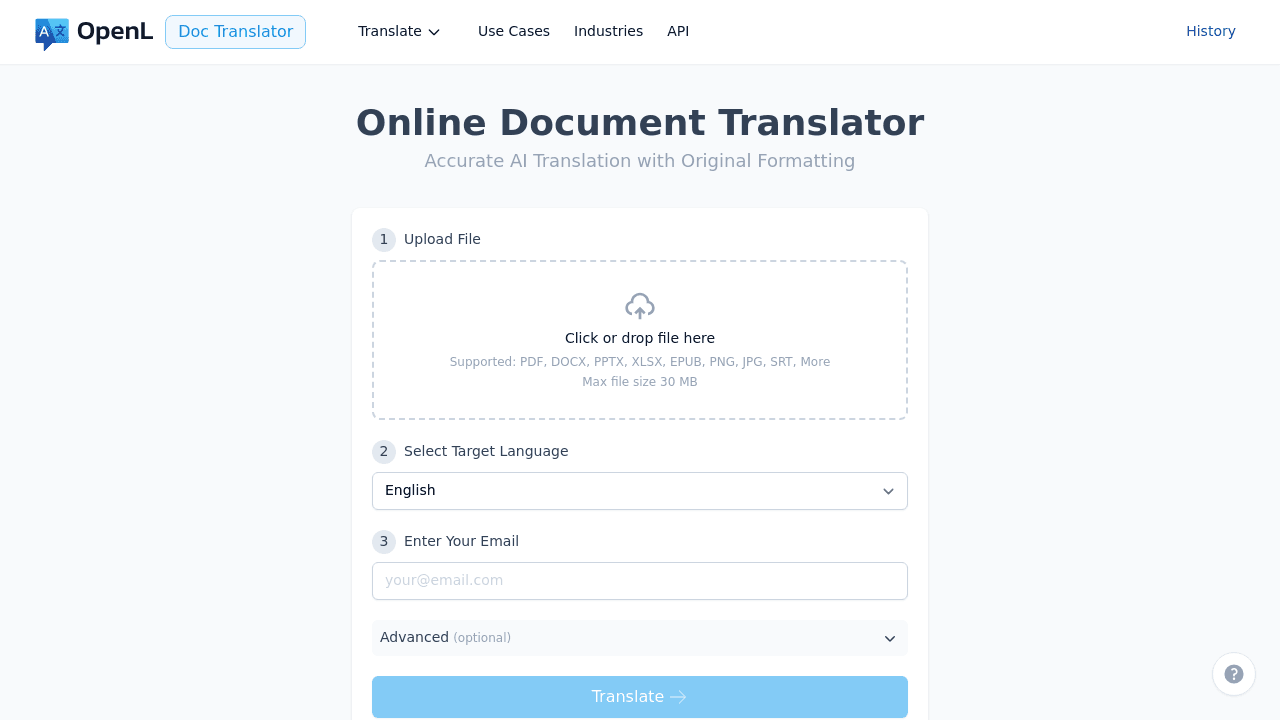
If you want fast, clean output with minimal manual cleanup:
- Export the invoice to DOCX or a text-based PDF.
- Upload it to OpenL Doc Translator.
- Select your target language and translate.
- Download the translated file.
For scanned invoices, OCR first, then upload the cleaned file.
Receipts: what is different
Receipts are usually shorter, but they still include critical fields. When you translate invoices and receipts together, pay extra attention to:
- Payment method and authorization codes
- Tip, service charge, or small-fee lines
- Store IDs, POS terminals, and cashier numbers
- Tax labels that differ by region
If a receipt is for reimbursement or audits, keep all identifiers untouched. Translate only the labels.
Quick checklist before you send
Use this checklist every time you translate invoices for cross-border payments.
- All totals and tax rates match the source
- Dates and due dates are accurate
- Bank details and IDs are unchanged
- Line items align correctly
- Payment terms read naturally in the target language
- Run a quick QA scan using Translation QA Checklist
Invoices and receipts are financial documents, so accuracy beats style every time. Use this workflow to translate invoices confidently, reduce back-and-forth, and keep your accounting clean across languages.