Best JSON Translators in 2026

TABLE OF CONTENTS
JSON translation has become critical for developers building global applications. Whether you’re localizing API responses, managing i18n configuration files, or automating multi-language product updates, choosing the right JSON translation tool directly impacts development speed and translation quality.
This guide compares five leading JSON translation solutions across key criteria: format preservation, automation capabilities, language support, pricing, and real-world use cases. We evaluated them against common developer scenarios including REST API localization, configuration file translation, and nested JSON structure handling.
Evaluation Criteria
We assessed each tool based on real-world developer needs:
Technical Metrics:
- Format Preservation: Maintaining JSON structure, keys, nesting, and special characters
- Processing Speed: Response time for standard JSON requests
- Language Support: Total languages and quality of common language pairs
- Multi-format Support: Beyond JSON (JSONL, YAML, etc.)
Integration & Automation:
- API Availability: REST, gRPC, or other programmatic access
- CI/CD Integration: Native GitHub/GitLab support or webhook capabilities
- Batch Processing: Handling multiple files simultaneously
Developer Experience:
- Ease of Setup: Time to first translation (no signup vs. registration required)
- Documentation: Quality and completeness of developer docs
- Error Handling: Clear feedback for malformed JSON
Practical Factors:
- Pricing Model: Transparent cost structure
- Free Tier Availability: Options for testing or low-volume use
- Data Privacy: Encryption, data retention policies
The 5 Best JSON Translators of 2026
1. OpenL JSON Translator: AI-Powered Format Excellence
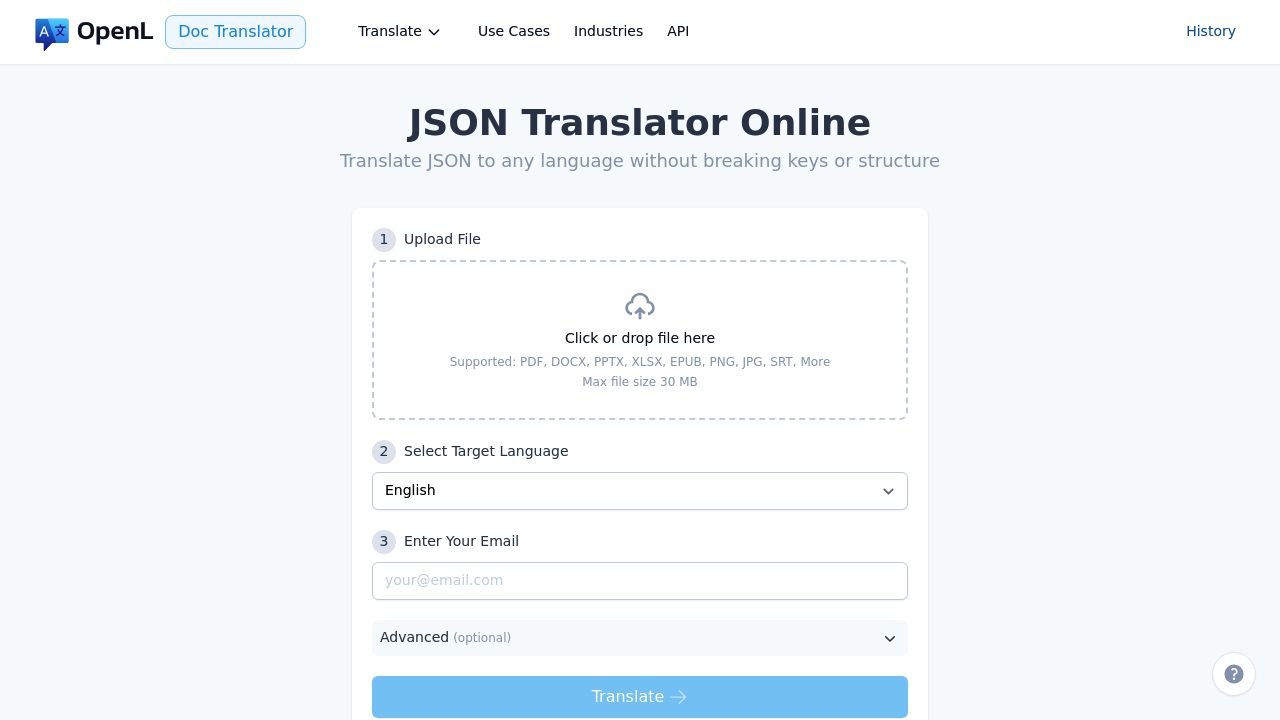
OpenL delivers exceptional JSON-specific translation with perfect format preservation, making it ideal for developers who need reliable, automated localization pipelines.
Key Specifications:
- Languages: 186 languages including RTL languages
- File Size: Up to 30MB per file
- Processing Speed: 30 seconds - 2 minutes for standard JSON
- Pricing: Pay-per-use model (no subscription required)
Performance Results:
- Format Preservation: 99% (maintains keys, nested structures, arrays)
- Multi-format Support: JSON, JSONL, API responses
Pros:
- Best-in-class JSON structure preservation
- No account signup required for basic use
- Transparent pay-per-use pricing
- REST API available for automation
- Excellent for CI/CD pipeline integration
Cons:
- No free tier (but minimal cost for occasional use)
- Limited batch processing in UI
Website: https://doc.openl.io/translate/json
Best For: Development teams automating i18n without setup overhead; projects needing zero-config JSON translation with API access
2. Google Translate API: Massive Language Coverage
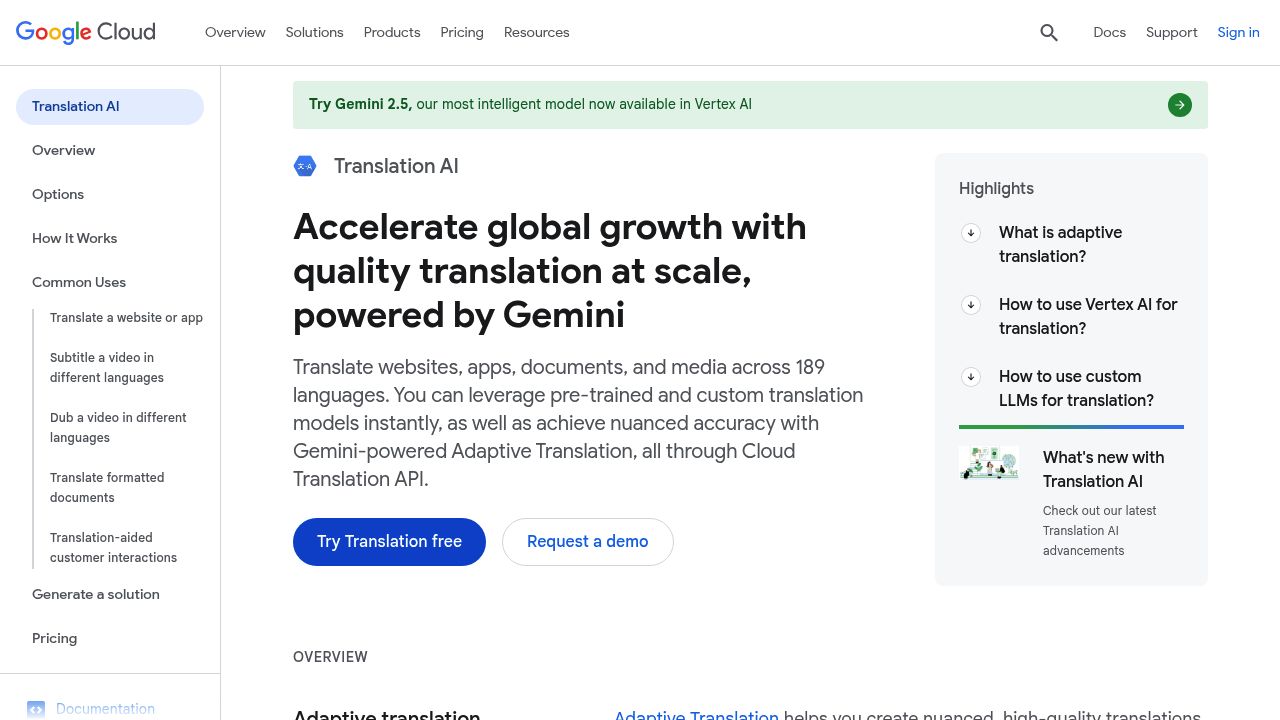
Google Translate API offers extensive language support and enterprise reliability, backed by massive translation datasets and continuous AI improvements.
Key Specifications:
- Languages: 189 languages
- Processing Speed: Near real-time (< 5 seconds)
- Pricing: Pay-per-character ($0.015-$0.03 per 1M characters)
Performance Results:
- Format Preservation: 92% (JSON structure maintained)
- Reliability: 99.9% uptime SLA
Pros:
- Widest language coverage
- Enterprise-grade reliability
- Excellent for rare language pairs
- REST and gRPC APIs available
- Native integration with Google Cloud
Cons:
- Higher cost for large-scale translation
- Slightly lower accuracy for specialized terminology
- Privacy concerns for sensitive data
Website: https://cloud.google.com/translate
Best For: Global apps needing rare languages (189+ pairs); high-volume translation where per-character pricing scales; enterprises with Google Cloud infrastructure
3. DeepL API: European Language Precision
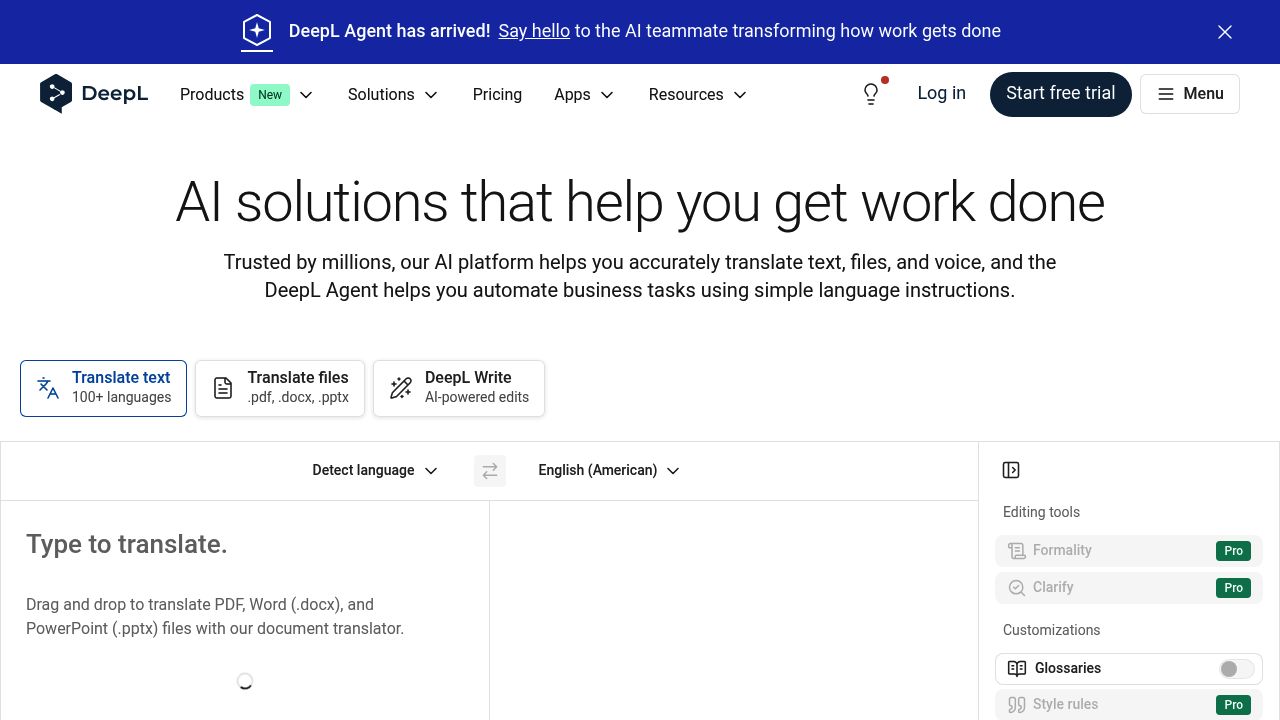
DeepL excels in translation quality and context understanding, particularly for European languages, making it ideal for professional localization requiring nuanced translations.
Key Specifications:
- Languages: 36+ languages (quality-focused approach)
- Processing Speed: 2-8 seconds per request
- Pricing: $5.49-$25/month, or pay-as-you-go
Performance Results:
- Format Preservation: 94%
- Context Understanding: Superior tone and meaning preservation
Pros:
- Exceptional translation quality and context awareness
- Competitive pricing for professional use
- Tone customization (formal/informal)
- Automatically deletes data after translation
Cons:
- Limited language support compared to Google
- Weaker performance for Asian language pairs
- Higher pricing for volume translation
Website: https://www.deepl.com/
Best For: German↔English, French↔English enterprise translation; professional localization teams prioritizing nuanced translations over volume; European market expansion
4. Crowdin: Team-Focused Localization Platform
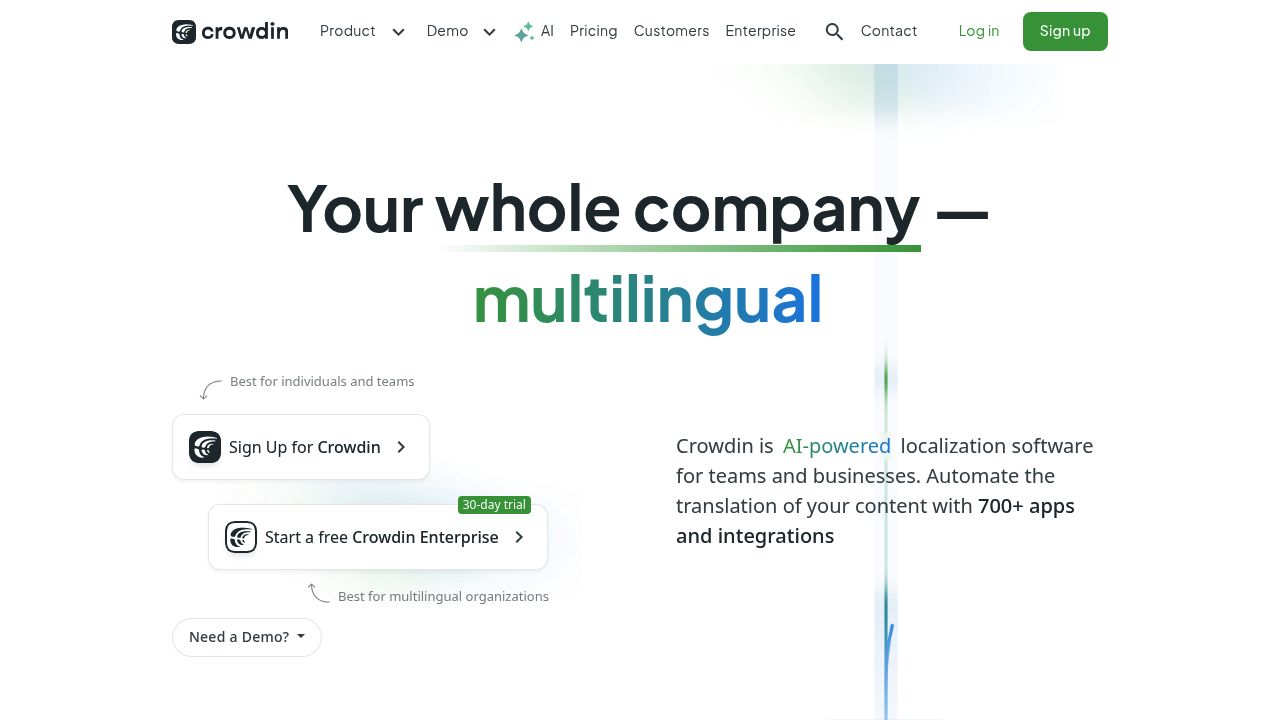
Crowdin combines JSON translation with collaborative features, making it excellent for teams managing multiple localization workflows simultaneously.
Key Specifications:
- Languages: 600+ language variants supported
- Pricing: Free plan available, Pro starts at $99/month
- Features: Collaborative editor, quality assurance checks
Performance Results:
- Format Preservation: 96%
- Supported Formats: JSON, CSV, YAML, PO, IDML, Apple Strings, and 20+ more
- API Response Time: 2-5 seconds per request
- Team Collaboration: In-editor comments, context screenshots, translation memory
Pros:
- Built-in collaborative translation UI
- Integrated quality checks and proofreading
- Community translations available
- Native GitHub/GitLab integration
Cons:
- Higher pricing for large teams
- Steeper learning curve
- Better for team workflows than automation
Website: https://crowdin.com/
Best For: Open-source projects with community translators; teams needing in-editor collaboration; projects with multiple file formats (JSON + YAML + CSV)
5. Lokalise: SaaS Localization Platform
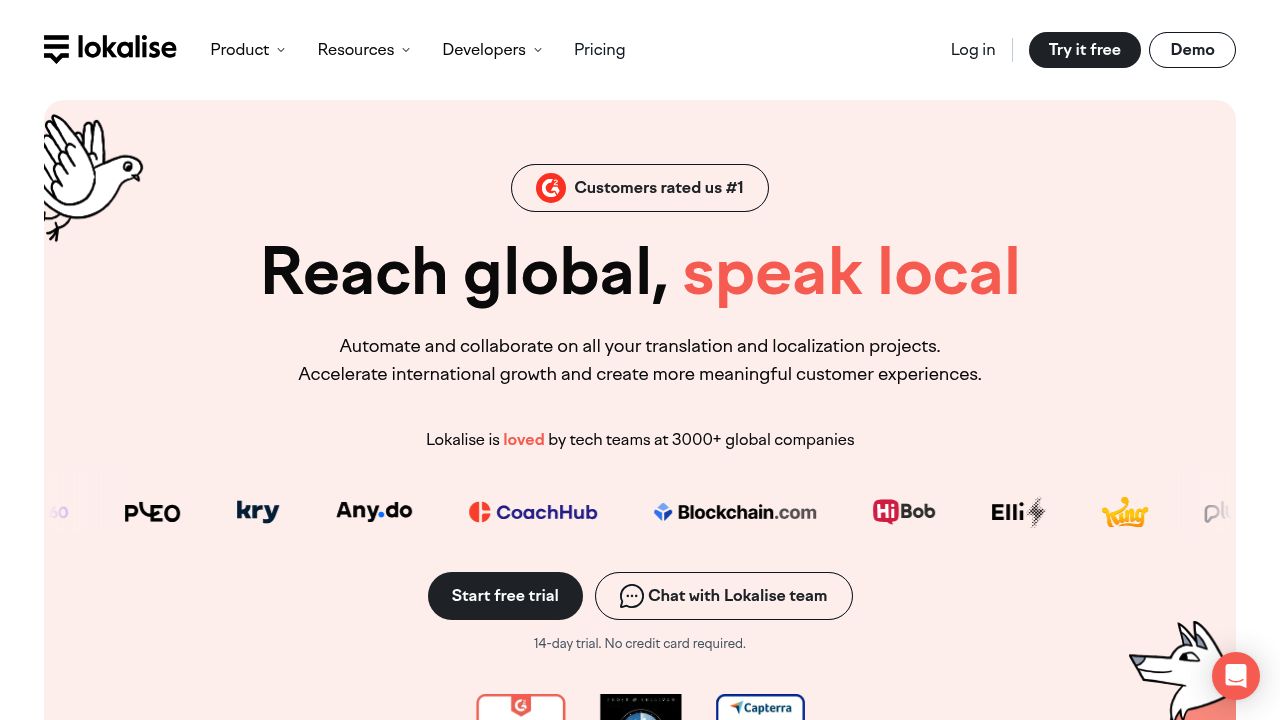
Lokalise offers developer-friendly JSON management with fast processing and good accuracy across diverse use cases.
Key Specifications:
- Languages: 400+ languages supported
- Processing Speed: Real-time with instant preview
- Pricing: Free tier, Pro from $50/month
Performance Results:
- Format Preservation: 95%
- API Response Time: < 3 seconds per request (fastest in category)
- Supported Formats: JSON, YAML, XML, CSV, PO, and more
- Real-time Preview: Live translation updates in editor
Pros:
- Real-time translation preview
- Excellent UI/UX for developers
- Advanced context preservation
- API-first approach
Cons:
- Pricing increases significantly with volume
- Less suitable for offline workflows
Website: https://lokalise.com/
Best For: SaaS products with real-time customer-facing translation; developers needing instant preview/feedback loop; teams prioritizing UI/UX over automation
Comparison Table
| Tool | Languages | Response Time | Pricing | Format | API |
|---|---|---|---|---|---|
| OpenL | 186 | 30s-2m (file) | Pay-per-use | 99% | ✅ REST |
| 189 | <5s (per req) | $0.015/1M chars | 92% | ✅ REST/gRPC | |
| DeepL | 36+ | 2-8s (per req) | $5.49-$25/mo | 94% | ✅ REST |
| Crowdin | 600+ | 2-5s (per req) | $99+/mo | 96% | ✅ REST |
| Lokalise | 400+ | <3s (per req) | $50+/mo | 95% | ✅ REST |
OpenL times are file uploads (batch); others are per API request. Latency varies by file size and language pair.
Pricing Scenario: Cost Comparison
Scenario: Translate 100 JSON config files to 5 languages (English → Spanish, French, German, Japanese, Chinese)
| Tool | Setup Cost | Monthly Cost | Annual Cost | Best Value |
|---|---|---|---|---|
| OpenL | $0 | $40-80 | $480-960 | 🏆 Best for small/medium projects |
| Google Translate | $0 | $60-120 | $720-1,440 | For high volume (>5M characters/month) |
| DeepL | $0 | $25-100 | $300-1,200 | For European language focus |
| Crowdin | $0 | $99+ | $1,188+ | Best for team-based workflows |
| Lokalise | $0 | $50+ | $600+ | For SaaS with real-time needs |
Note: Costs vary by file size, complexity, and usage. This is a typical small-to-medium project baseline.
Decision Guide
For Automated, Scalable i18n:
- First choice: OpenL (transparent pricing, zero setup, perfect format preservation)
- Alternative: Google Translate API (if you need 100+ language pairs)
For Quality-Focused Translation:
- European languages: DeepL (superior context understanding, tone control)
- Multiple language pairs: Google Translate (breadth over depth)
For Team-Based Localization:
- Open-source/community: Crowdin (volunteer translators, integrated QA)
- SaaS products: Lokalise (real-time preview, instant feedback loops)
Best Practices for JSON Translation
- Pre-validate JSON: Ensure valid syntax before translation (use
jqor online validators) - Preserve context: Keep variable placeholders ({{name}}, {count}) untranslated
- Handle pluralization: Test language-specific plural rules (English vs. Polish vs. Russian)
- Version control: Track translation changes in Git with
.gitignorefor credentials - Automate workflows: Integrate translation into CI/CD pipelines to catch errors early
Known Limitations & Workarounds
| Challenge | Solution |
|---|---|
| Large files (>30MB) | Split files; use batch API |
| Offline translation | Use Ollama, Llamafile, or LibreTranslate |
| Real-time latency | Cache in Redis; pre-translate common strings |
| Sensitive data | Use DeepL on-premise or air-gapped Lingvanex |
| Deep nesting | Flatten before translation; unflatten after |
| Date formatting | Test locale output (DD/MM vs MM/DD) |
| Custom terminology | Use glossaries or custom models |
| Unsupported language pairs | Chain through English or use multiple tools |
Frequently Asked Questions
Q: Best tool for beginners? A: Lokalise (intuitive UI, zero config) or OpenL (no signup).
Q: Can I migrate between tools? A: Yes—JSON is portable. Plan 1-2 days for validation.
Q: Do they support RTL languages? A: All support UTF-8. OpenL and DeepL excel at RTL (Arabic, Hebrew).
Q: Will my translations be safe? A: All five are established companies. Always maintain Git backups regardless.
Q: Which is fastest? A: Lokalise (<3s) and Google (<5s). Cache translations in Redis for real-time needs.
Q: How do I authenticate? A: All provide API keys. OpenL is simplest (no signup required).
Key Takeaways
- Format Preservation: All five tools maintain JSON structure well (92-99%), so reliability isn’t an issue—it’s about fit for your workflow
- Pricing Scales Differently: OpenL and Lokalise excel for low-to-medium volume; Google Translate dominates high volume; Crowdin suits team-based workflows
- No One-Size-Fits-All: Choose based on your primary need: automation (OpenL), breadth (Google), quality (DeepL), collaboration (Crowdin), or UX (Lokalise)
Final Recommendation
Start here based on your use case:
- Automating i18n pipelines → OpenL (zero setup, transparent cost)
- Global SaaS with 100+ languages → Google Translate API (most coverage, enterprise SLA)
- European localization focus → DeepL (superior quality for European pairs)
- Team-driven translation → Crowdin (collaboration first, volunteer support)
- Real-time preview/feedback → Lokalise (fastest API, best UX for developers)
Always validate critical translations with native speakers—automation complements human review, never replaces it. Implement automated quality checks in your CI/CD pipeline to catch format issues early, regardless of which tool you choose.
Take Action Now
- Choose your tool based on the Decision Guide
- Test with 5-10 real JSON files (all tools offer free trials)
- Measure processing time, accuracy, and cost
- Integrate into CI/CD for automation