Best Manga Translator in 2026

TABLE OF CONTENTS
Manga reading is more global than ever. In its 2024 IPO filing, WEBTOON said it had about 170 million monthly active users across 150+ countries. In June 2024, MANGA Plus by Shueisha announced over 30 million app downloads. The cross-language manga audience is enormous — and so is the demand for good translation tools.
The hard part is that manga is not normal text. Speech bubbles curve. Fonts are stylized. Japanese often runs vertically. Sound effects sit on top of artwork. A good manga translator needs OCR, image handling, and strong translation quality at the same time.
This guide compares the best manga translators in 2026 across five use cases: quick mobile panel checks, full chapter translation, manhwa and webtoon reading, Japanese OCR-first learning, and scanlation team workflows.
Quick Answer
| Use case | Best pick |
|---|---|
| Translate manga screenshots and full chapter files | OpenL Doc Translator |
| Free one-panel checks on mobile | Google Translate |
| Natural phrasing when OCR is already clean | DeepL |
| Korean manhwa and webtoons | Papago |
| Free open-source manga pipeline with inpainting | manga-image-translator |
| Free image translator with offline support | Yandex Translate |
What Makes a Good Manga Translator?
Before jumping into the tools, here are the criteria that actually matter:
OCR matters as much as translation. If OCR fails on vertical Japanese, stylized fonts, or text over artwork, the translation fails too. Google explicitly notes that small, unclear, or stylized text may reduce accuracy — which is exactly what manga panels look like.
Bubble readability beats raw accuracy. For manga reading, a slightly simpler translation is often better than a technically perfect but stiff sentence. Readers need to understand the panel fast and move on.
Japanese manga, Korean manhwa, and Chinese manhua need different tools. Japanese manga benefits from dedicated vertical-text OCR. Korean manhwa and webtoon screenshots tend to work better in mainstream image translators like Papago or Google Translate.
Overlay vs. extract matters. Some tools replace the original text with translated text directly on the image (overlay/inpaint). Others extract text for you to read separately. For scanlation teams, overlay with inpainting is essential. For casual readers, extraction is often enough.
Casual readers and scanlation teams need different things. A casual reader wants: upload image, get answer, keep reading. A scanlation team cares about OCR extraction, inpainting, terminology consistency, and typesetting control.
The Best Manga Translators in 2026
1. OpenL Doc Translator — Best for Manga Files and Screenshots
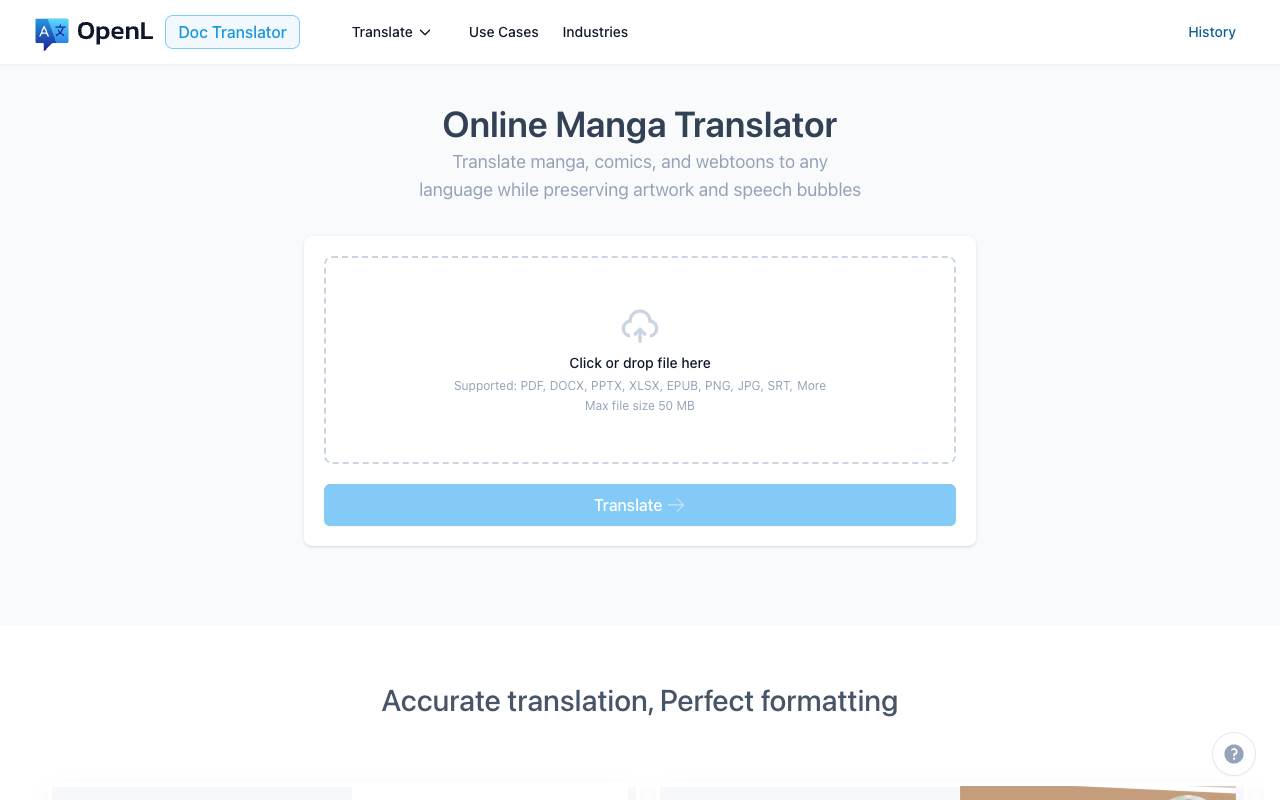
OpenL Doc Translator has a dedicated Manga Translator page that supports PDF, PNG, JPG, and EPUB, accepts files up to 50 MB, covers 100+ target languages, and preserves artwork, speech bubbles, and reading order. It uses pay-per-use pricing based on document length — you only pay for what you translate.
What it does well
- Simple upload-and-translate workflow for screenshots, cropped panels, and full chapter files
- EPUB support — useful for exported manga volumes and digital chapter files
- 100+ target languages
Where it falls short
- Dense stylized pages may still need manual checking
- Not a dedicated comic editor — no inpainting or bubble redraw
- Pay-per-use means costs add up for heavy use
Best for: Readers who want to translate manga screenshots or full chapter files without setting up a pipeline.
2. Google Translate — Best Free Mobile Option
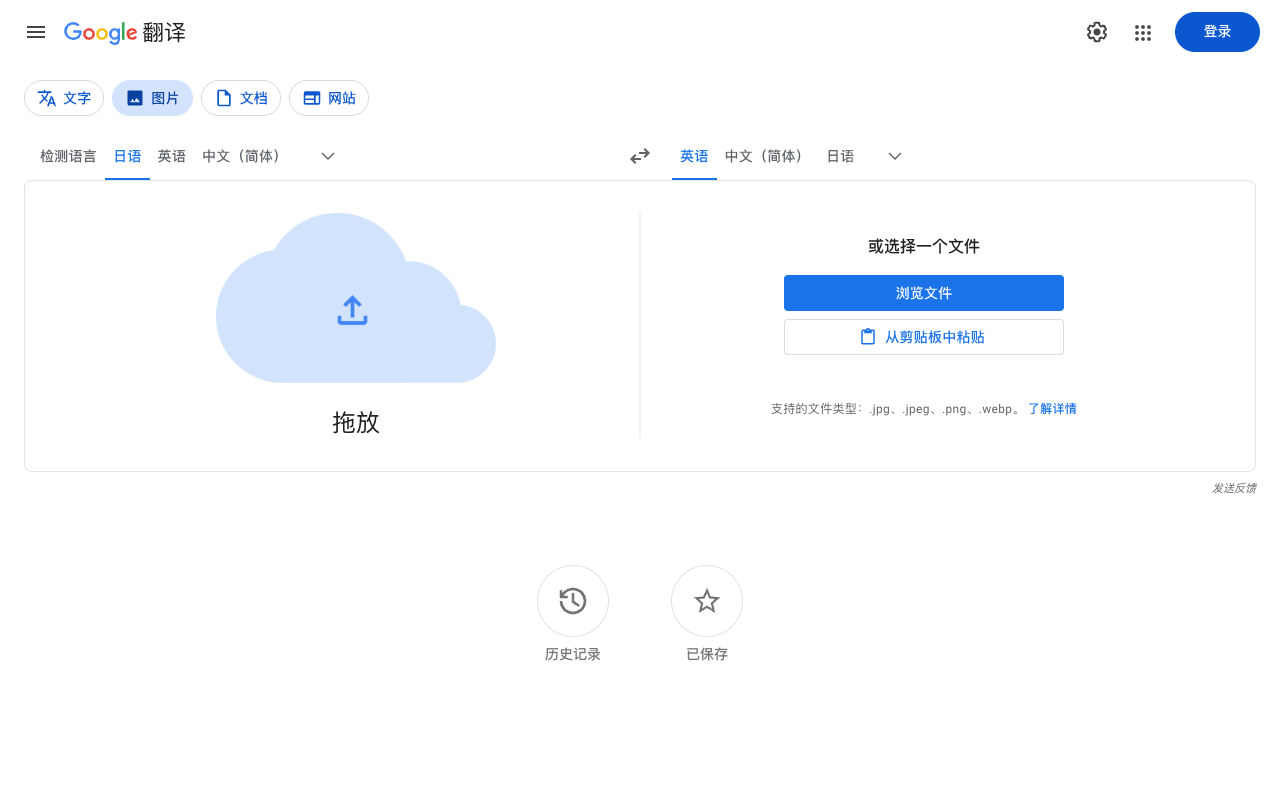
Google Translate is fast, free, and already on most phones. It supports translating text from saved images and directly through the camera, with offline camera translation for downloaded language packs.
What it does well
- Free and instant on mobile
- Camera mode is fast for one-off panel checks
- Works offline for downloaded languages
- Can translate selected parts of an image
Where it falls short
- Google warns that small, unclear, or stylized text may not translate accurately — a common manga problem
- Output is good for gist reading, not always for nuanced dialogue
- No manga-specific workflow or file format support
Best for: Casual readers doing quick one-panel checks on mobile. Also useful as a quick second opinion alongside other tools.
3. DeepL — Best for Natural Phrasing
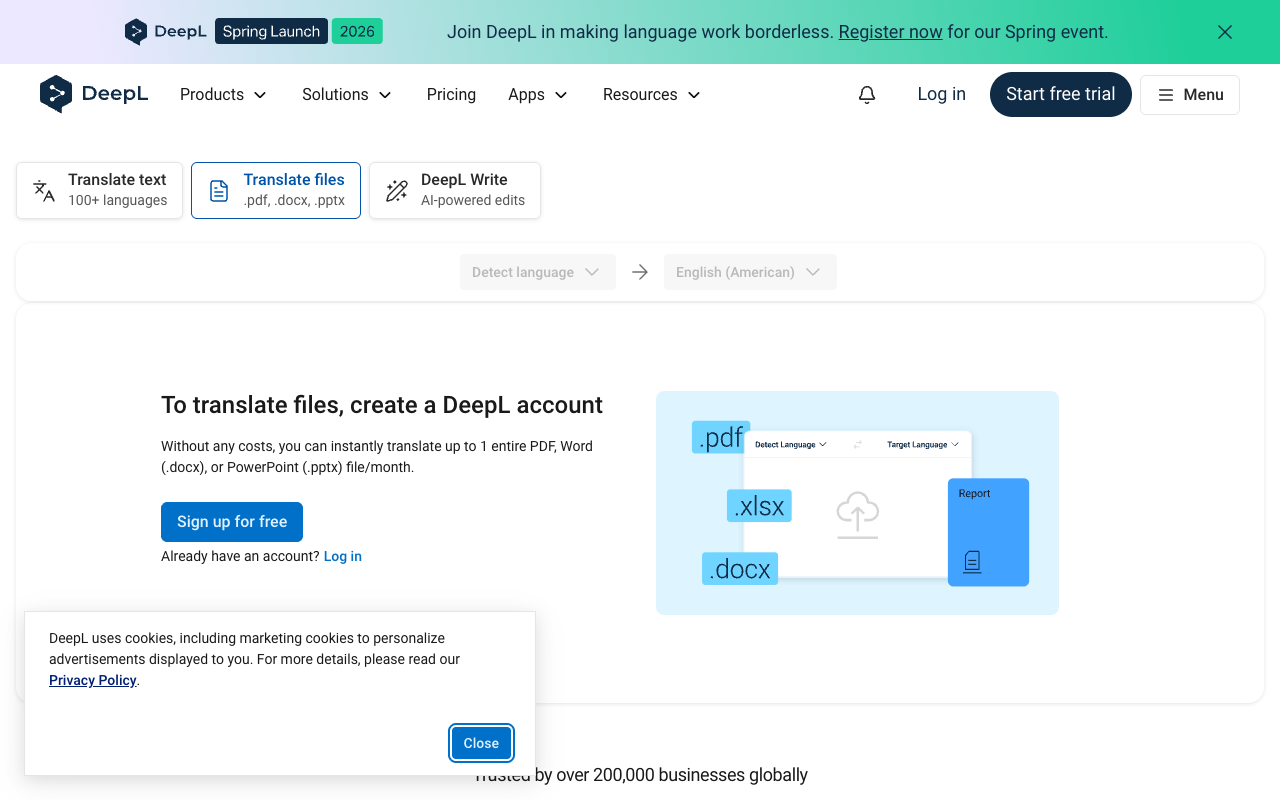
DeepL often produces smoother, more natural-sounding English than other tools, especially for dialogue-heavy manga. It supports image translation via file upload and image translation in mobile apps.
What it does well
- Strong fluency and natural wording in many language pairs
- Supports image translation on web, desktop, and mobile
- Good for learners comparing source and target phrasing
- Clear data-protection documentation — useful if you translate unpublished or licensed material
Where it falls short
- Image file translation is still in Beta
- Recommends at least 300 DPI for best results
- Small, badly lit, handwritten, or stylized text can hurt quality
Best for: Readers and learners who already have clean-enough screenshots and want smoother English output. Also a good choice for privacy-sensitive material.
4. Papago — Best for Korean Manhwa and Webtoons
Papago is built by Naver, the company behind Naver Webtoon. It supports 14 languages (Korean, English, Japanese, Chinese, Spanish, French, Vietnamese, Thai, Indonesian, Russian, German, Italian, and Arabic) with strong image translation in the mobile app. It is free, with offline support for Korean, English, Japanese, and Chinese.
What it does well
- Strongest Korean ↔ English and Korean ↔ Japanese translation quality among the tools here
- Free image translation on mobile — take a photo and get translated text overlaid on the image
- Offline mode for key languages
- Built by the same company that runs Naver Webtoon, so it handles Korean comic text well
Where it falls short
- Only 14 languages — much narrower than Google, DeepL, or OpenL Doc Translator
- Not manga-specific — no EPUB or chapter-file support
- Less useful for Japanese manga than for Korean manhwa
Best for: Korean manhwa and webtoon readers, and travelers who read Korean/Japanese content on their phone.
5. manga-image-translator — Best Open-Source Manga Pipeline
manga-image-translator is a full pipeline that handles text detection, OCR, translation, inpainting (removing original text from the image), and typesetting in one tool. It supports Japanese, Chinese, Korean, English, and 20+ other languages. It can use multiple translation backends including DeepL, OpenAI, and offline models.
What it does well
- Full end-to-end pipeline: detect → OCR → translate → inpaint → typeset
- Replaces bubble text directly on the image — the closest to a “finished” translated page
- Free and open source
- Supports multiple translation engines (DeepL, OpenAI, Sugoi, offline NLLB, and more)
- Available as Docker image or local Python install
Where it falls short
- Requires technical setup (Python 3.10+, GPU recommended)
- Large Docker image (~15GB)
- Still in early development with rough edges
- Not a consumer app — no mobile or web interface for casual users
Best for: Scanlation teams and power users who want automated bubble-text replacement and inpainting. The most capable free manga-specific tool, but not for casual readers.
6. Yandex Translate — Best Free Image Translator with Offline Support
Yandex Translate supports translating text in images, downloading the translated image, and extracting the OCR text separately. The mobile app works offline.
What it does well
- Free image translation on desktop and mobile
- Offline support in the mobile app
- Lets you save the translated image or copy the extracted text
Where it falls short
- General-purpose translator, not manga-specific
- Translation quality varies by language pair
- If data jurisdiction matters, read Yandex’s Privacy Policy before uploading sensitive pages — data may be processed by YANDEX LLC under Russian law
Best for: Budget-conscious readers who want free image translation with offline access.
Advanced Workflow: Manga OCR for Japanese Power Users
Manga OCR deserves a special mention, though it is not a translator — it is an OCR engine built specifically for Japanese manga text. It handles vertical and horizontal text, furigana, text overlaid on images, varied fonts, and low-quality images.
Use Manga OCR when you want to extract Japanese text first, then translate it carefully with DeepL, OpenL Doc Translator, or another tool. This two-step workflow gives you more control than any one-click translator.
Best for: Japanese learners, scanlation teams building custom pipelines, and anyone who needs accurate Japanese OCR before translation.
Side-by-Side Comparison
| Tool | Type | Image support | Languages | Pricing | Inpainting | Best for |
|---|---|---|---|---|---|---|
| OpenL Doc Translator | Manga/doc translator | PDF, PNG, JPG, EPUB | 100+ | Pay-per-use | No | Chapter files and screenshots |
| Google Translate | General translator | Camera + image upload | 249 | Free | No | Quick mobile checks |
| DeepL | General translator | Image upload (Beta) | 30+ | Free + Pro plans | No | Natural phrasing, privacy |
| Papago | General translator | Camera + image upload | 14 | Free | No | Korean manhwa/webtoons |
| manga-image-translator | Manga pipeline | Image files | 20+ | Free (open source) | Yes | Scanlation, bubble replacement |
| Yandex Translate | General translator | Image upload | 100+ | Free | No | Budget-friendly, offline |
| Manga OCR | OCR only | Image files | Japanese | Free (open source) | No | Japanese text extraction |
Which Manga Translator Should You Choose?
Pick based on what you actually need to do:
- Translate a single panel on your phone → Google Translate or Papago (Papago if Korean)
- Translate a full chapter file or EPUB → OpenL Doc Translator — see also our best EPUB translator guide
- Get smoother English from a clean screenshot → DeepL
- Translate Korean manhwa or webtoons → Papago
- Replace bubble text automatically → manga-image-translator
- Extract Japanese text before translating → Manga OCR, then translate with any tool
- Stay fully free with offline support → Google Translate or Yandex Translate
For many people, the best setup is a short two-step workflow:
- Use an image translator (how to translate text from images) for fast comprehension.
- If the panel is dense or the Japanese matters, extract the text with OCR first, then translate carefully.
FAQ
What is the best free manga translator?
Google Translate is the most accessible free option for casual panel checks. For a more manga-specific free tool with bubble-text replacement, try manga-image-translator (requires technical setup). Papago is the best free choice specifically for Korean manhwa.
Can Google Translate handle manga panels?
Yes, but with limits. Google’s own help docs warn that small, unclear, or stylized text may not translate accurately. For clean, large-text panels it works well. For dense pages with vertical Japanese or heavy SFX, results vary.
Which tool is best for manhwa and webtoons?
Papago — it is built by Naver (the company behind Naver Webtoon) and has the strongest Korean translation quality among these tools.
Which tool handles Japanese vertical text best?
For OCR extraction, Manga OCR is purpose-built for vertical Japanese. For a full translate-and-overlay pipeline, manga-image-translator handles vertical text detection and replacement.
Can I translate EPUB or CBZ manga files?
OpenL Doc Translator supports EPUB input directly. For CBZ/CBR files, extract the images first and use any image-based translator. See our best EPUB translator guide for more options.
Is it legal to translate manga for personal use?
Translating manga for personal reading is generally considered fair use in most jurisdictions, but distributing translated versions without permission from the copyright holder is not. If you are working with licensed material, use tools with clear data-protection documentation.
Sources and References
- WEBTOON S-1 filing, June 2024
- MANGA Plus by Shueisha: Over 30 million app downloads
- Google Translate Help: Translate images
- DeepL Help Center: Translate images via file translation
- DeepL Help Center: Translate text from an image in the mobile apps
- DeepL Help Center: Infrastructure and data protection
- Naver Papago on Google Play
- Yandex Translate: Translating text in images
- Yandex Translate mobile app
- Yandex Privacy Policy
- GitHub: zyddnys/manga-image-translator
- GitHub: kha-white/manga-ocr
- OpenL Doc Translator — Manga Translator