Best Video Translator in 2026

TABLE OF CONTENTS
AI video translation has gone from a novelty to a production-ready workflow. The best tools in 2026 can clone your voice, sync your lips, and deliver subtitle tracks in over a hundred languages — at a fraction of what traditional dubbing studios charge. But not every tool does all three things well, and the one you should pick depends on what kind of video you are making and who is watching it.
Quick Answer
For most creators and small teams, HeyGen offers the best balance of language coverage (175+), lip-sync quality, and accessible pricing. If voice quality matters more than anything else, ElevenLabs produces the most natural-sounding dubbed audio. If you need a polished, enterprise-grade workflow with AI avatars and dubbing in one place, Synthesia is the strongest pick.
If your primary need is translating subtitle files rather than full video dubbing, check our dedicated guides on how to translate subtitles and the best SRT translator in 2026.
Quick picks:
- Best overall for creators: HeyGen
- Best voice quality: ElevenLabs
- Best enterprise video platform: Synthesia
- Best all-in-one localization: Rask AI
- Best for live and real-time dubbing: CAMB.AI
- Best budget-friendly editor with dubbing: Kapwing
- Best for text-based subtitle translation: OpenL
Disclosure: OpenL is our product. It is included here because it handles subtitle and text translation, which is part of the video translation workflow. We call that out clearly and keep the trade-offs visible. This article contains no affiliate links.
Why Video Translation Is Different Now
Two years ago, AI video translation meant auto-generated subtitles with machine-translated text. That was useful, but it was not what most people mean when they say “translate my video” today.
In 2026, the expectation has shifted. Creators want their videos to sound like they were originally recorded in the target language. That means three things need to happen at once:
1. Voice cloning across languages. The best tools can now take your voice from a source video and reproduce it in another language while preserving your tone, pitch, and speaking style. This is no longer experimental — platforms like HeyGen, Synthesia, and Rask AI all ship production-grade voice cloning.
2. Lip synchronization. Dubbed audio that does not match mouth movements creates an uncanny valley effect that makes viewers distrust the content. The top tools in 2026 treat lip sync as a first-class feature, adjusting the visual output to match the new audio track.
3. Context-aware translation. Simple word-for-word translation breaks in video because spoken language is informal, idiomatic, and context-dependent. The newer AI models handle this better because they are trained on conversational data, not just written text.
The cost difference is dramatic. Traditional professional dubbing runs $100–300 per finished minute, with 2–3 weeks of turnaround. AI tools deliver results in minutes at $2–10 per minute, depending on the platform and feature set.
How We Assessed These Tools
This comparison is based on official product documentation, published pricing pages, and third-party reviews verified as of March 2026. We prioritized documented capabilities over marketing claims.
We weighted these factors:
- Translation and dubbing quality: How natural does the output sound in the target language?
- Lip sync: Does the tool adjust visual mouth movements to match dubbed audio?
- Voice cloning: Can it preserve the original speaker’s voice across languages?
- Language coverage: How many languages are supported, and how well do non-major languages perform?
- Subtitle handling: Can it generate, translate, and embed subtitle tracks?
- Pricing clarity: Is the pricing model understandable and predictable?
- Workflow simplicity: How many steps from upload to finished translated video?
HeyGen — Best Overall for Creators
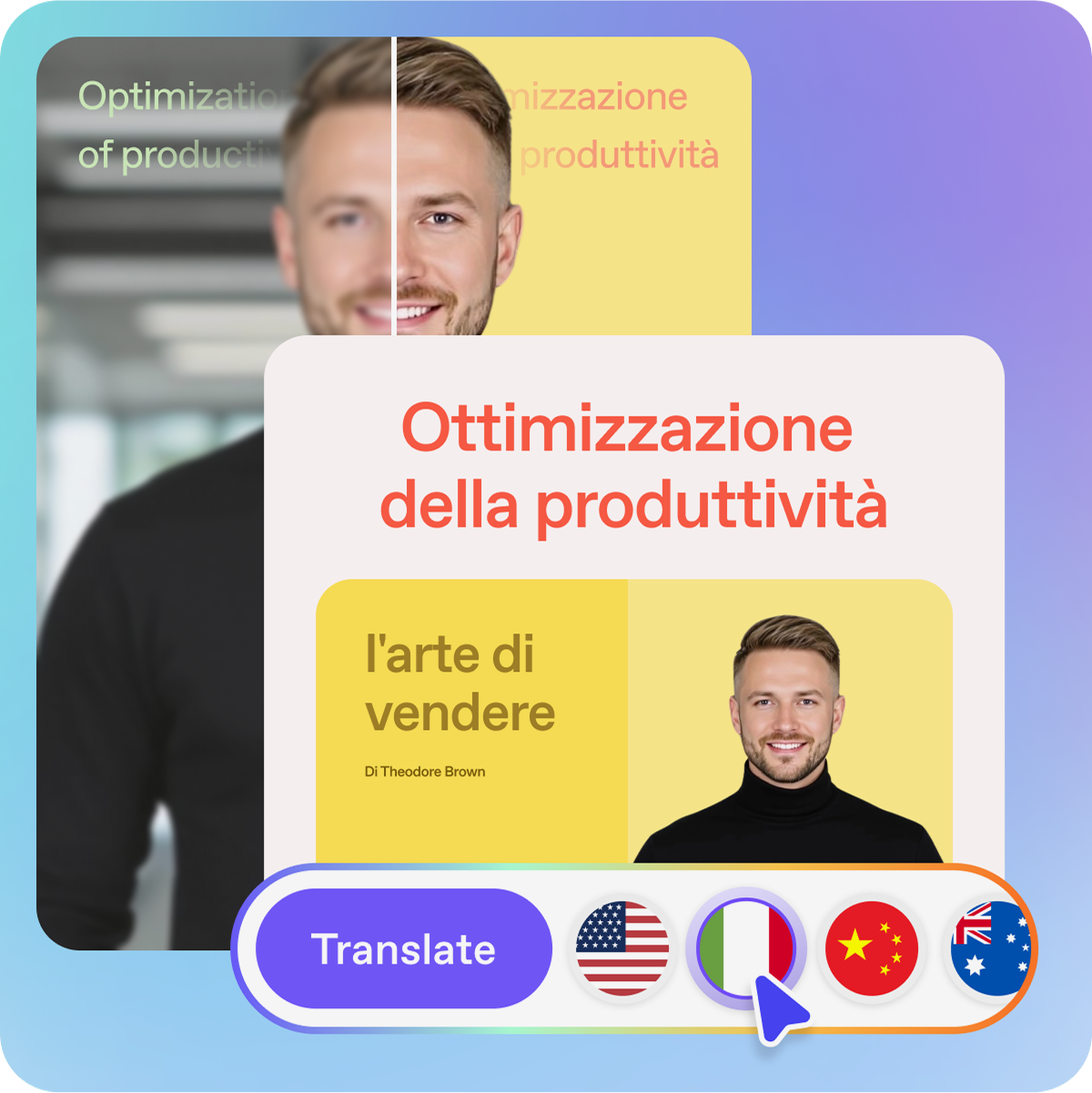
HeyGen is the widest-reaching video translation tool in 2026. It supports over 175 languages and dialects, more than any other platform in this comparison. The core workflow is simple: upload a video, select a target language, and HeyGen handles transcription, translation, voice cloning, and lip sync automatically.
What it does well:
- Voice cloning that preserves your vocal identity across all supported languages
- Lip-sync alignment that works well for talking-head content
- Auto-generated subtitles that viewers can toggle on or off
- Multi-speaker detection for videos with more than one person talking
- Free tier that allows up to 3 videos per month (up to 3 minutes each)
Where it falls short:
- Credit-based pricing makes it hard to predict monthly costs
- Credits expire monthly without rollover
- Advanced features like lip-synced translation consume premium credits faster
- Less suited for non-talking-head content like documentaries or screen recordings
Pricing:
- Free: 3 videos/month, up to 3 minutes each
- Creator: $24/month (annual billing)
- Pro: $79/month (annual billing)
- Business: $149/month + $20 per additional seat
Audio dubbing is unlimited on all paid plans, but lip-synced translation and other premium features consume credits.
Best for: YouTube creators, course creators, and marketing teams who need to reach audiences in many languages quickly.
ElevenLabs — Best Voice Quality
ElevenLabs started as a text-to-speech company and expanded into dubbing, and that origin shows. The voice quality is a step above every other tool in this comparison. Dubbed audio from ElevenLabs preserves not just the speaker’s voice but their emotional delivery — pauses, emphasis, and intonation carry across languages in a way that sounds genuinely human.
What it does well:
- The most realistic AI voices in the market, with emotional nuance preserved across languages
- Dubbing Studio handles multi-speaker content
- 29 languages supported by their multilingual model
- API access for developers who want to build dubbing into their own pipelines
- Affordable entry point at $5/month for the Starter plan
Where it falls short:
- Audio-only — no lip sync or video editing features
- 29 languages is far fewer than HeyGen or Rask AI
- You need a separate tool to handle the visual side of video translation
- Free tier has watermarked output and limited minutes
Pricing:
- Free: Limited minutes, watermarked output
- Starter: $5/month (30 minutes of audio generation)
- Creator: $22/month
- Higher tiers available for professional and enterprise use
Best for: Podcasters, audiobook producers, and creators who prioritize voice quality above all else and are willing to handle video editing separately.
Synthesia — Best Enterprise Video Platform
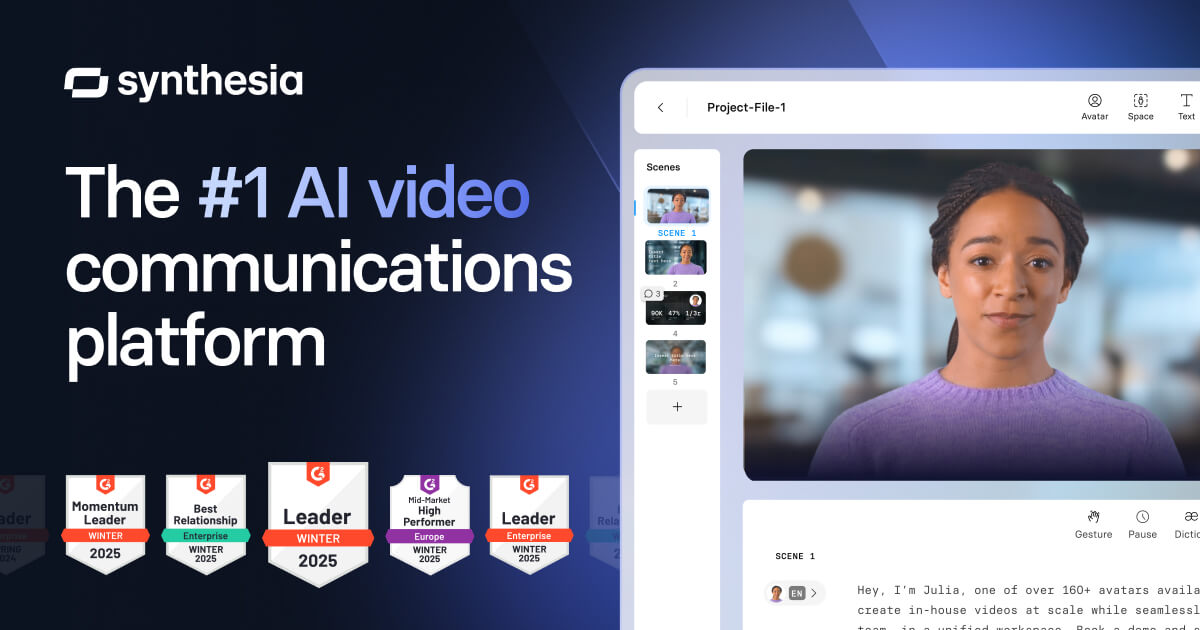
Synthesia is not just a video translator — it is a full AI video creation platform that includes dubbing as one of its features. What sets it apart is the combination of AI avatars, voice cloning, and lip synchronization in a single polished interface. For businesses that need to produce training videos, product demos, or corporate communications in multiple languages, Synthesia offers the most complete package.
What it does well:
- AI avatars that can present content in multiple languages with natural lip sync
- Voice preservation across all supported languages
- 1-Click Translation into 80+ languages on Enterprise plans
- Auto-generated subtitles with toggle controls in the Multilingual Player
- SOC 2 compliance and enterprise-grade security features
- 95%+ translation accuracy for common languages
Where it falls short:
- The credit system caps usage, and you cannot buy additional credits mid-cycle
- Studio Avatars cost an additional $1,000/year
- 1-Click Translation and SCORM export are locked behind the Enterprise tier
- Less suitable for translating existing footage — strongest when creating new videos with AI avatars
Pricing:
- Free: ~10 minutes of video (1,200 credits/month)
- Starter: $18/month (annual) or $29/month (monthly), 120 minutes/year
- Creator: $64/month (annual) or $89/month (monthly), ~360 minutes/year
- Enterprise: Custom pricing, unlimited minutes
Best for: Corporate training teams, HR departments, and businesses that need to produce multilingual video content at scale with consistent branding.
Rask AI — Best All-in-One Localization
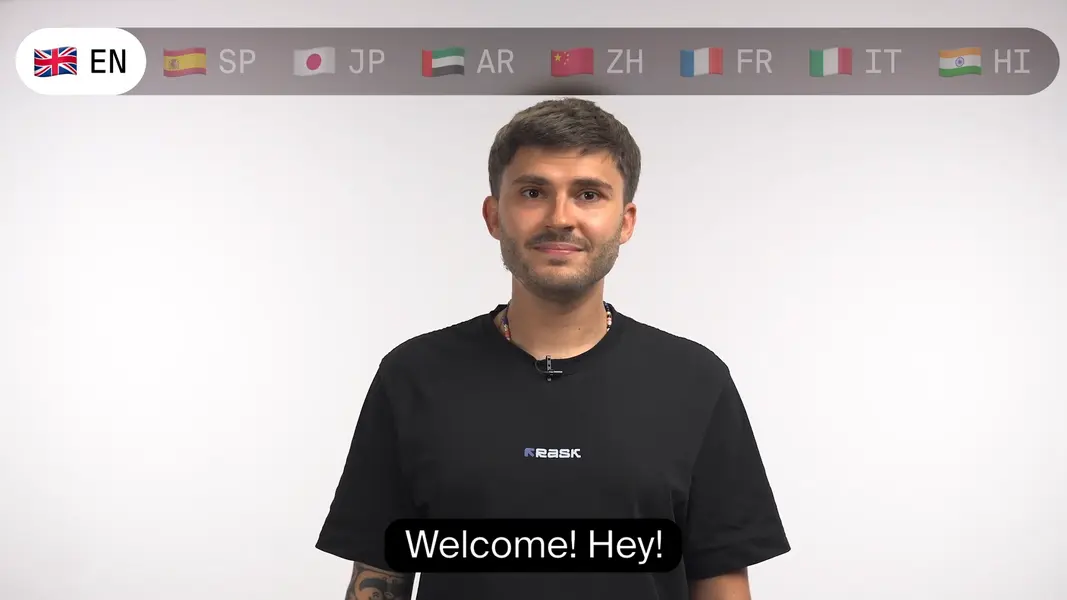
Rask AI positions itself as a comprehensive localization platform, and the positioning is accurate. It covers the full pipeline from transcription to translation to voice-cloned dubbing with lip sync, all in a single web-based interface. For teams that want one tool instead of three, Rask AI is the most cohesive option.
What it does well:
- Full-stack workflow: transcription, translation, dubbing, and lip sync in one platform
- Multi-speaker detection that automatically identifies and clones different voices
- Voice cloning across 32 of its 135+ supported languages
- SRT/VTT subtitle export alongside dubbed video
- Good balance of quality and affordability for professional use
Where it falls short:
- API access is generally limited to Enterprise plans
- Voice cloning quality varies across less common languages
- Less granular editing control compared to tools like Kapwing
- Learning curve for the full feature set
Pricing:
Rask AI uses a tiered subscription model with per-minute pricing. Free trials are available to test quality before committing. Exact pricing tiers change frequently, so check their official pricing page for current rates. Plans generally range from creator-level ($20–50/month) to enterprise ($200+/month).
Best for: Marketing teams and content agencies that need to localize videos into multiple languages as part of their regular workflow.
CAMB.AI — Best for Live and Real-Time Dubbing
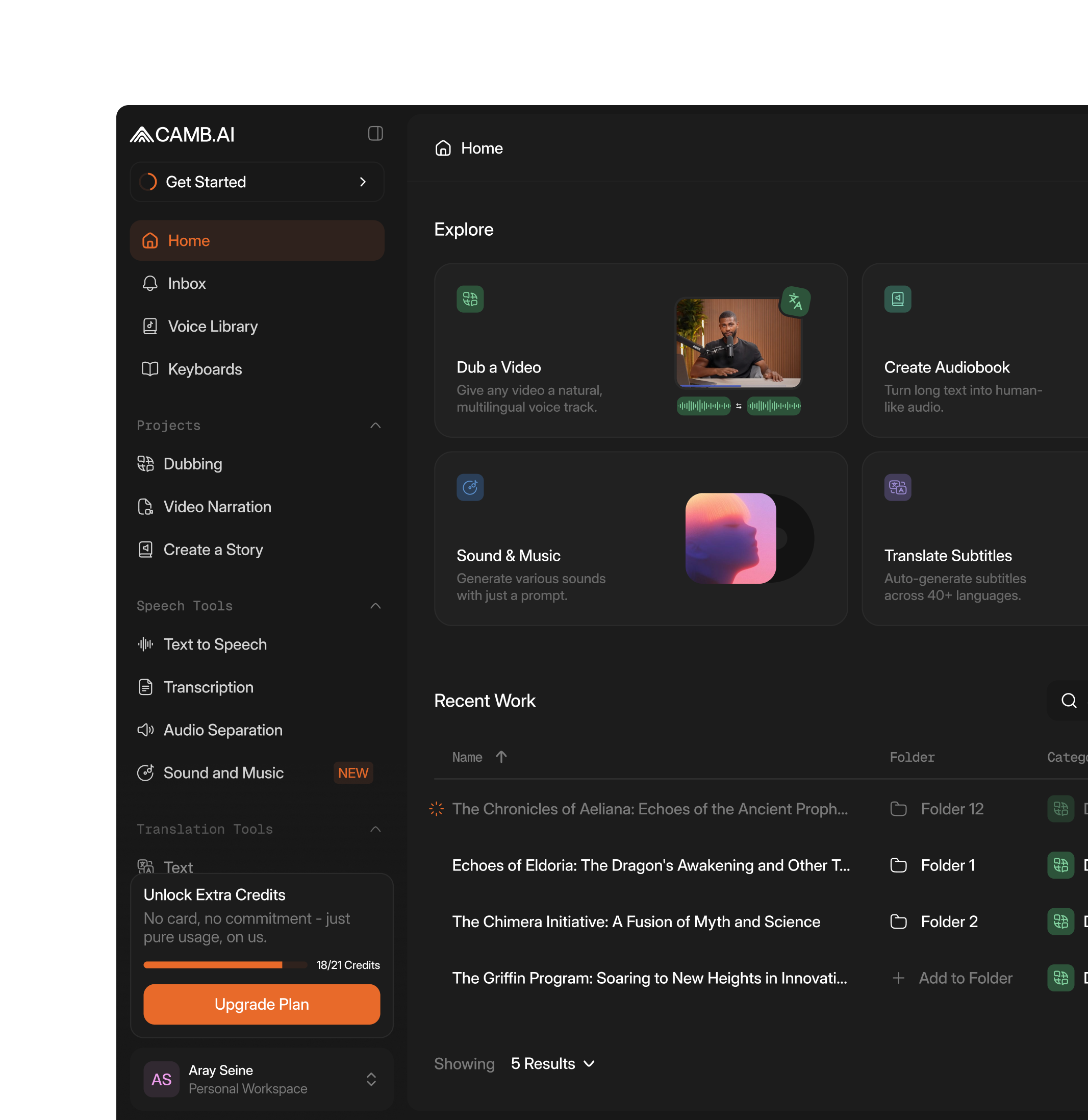
CAMB.AI stands out for a capability that no other tool in this comparison offers at the same level: real-time dubbing. Their DubStream product can translate live audio and video streams, which is why Eurovision Sport partnered with them to provide live and on-demand subtitling for the Milano Cortina 2026 Paralympic Winter Games.
What it does well:
- Real-time dubbing via DubStream for live broadcasts and events
- 140+ languages supported
- Voice realism that holds up well in live scenarios
- Enterprise-grade infrastructure for high-volume media operations
- Partnership validation with major broadcast organizations
Where it falls short:
- Primarily enterprise-focused, not designed for individual creators
- Pricing is not publicly listed — requires sales contact
- Less intuitive for simple one-off video translations
- Documentation is thinner than more creator-focused tools
Pricing:
Custom enterprise pricing. Contact their sales team for quotes.
Best for: Media companies, broadcasters, and event organizers who need real-time multilingual dubbing for live content.
Kapwing — Best Budget-Friendly Editor with Dubbing
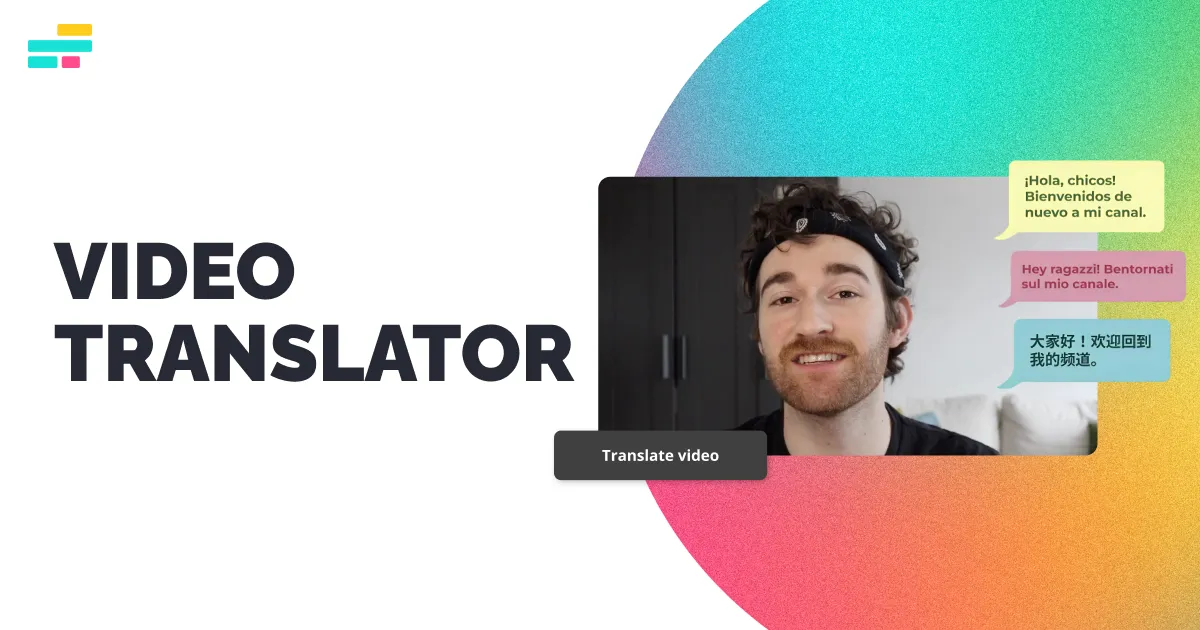
Kapwing is primarily an online video editor that has added AI dubbing and translation features. If you need a tool that handles both video editing and translation in one browser tab, Kapwing is the most accessible option. It lacks the voice quality of ElevenLabs or the language breadth of HeyGen, but it makes up for it with a clean editing interface and reasonable pricing.
What it does well:
- Combined video editing and translation in one platform
- AI dubbing with automatic lip sync in 100+ languages
- Multi-speaker detection for precise dubbing
- Voice cloning for consistent voiceovers
- Translation Rules feature for controlling how names and brand terms are translated
- Smart Cut feature that removes silences and filler words automatically
Where it falls short:
- Dubbing quality is a tier below dedicated tools like HeyGen or ElevenLabs
- Pro plan limits dubbing to 50 minutes of standard dubbing per month
- 40+ languages for dubbing is fewer than most dedicated translation tools
- Not suitable for high-volume localization workflows
Pricing:
- Free: Unlimited exports with watermark, 720p quality
- Pro: $16/month per member (annual) or $24/month (monthly), 300 minutes auto-subtitling
- Business: $50/month per member (annual) or $64/month (monthly), 900 minutes auto-subtitling
- Enterprise: Custom pricing
Best for: Solo creators and small teams who want basic dubbing without leaving their video editor.
VideoDubber — Best Free Tier
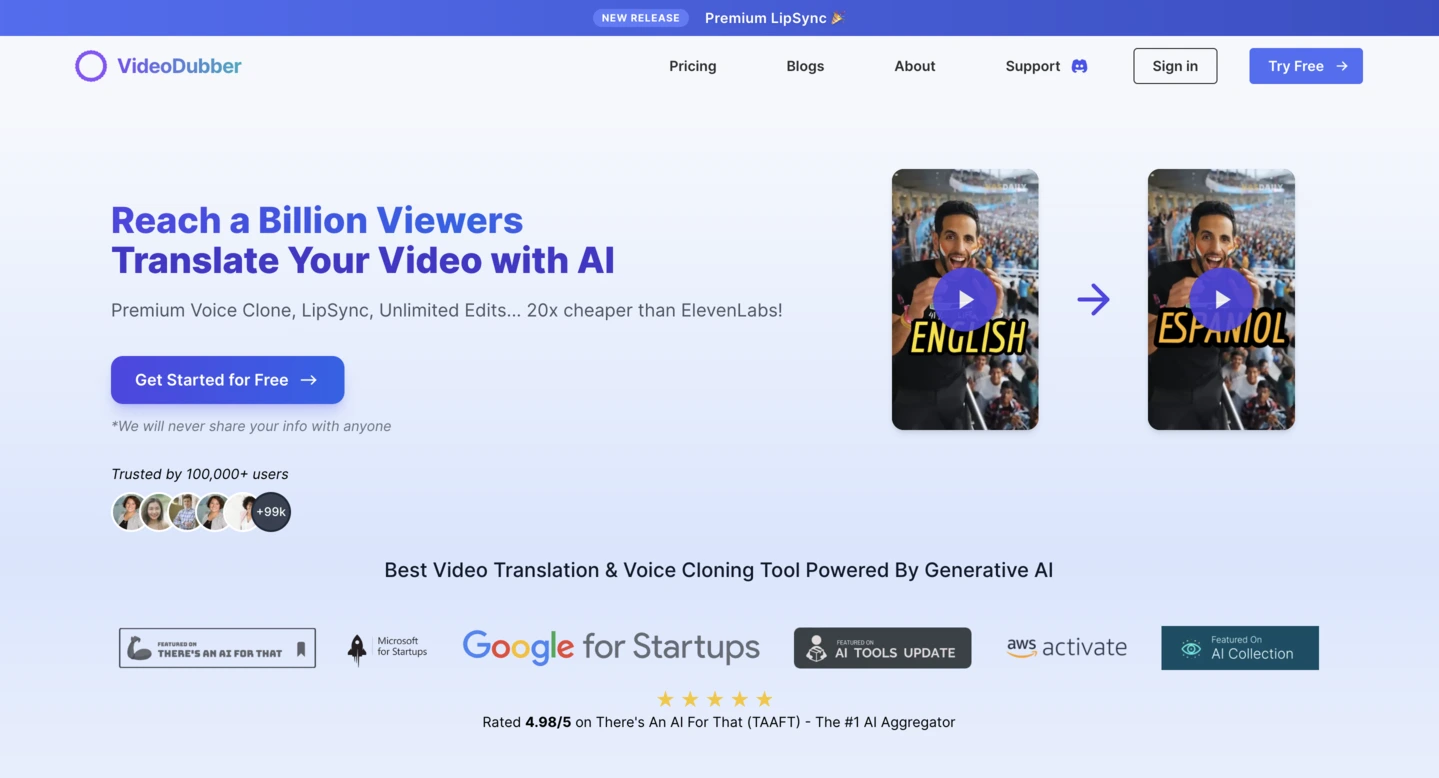
VideoDubber offers something unusual in this space: a genuinely useful free plan. It combines Google Translate, OpenAI, and DeepL APIs for translation and supports 150+ languages for dubbing and subtitles. The quality is not on par with premium tools, but for creators testing the waters or working with tight budgets, it is a solid starting point.
What it does well:
- Free plan includes AI video/audio translation, subtitles, dubbing, voice cloning, and text-to-speech
- 150+ language support
- Multiple translation engines (Google, OpenAI, DeepL) for better accuracy
- Low barrier to entry for experimenting with video translation
Where it falls short:
- Output quality varies significantly by language pair
- Less polished interface compared to HeyGen or Synthesia
- Limited advanced features like lip sync on free plans
- Reliance on third-party APIs means quality depends on upstream providers
Pricing:
Free tier available with basic features. Paid plans offer higher limits and additional features. Check their website for current pricing.
Best for: Creators on a tight budget who want to experiment with video translation before committing to a paid tool.
OpenL — Best for Subtitle-First Translation
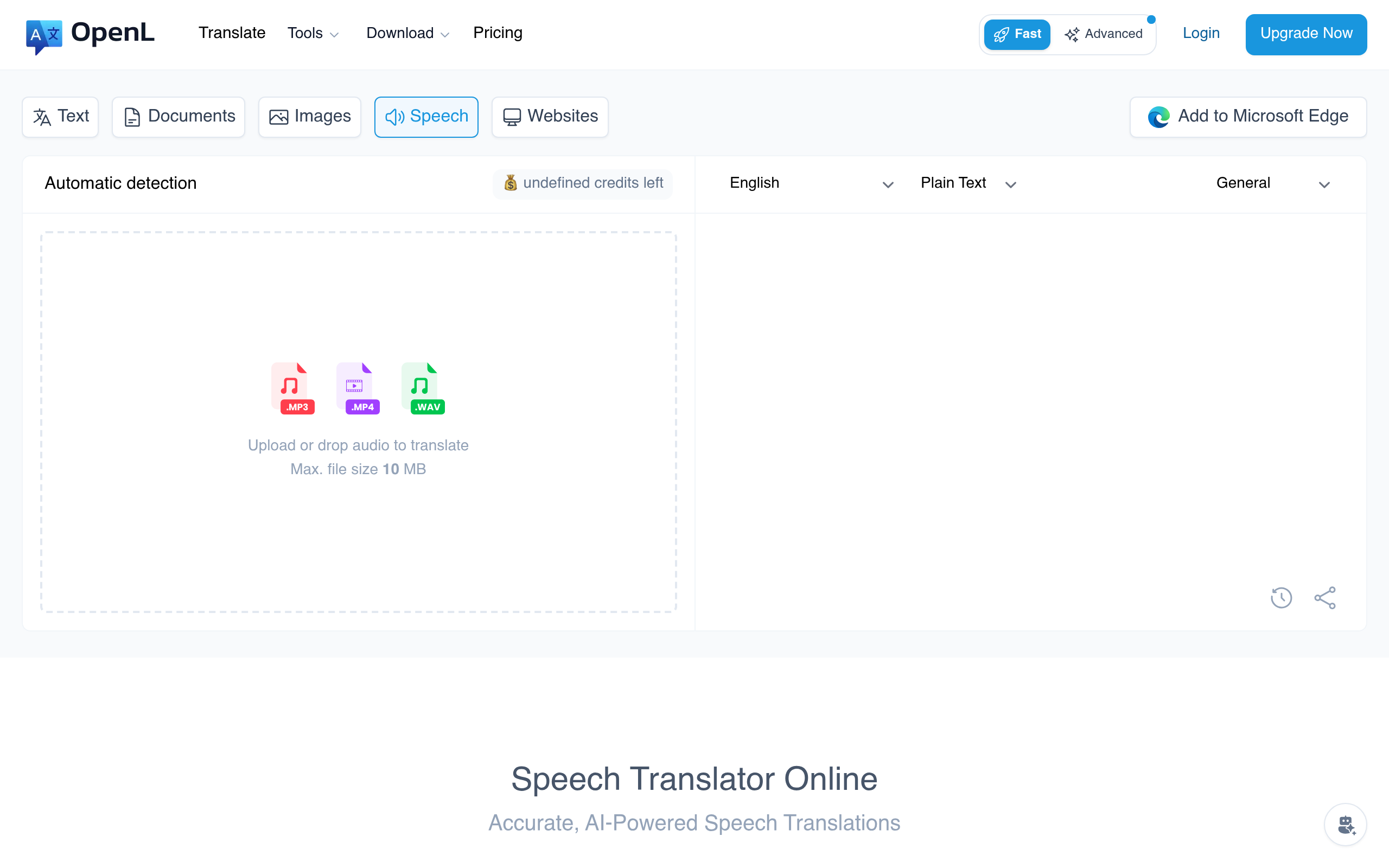
Not every video translation job requires dubbing. If your workflow involves translating subtitle files — SRT, VTT, or plain text transcripts — and then importing them back into your video editor, OpenL handles that part efficiently.
OpenL translates subtitle files while preserving timestamps and formatting, which means you can go from source-language subtitles to target-language subtitles without manual re-timing. It supports over 100 languages and handles the text translation step that sits at the core of every video localization workflow.
For the full subtitle translation workflow, see our guides on how to translate subtitles, how to translate VTT files, and the best SRT translator in 2026.
What it does well:
- Clean subtitle file translation with timestamp preservation
- Supports SRT, VTT, and other common subtitle formats
- 100+ languages with consistent quality
- Simple upload-and-translate workflow
- Affordable pricing for text-based translation
Where it falls short:
- No dubbing, voice cloning, or lip sync — it is a text translation tool
- You need a separate tool for audio/video production
- Not a replacement for full video translation platforms
Best for: Creators who already have a video editing workflow and just need accurate subtitle translations.
Comparison Table
| Tool | Languages | Dubbing | Lip Sync | Voice Cloning | Subtitles | Free Tier | Starting Price |
|---|---|---|---|---|---|---|---|
| HeyGen | 175+ | Yes | Yes | Yes | Yes | 3 videos/month | $24/month |
| ElevenLabs | 29 | Audio only | No | Yes | No | Limited + watermark | $5/month |
| Synthesia | 80+ | Yes | Yes | Yes | Yes | ~10 min/month | $18/month |
| Rask AI | 135+ | Yes | Yes | Yes (32 langs) | Yes | Trial available | ~$20/month |
| CAMB.AI | 140+ | Yes (live) | Yes | Yes | Yes | No | Custom |
| Kapwing | 100+ | Yes | Yes | Yes | Yes | With watermark | $16/month |
| VideoDubber | 150+ | Yes | Limited | Yes | Yes | Yes | Varies |
| OpenL | 100+ | No | No | No | Yes | Yes | Varies |
How to Choose the Right Video Translator
The best tool depends on your specific use case. Here is a decision framework:
Choose HeyGen if you are a content creator who needs to translate talking-head videos into many languages with good lip sync and voice cloning. It has the widest language support and a reasonable free tier to test with.
Choose ElevenLabs if voice quality is your top priority and you are willing to handle video production separately. Best for podcasts, audiobooks, and audio-first content.
Choose Synthesia if you are a business producing training or corporate videos and want AI avatars + dubbing in one platform. The enterprise features (SSO, compliance, unlimited minutes) justify the higher price for larger teams.
Choose Rask AI if you want one tool for the entire localization pipeline — transcription, translation, dubbing, and lip sync — without stitching together multiple services.
Choose CAMB.AI if you need real-time dubbing for live broadcasts or events. Nothing else in this comparison handles live translation at the same level.
Choose Kapwing if you want basic dubbing built into your video editor and do not need the highest quality output. Good for social media content and quick turnarounds.
Choose OpenL if your workflow is subtitle-focused and you need accurate text translation with timestamp preservation. Pair it with your existing video editor for the full workflow.
What About YouTube’s Built-In Translation?
YouTube offers auto-generated captions and community-contributed translations, but these are not in the same category as the tools above. YouTube’s auto-captions are useful for accessibility but are not designed for professional localization. They do not offer dubbing, voice cloning, or lip sync.
If you publish on YouTube and want to reach international audiences, the typical workflow is:
- Use a tool like HeyGen or Rask AI to create dubbed versions of your video
- Upload each language version as a separate video or use YouTube’s multi-audio track feature
- Use OpenL or a similar tool to translate your video description, title, and tags
For translating YouTube comments and community interactions, see our guide on YouTube comment phrases and what they really mean.
Pricing Summary
The cost of AI video translation in 2026 ranges from free (with limitations) to several hundred dollars per month for enterprise use. Here is a rough guide:
Free or near-free options:
- HeyGen free tier (3 videos/month)
- VideoDubber free plan
- Kapwing free tier (with watermark)
- ElevenLabs free tier (limited + watermark)
$5–25/month (individual creators):
- ElevenLabs Starter ($5/month)
- Kapwing Pro ($16/month)
- Synthesia Starter ($18/month)
- HeyGen Creator ($24/month)
- ElevenLabs Creator ($22/month)
$50–150/month (professional teams):
- Synthesia Creator ($64/month)
- HeyGen Pro ($79/month)
- Kapwing Business ($50/month)
- HeyGen Business ($149/month)
$200+/month (enterprise):
- Synthesia Enterprise (custom)
- CAMB.AI (custom)
- Rask AI Enterprise (custom)
Compare this to traditional dubbing studios, which charge $100–300 per finished minute. A 10-minute video that would cost $1,000–3,000 with a traditional studio can be translated for under $50 with AI tools — and delivered in minutes instead of weeks.
Common Mistakes to Avoid
1. Skipping review. AI dubbing is good but not perfect. Always review the translated output, especially for names, numbers, technical terms, and cultural references that AI models frequently mishandle.
2. Ignoring lip sync for talking-head content. If your video shows a person speaking, dubbed audio without lip sync creates a disconnect that viewers notice immediately. Use a tool that includes lip-sync adjustment.
3. Assuming all languages perform equally. AI dubbing quality varies significantly across languages. Major languages like Spanish, French, Chinese, and German perform well. Less common languages may have noticeably lower quality. Always test with a short clip first.
4. Using one tool for everything. Sometimes the best workflow is two tools: one for dubbing (HeyGen, ElevenLabs) and one for subtitle translation (OpenL). Trying to force a single tool to handle everything can lead to compromises.
5. Forgetting about cultural adaptation. Translation is not just about words. Humor, idioms, measurement units, and date formats all need localization. The best AI tools handle some of this automatically, but a human review pass catches what AI misses.
What Is Coming Next
The AI video translation space is moving fast. Based on current trends, expect these developments in the next 12–18 months:
- Better emotion transfer: Voice cloning that captures not just the speaker’s voice but their emotional state — excitement, sarcasm, concern — across languages
- Real-time translation for video calls: Tools like CAMB.AI are already working on this for broadcasts; expect it to reach everyday video conferencing
- Automatic cultural adaptation: AI models that adjust not just language but cultural references, humor, and examples for different target audiences
- Lower prices: The mid-tier has already seen significant price drops, and competition will push prices lower across the board
Conclusion
The best video translator in 2026 depends on what you are translating and who is watching. For most creators, HeyGen offers the best combination of language support, lip sync, and pricing. For voice-quality purists, ElevenLabs is unmatched. For businesses, Synthesia wraps dubbing into a complete video production platform. And for subtitle-focused workflows, pairing OpenL with your existing editor gives you accurate text translation without changing your process.
Whatever tool you pick, the gap between AI-translated video and professionally dubbed content has narrowed dramatically. The question is no longer whether AI video translation is good enough — it is which tool fits your workflow best.