Best Website Translator in 2026
 Add to Chrome
TABLE OF CONTENTS
If your website only speaks one language, you are leaving international traffic on the table. The right website translator can help you reach a global audience — but picking the wrong one can hurt your SEO, frustrate visitors, and waste your budget.
Translating a website is not the same as translating a document. You need to handle navigation menus, dynamic content, URL slugs, hreflang tags, metadata, images, and checkout flows — all while keeping the translated pages indexable by search engines. A simple browser widget will not cut it for any serious use case.
We compared seven website translation tools in 2026, focusing on translation quality, SEO support, ease of integration, and pricing transparency. Whether you run a WordPress blog, a Shopify store, or a custom-built web application, this guide will help you find the right tool.
If you want a deeper look at why poorly translated sites lose visitors, see our guide on why your translated website confuses users and how to fix it. For translating technical documentation specifically, check out how to translate technical docs without breaking code.
Quick answer: For most website owners who want a fast, no-code setup with strong multilingual SEO, Weglot is the most polished option. If you need a budget-friendly alternative with generous word limits, ConveyThis offers excellent value. For WordPress-only sites where you want full data ownership, TranslatePress is the strongest self-hosted pick. And if you need quick page-level translation for research or personal use, OpenL provides instant URL-based translation across 100+ languages with no setup required.
Quick picks:
- Best overall (no-code SaaS): Weglot
- Best budget option: ConveyThis
- Best for WordPress (self-hosted): TranslatePress
- Best for instant page translation: OpenL
- Best translation quality (API): DeepL Pro
- Best for unlimited languages: Linguise
- Best for enterprise teams: Smartcat
Disclosure: OpenL is our product. It is included because it is relevant to the topic, but we keep the trade-offs visible throughout. This article contains no affiliate links.
Why Website Translation Matters More Than Ever
The internet is no longer English-first. Only about 25% of internet users worldwide are English speakers, yet most web content is still published in English. That gap is a massive opportunity for businesses willing to go multilingual.
1. International SEO is a growth channel. A properly translated website with unique URLs, hreflang tags, and localized metadata can rank in local search results across dozens of countries. This is about creating indexable pages in each target language, not just translating words.
2. Users trust content in their native language. Research from CSA Research consistently shows that consumers are far more likely to buy from websites in their own language. Even if visitors can read English, they prefer and trust content in their mother tongue.
3. AI translation quality has improved dramatically. Modern tools powered by large language models produce output usable for most website content without heavy post-editing.
4. Compliance requirements are expanding. In some markets, providing content in the local language is not optional. Government, healthcare, and e-commerce sites in the EU, Canada, and parts of Asia face regulatory language accessibility requirements.
How We Evaluated These Tools
This comparison was built from official product documentation, published pricing pages, and publicly available user reviews. We verified features and pricing as of March 2026. Because product plans change, always confirm the latest details on each vendor’s official page.
We weighted the following factors:
- Translation quality: Does the tool produce natural, accurate translations? Does it support multiple translation engines?
- SEO support: Does it generate unique URLs, hreflang tags, translated slugs, and localized sitemaps?
- Integration ease: How quickly can you add it to an existing site? Does it require code changes?
- Content coverage: Can it translate dynamic content, images, checkout flows, and metadata?
- Pricing transparency: Is the pricing model clear? Are there hidden limits or overage charges?
- Editing and review: Can you manually edit translations? Can you invite translators or reviewers?
This is a practical buyer’s guide, not a lab benchmark. Different tools serve different needs, and we call out the best use case for each one.
The 7 Best Website Translators in 2026
1. Weglot — Best Overall for No-Code Website Translation
Website: weglot.com
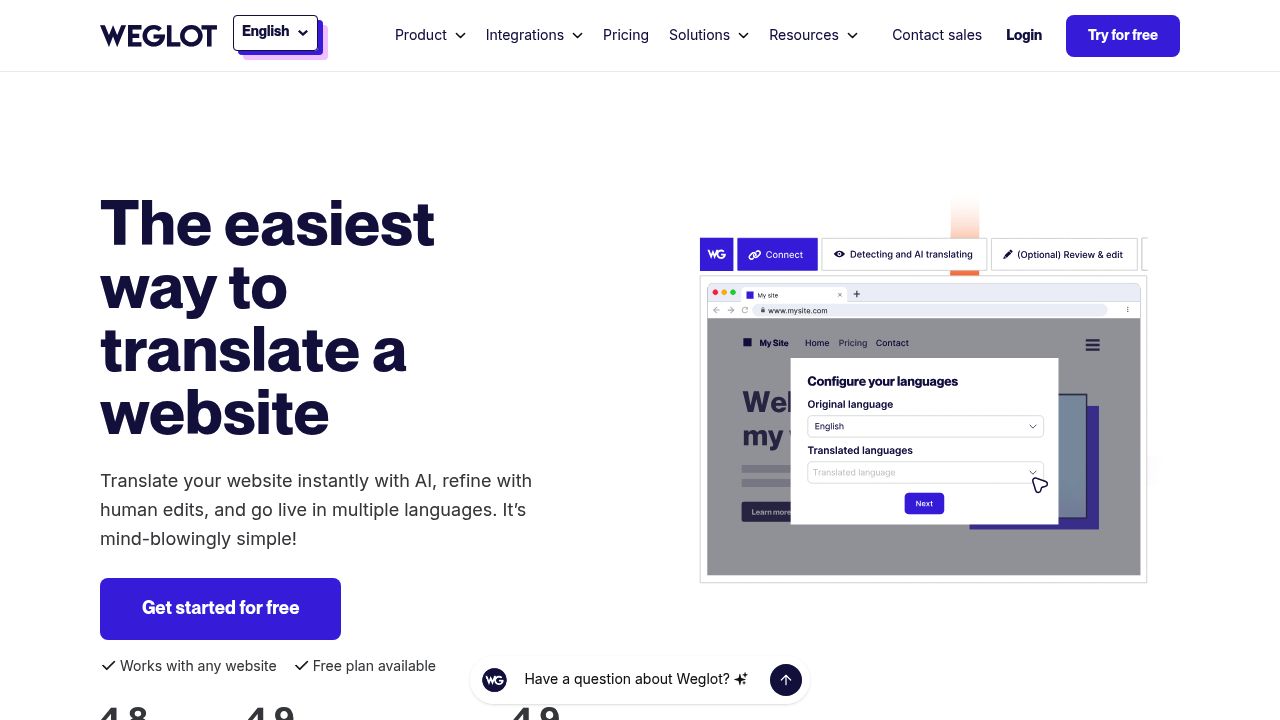
Weglot is the most mature no-code website translation platform available. You add a JavaScript snippet or install a plugin (WordPress, Shopify, Webflow, and others), and Weglot automatically detects and translates your content. A language switcher appears on your site, and translated pages are served under unique URLs with proper hreflang tags.
What makes Weglot stand out is the combination of automation and control. It uses machine translation (you can choose between Google, DeepL, or OpenAI as the engine) for the first pass, then lets you manually edit any translation through an in-context visual editor or a list-based editor. You can also order professional human translations directly from the dashboard.
Weglot handles dynamic content, JavaScript-rendered text, checkout flows, image translation, and metadata. For SEO, it generates dedicated subdirectories or subdomains for each language, creates a multilingual sitemap, and manages hreflang tags automatically.
Pricing:
- Free: 2,000 words, 1 language
- Starter: €15/month — 10,000 words, 1 language
- Business: €29/month — 50,000 words, 3 languages
- Pro: €79/month — 200,000 words, 5 languages
- Advanced: €299/month — 1,000,000 words, 10 languages
- Extended: €699/month — 5,000,000 words, 20 languages
- Enterprise: custom pricing
Pros
- Fastest setup of any tool in this list — often under 10 minutes
- Strong SEO support with automatic hreflang, translated URLs, and sitemaps
- Multiple translation engine options (Google, DeepL, OpenAI)
- Visual editor for in-context translation review
- Wide platform support (WordPress, Shopify, Webflow, Squarespace, custom sites)
Cons
- Gets expensive at scale — the word-based pricing adds up for content-heavy sites
- Language limits on lower plans (only 1 language on Starter)
- You do not own the translations — they live on Weglot’s servers
- If you cancel, your translations are gone
Best for: Businesses that want a polished, turnkey multilingual site with strong SEO and no development work.
2. ConveyThis — Best Budget-Friendly Website Translator
Website: conveythis.com
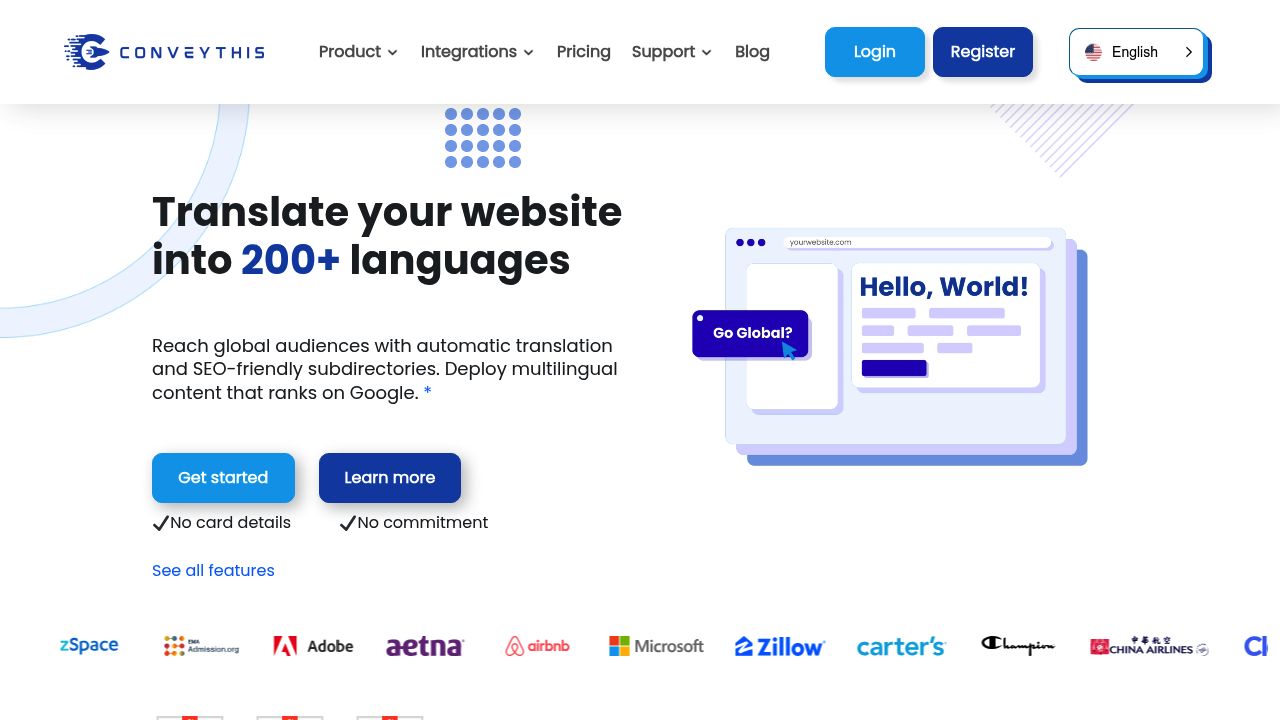
ConveyThis works similarly to Weglot — add a script, get automatic translation with a language switcher — but offers significantly more generous word and language limits at lower price points. It supports over 200 languages and works with WordPress, Shopify, BigCommerce, Squarespace, Wix, and custom sites.
The platform includes a visual editor and a text-based editor for refining translations, a glossary feature to lock specific terms, and automatic hreflang tag management. It also supports URL translation and custom domain mapping per language.
Where ConveyThis shines is value for money. At $24/month you get 100,000 words and 3 languages — comparable to Weglot’s €79/month Pro plan in terms of word volume. For sites with large amounts of content that need many languages, the savings compound quickly.
Pricing:
- Free: 5,000 words, 1 language
- Starter: $12/month — 30,000 words, 1 language
- Business: $24/month — 100,000 words, 3 languages
- Pro: $64/month — 400,000 words, 5 languages
- Corporate: $240/month — 1,500,000 words, 20 languages
- Enterprise: custom pricing
Pros
- Best word-to-price ratio in this comparison
- 200+ languages supported
- Multi-domain support on higher plans
- Glossary and term-locking features
- SEO-friendly with hreflang tags and URL translation
Cons
- Translation quality is slightly below Weglot’s when using the default engine
- The visual editor is less polished than Weglot’s
- Smaller community and fewer third-party integrations
- Support response times can be slower on lower plans
Best for: Content-heavy websites or small businesses that need many languages without a large budget.
3. TranslatePress — Best Self-Hosted Option for WordPress
Website: translatepress.com
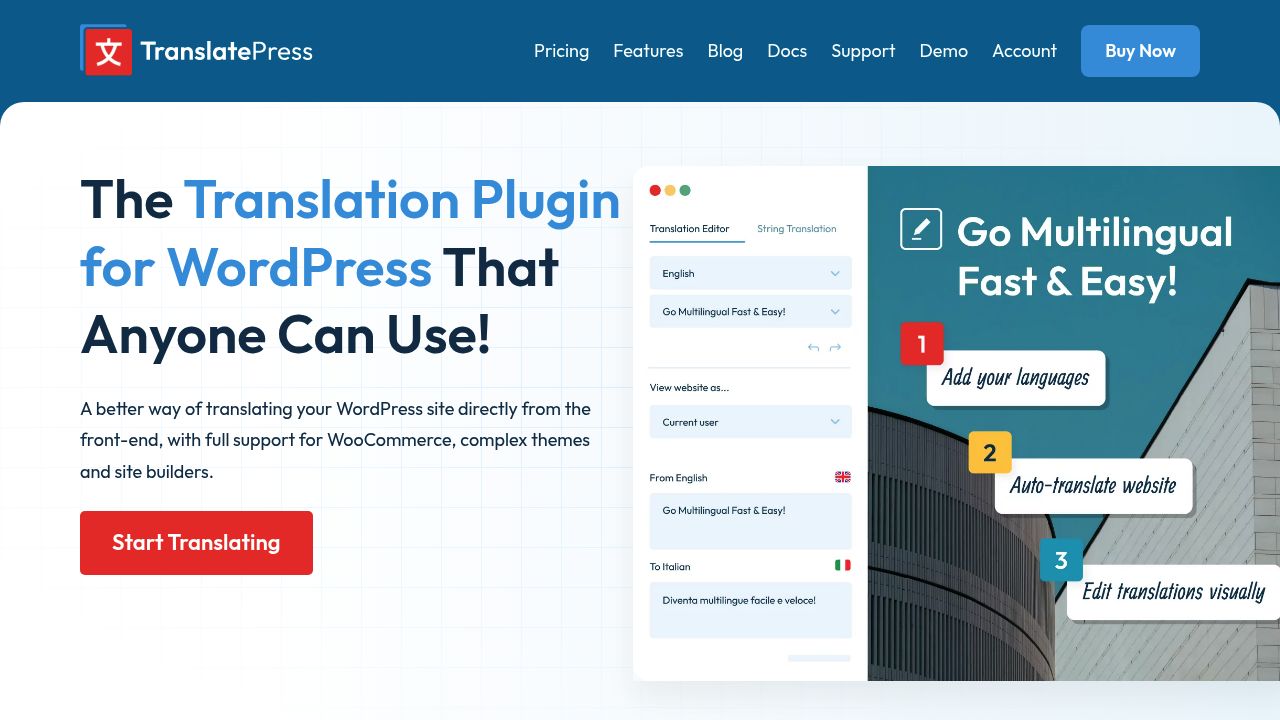
TranslatePress takes a fundamentally different approach from Weglot and ConveyThis. Instead of proxying your site through an external service, TranslatePress is a WordPress plugin that stores translations directly in your WordPress database. You own your translations completely, and they stay even if you stop paying.
The standout feature is its front-end visual translation interface. You browse your live site and click on any text to translate it — including content from WooCommerce, page builders, themes, and plugins. It supports both Google Translate and DeepL for automatic first-pass translation, then you refine in context.
For SEO, TranslatePress creates separate URLs for each language, generates hreflang tags, translates URL slugs, and integrates with popular SEO plugins like Yoast and Rank Math. The Business and Developer plans support assigning different domains per language.
Pricing:
- Free: basic translation, 2,000 AI words
- Personal: €99/year — 50,000 AI words, 1 site
- Business: €199/year — 200,000 AI words, 3 sites, DeepL support
- Developer: €349/year — 500,000 AI words, unlimited sites
Pros
- Full data ownership — translations live in your database
- Excellent visual translation editor
- GPL licensed — your site keeps working even after your license expires
- Strong SEO support with slug translation and multi-domain
- One-time annual cost instead of monthly per-word billing
Cons
- WordPress only — no support for Shopify, custom sites, or other CMS platforms
- Requires more initial setup than SaaS tools
- AI word limits can run out fast on large sites (extra words cost €24/100K)
- Performance depends on your hosting — large translation databases can slow down budget hosts
Best for: WordPress site owners who want full control over their translations and prefer a one-time annual cost.
4. OpenL — Best for Instant Translation and Developer Localization Files
Website: openl.io/translate/website
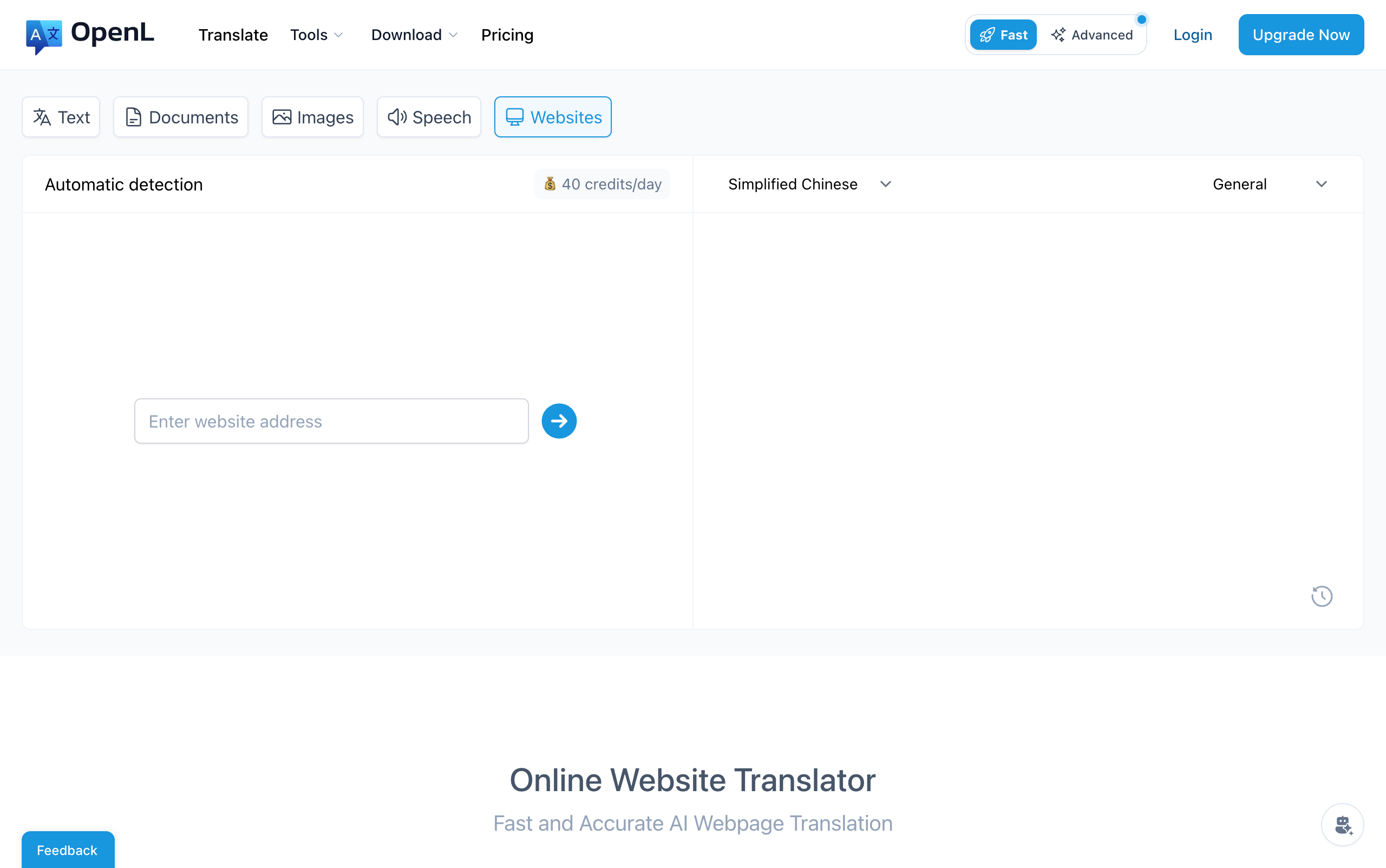
OpenL covers two distinct website translation use cases: instant page-level translation for anyone reading foreign websites, and developer-focused localization file translation for teams building multilingual web applications.
For reading and research, OpenL lets you paste any URL and get an instant translated version of that page in 100+ languages — including less common ones like Ancient Greek and Toki Pona. Useful for quickly reading international news, researching competitor sites, or previewing how your site reads in another language.
For developers, OpenL Doc Translator offers dedicated tools for the file formats used in software localization workflows:
- HTML Translator — Translates
.htmland.htmfiles while preserving tags, attributes, and document structure. Useful for translating static site templates or email templates. - PO File Translator — Translates gettext
.pofiles, the standard localization format for WordPress, Django, Drupal, and many open-source projects. Preservesmsgid/msgstrpairs, placeholders like%sand:name, and developer comments. - JSON Translator — Translates structured
.jsonlocalization files used by React, Vue, Next.js, and other JavaScript frameworks. Keys, nesting, and placeholders stay intact — only the string values are translated.
All three tools use a pay-per-use model: upload the file, select a target language, and receive the translated file with its structure fully preserved. This is particularly useful when you already have a localization setup and just need to translate a new language version of your i18n files without a full platform subscription.
Pricing:
- Free: 30 daily credits, up to 1,500 characters per translation
- Pro: 1,000 advanced credits/month, up to 100,000 characters per translation
- Business: unlimited credits, up to 150,000 characters per translation
Pros
- No setup required for page translation — paste a URL and go
- Dedicated tools for HTML, PO, and JSON localization files
- Structure-preserving translation keeps developer files technically valid
- 100+ languages, including rare and historical languages
- Chrome extension for in-browser translation
- DeepThink mode for higher-quality contextual output
Cons
- Not a CMS integration — does not add a language switcher to your live site
- No automatic SEO features (hreflang, translated URLs, sitemaps)
- Character limits on free and Pro plans
- File-based workflow requires manual re-upload when content changes
Best for: Individuals reading foreign web pages, and developers who need to translate HTML templates or i18n files (PO, JSON) as part of a localization workflow.
5. DeepL Pro — Best Translation Quality via API
Website: deepl.com/pro-api
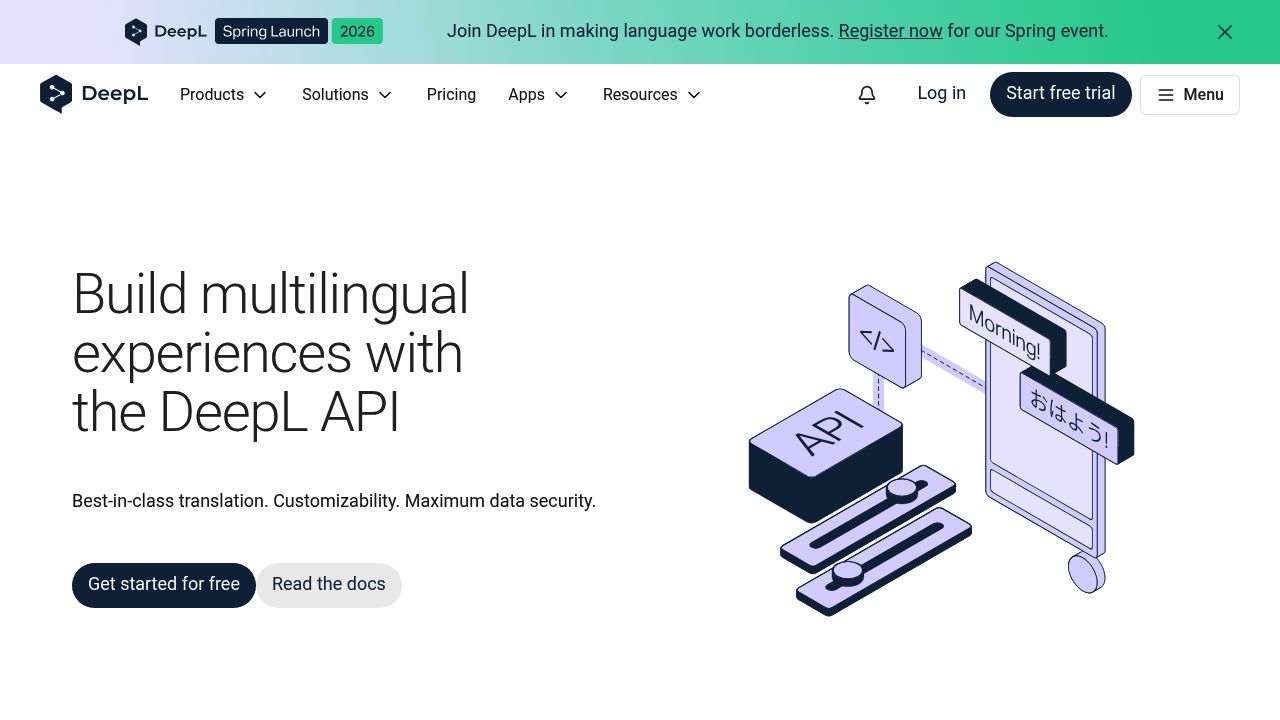
DeepL is not a website translation platform in the same sense as Weglot or ConveyThis. It is a translation engine — widely regarded as producing the most natural-sounding output, especially for European languages. Many of the other tools in this list (including Weglot and TranslatePress) offer DeepL as a translation engine option.
For developers and teams building custom translation workflows, the DeepL API provides direct access to this quality. You can integrate it into your CMS, build custom translation pipelines, or use it alongside a localization platform like Lokalise or Crowdin.
DeepL supports 33 languages — fewer than Google or OpenL, but with consistently higher quality for the languages it does cover. It handles HTML content well and strips tags before counting characters, which reduces costs for markup-heavy web content.
Pricing:
- Free API: 500,000 characters/month (text may be used for training)
- Pro API: $5.49/month + $25 per million characters (data never used for training)
Pros
- Best-in-class translation quality for European languages
- Clean API with official libraries for Python, Node.js, PHP, Ruby, Java, and .NET
- HTML-aware character counting saves money on web content
- Pro tier guarantees data privacy — no training on your content
- Used as an engine by many other tools in this list
Cons
- Only 33 languages — no coverage for many Asian, African, or indigenous languages
- API-only — requires developer effort to integrate
- No built-in SEO features, language switcher, or CMS plugin
- $25/million characters adds up for high-volume sites
- 50,000 character minimum billing per document file
Best for: Developers who want the highest translation quality and are willing to build or customize the integration themselves.
6. Linguise — Best for Unlimited Languages on a Budget
Website: linguise.com
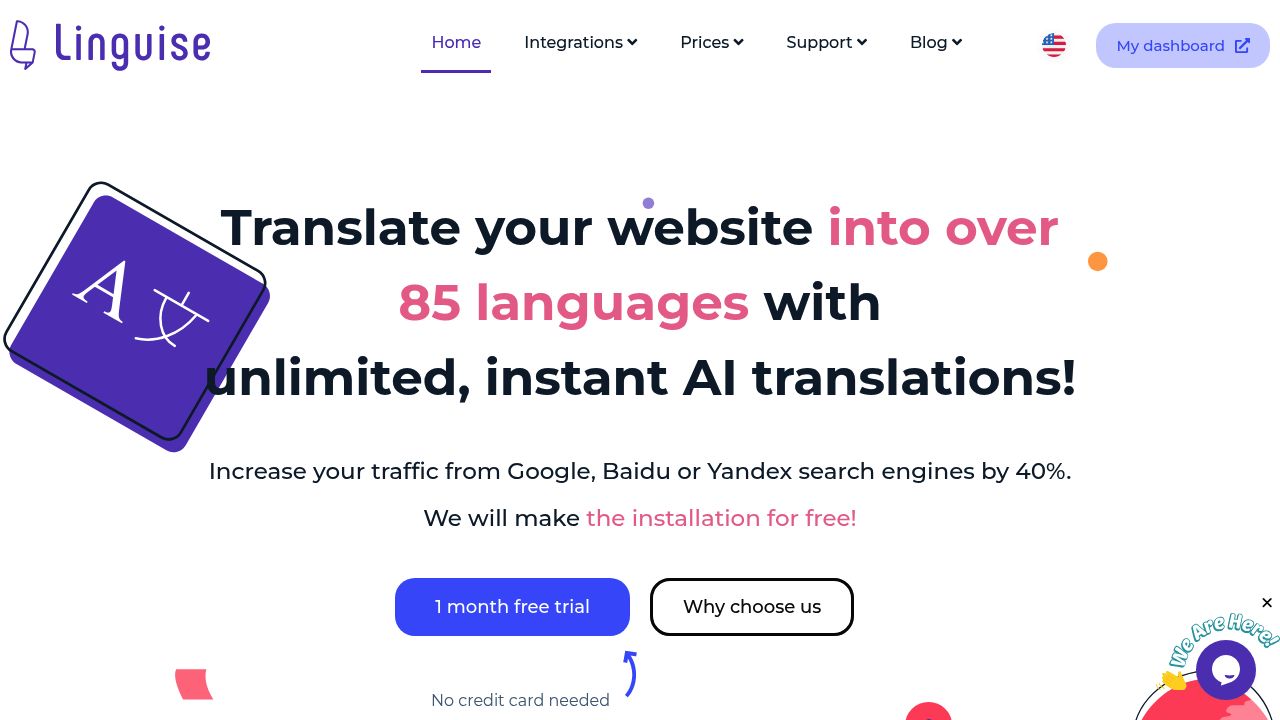
Linguise is a SaaS website translator that differentiates itself with one key feature: unlimited languages on every plan. While Weglot limits you to 1–20 languages depending on your plan, and ConveyThis caps at 3–100, Linguise lets you enable as many languages as you want from their 80+ supported languages.
The platform works with WordPress, Joomla, WooCommerce, Shopify, and many other platforms via a JavaScript snippet. Translations are served server-side (not client-side like the old Google Translate widget), which means they are fully indexable by search engines. Linguise handles hreflang tags, translated URLs, and SEO metadata automatically.
Linguise uses Google Cloud AI for its default translation engine and offers a premium “Linguise AI Translation” option powered by large language models for improved accuracy. You can edit translations through a front-end live editor.
Pricing:
- Start: $15/month — 200,000 words, unlimited languages
- Pro: $25/month — 600,000 words, unlimited languages
- Large: $45/month — unlimited words (fair usage), unlimited languages
All plans include a 1-month free trial.
Pros
- Unlimited languages on every plan — best in class for this
- Server-side rendering for full SEO indexability
- Competitive pricing with generous word limits
- Works across many CMS platforms
- Front-end live editor for translation review
Cons
- Smaller market presence — fewer reviews and community resources than Weglot
- 80+ languages is fewer than ConveyThis (200+) despite unlimited access
- Fair usage policy on the unlimited plan could restrict very high-traffic sites
- Premium AI translation is an additional cost
- 1 website per plan — need multiple plans for multiple sites
Best for: Websites that need many languages simultaneously without per-language pricing.
7. Smartcat — Best for Enterprise Translation Teams
Website: smartcat.com
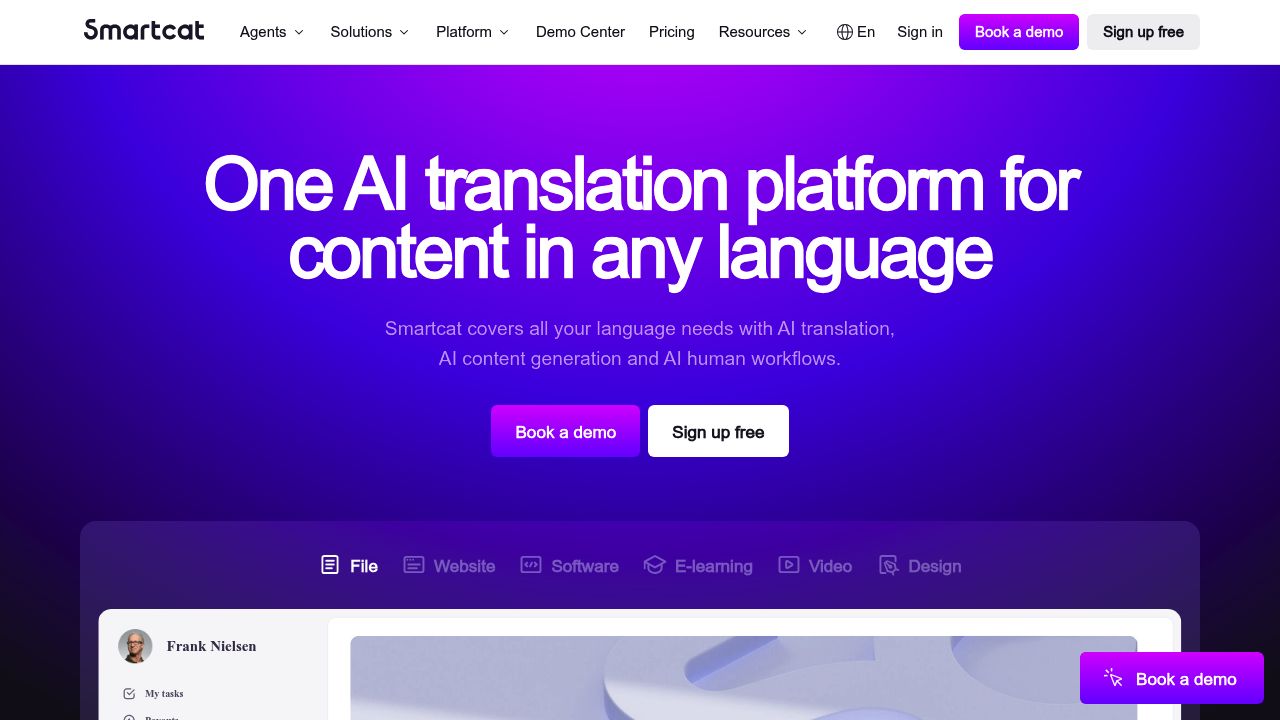
Smartcat is an enterprise-grade translation management platform combining AI translation, a human translator marketplace, translation memory, terminology management, and workflow automation.
For website translation, Smartcat offers a JavaScript widget that detects and translates content on the fly — including React and Vue rendered content. Its “Adaptive AI” learns from manual corrections and applies them site-wide. It integrates with CMS platforms, Figma, GitHub, and GitLab for full-team workflows.
Pricing:
- Smartcat uses custom enterprise pricing based on volume and needs
- Free trial available
- Contact sales for a quote
Pros
- Full translation management platform, not just a widget
- Adaptive AI that learns from corrections
- Handles JavaScript-rendered content (React, Vue, Angular)
- Built-in marketplace of human translators
- Translation memory and terminology management reduce costs over time
Cons
- Overkill for small sites or simple blogs
- No transparent public pricing
- Steeper learning curve than simpler tools
- Enterprise focus means less attention to SMB needs
- Setup requires more effort than plug-and-play alternatives
Best for: Large organizations managing multilingual content at scale across multiple websites and products.
Comparison Table
| Tool | Best For | Languages | SEO Support | Setup | Starting Price |
|---|---|---|---|---|---|
| Weglot | No-code SaaS | 30+ | Full (hreflang, URLs, sitemap) | 10 min | €15/mo |
| ConveyThis | Budget-friendly | 200+ | Full (hreflang, URLs) | 15 min | $12/mo |
| TranslatePress | WordPress self-hosted | Unlimited* | Full (hreflang, URLs, slugs) | 30 min | Free / €99/yr |
| OpenL | Instant translation + dev i18n files | 100+ | N/A | None | Free |
| DeepL Pro | API quality | 33 | None (API only) | Dev work | $5.49/mo + usage |
| Linguise | Unlimited languages | 80+ | Full (hreflang, URLs) | 15 min | $15/mo |
| Smartcat | Enterprise teams | 200+ | Widget-based | Custom | Contact sales |
*TranslatePress supports unlimited languages via Google Translate or DeepL engine integration.
How to Choose the Right Website Translator
The best tool depends on your situation. Here is a quick decision framework:
“I want the easiest, most polished setup.” Go with Weglot. It has the smoothest onboarding, the best visual editor, and the widest platform support. You will pay more per word, but the time savings and quality of the experience justify it for most businesses.
“I need to translate a lot of content on a tight budget.” Choose ConveyThis or Linguise. ConveyThis offers the best word-to-price ratio and supports 200+ languages. Linguise is even cheaper if you need unlimited languages but fewer total words.
“I use WordPress and want to own my translations.” TranslatePress is the clear choice. Your translations live in your database, you control the hosting, and the visual editor is excellent. The annual pricing model is also more predictable than per-word monthly billing.
“I need to quickly read foreign web pages, or I’m a developer translating i18n files.”
Use OpenL for instant page translation — paste a URL and get results in 100+ languages with no setup. For developers, OpenL Doc Translator handles .po, .json, and .html localization files: it preserves all keys, placeholders, and structure so the output drops straight into your project.
“I need the highest-quality translations possible.” Use DeepL Pro as your translation engine, either directly via the API or through a platform like Weglot or TranslatePress that supports DeepL as a backend. DeepL consistently produces the most natural output for European languages.
“I manage translations across a large organization.” Smartcat gives you the workflow management, team collaboration, and quality assurance tools that simpler platforms lack. The investment in setup pays off when you are coordinating translations across multiple products and teams.
“I am not sure yet and want to test a few options.” Most tools in this list offer free plans or free trials. Start with Weglot’s free plan (2,000 words) or ConveyThis’s free plan (5,000 words) to see how the workflow feels before committing.
Tips for Getting the Most Out of Website Translation
1. Start with your highest-traffic pages. Do not translate your entire site at once. Identify pages with the most international traffic and translate those first for the fastest ROI.
2. Always review machine translations before publishing. AI translation still makes mistakes with idioms, brand-specific terminology, and cultural references. Have a native speaker review your most important pages (homepage, pricing, checkout).
3. Use glossaries and term locks. Most tools support glossary features that prevent specific terms from being translated. Use these for brand names, product names, and technical terms.
4. Set up proper multilingual SEO from day one. Make sure your tool generates unique URLs, adds hreflang tags, creates a multilingual sitemap, and translates page titles and meta descriptions. For a detailed audit process, see our translation QA checklist.
5. Monitor translation quality over time. Set up a regular review cycle — monthly or quarterly — to catch quality issues before they accumulate.
Conclusion
Website translation in 2026 is a competitive necessity for any business with international ambitions. Weglot offers the best balance of ease, quality, and SEO support. ConveyThis and Linguise are excellent for budget-conscious teams. TranslatePress is unbeatable for WordPress owners who want full data control. DeepL Pro delivers the best raw translation quality via API. Smartcat serves enterprise teams with full workflow management.
The most important step is the first one. Pick a tool, translate your top pages, and start reaching the global audience your content deserves. If you want a quick test before committing, try OpenL’s website translator — paste any URL and see your page in a new language in seconds. Developers can also try the HTML, PO, or JSON translators to localize their i18n files instantly.