Best Audio Translators in 2026
TABLE OF CONTENTS
Whether you need to translate a podcast episode, a business meeting recording, or a live conversation — these five tools cover the full range of audio translation needs in 2026.
At a Glance
| Best for | Tool |
|---|---|
| Free, real-time conversation | Google Translate |
| Content creators who need dubbing + subtitles | Maestra |
| Meeting transcription with speaker labels | Notta |
| Quick text-only translation from audio | OpenL |
| Studio-quality AI voice dubbing | ElevenLabs |
Google Translate
Google Translate remains the most accessible audio translation tool — it’s free, works on any smartphone, and as of June 2026 runs on Gemini 3.5 Live Translate, a major upgrade to its speech engine.
Key features:
- 70+ languages with automatic detection — no need to manually select source language
- Continuous real-time translation with only 2–3 seconds of lag, down from the previous 10–20 seconds
- Voice preservation — the translated output keeps the speaker’s original intonation, pitch, and emotional tone, rather than a robotic voice
- Listening Mode on Android lets you hold the phone to your ear like a call for private translations
- Conversation mode for back-and-forth dialogue between two languages
- Works with any paired headphones
Pricing: Free.
Website: translate.google.com
Google Translate is the best starting point for travelers and everyday use. The trade-off: it’s designed for live speech, not for uploading pre-recorded audio files or exporting transcripts.
Maestra
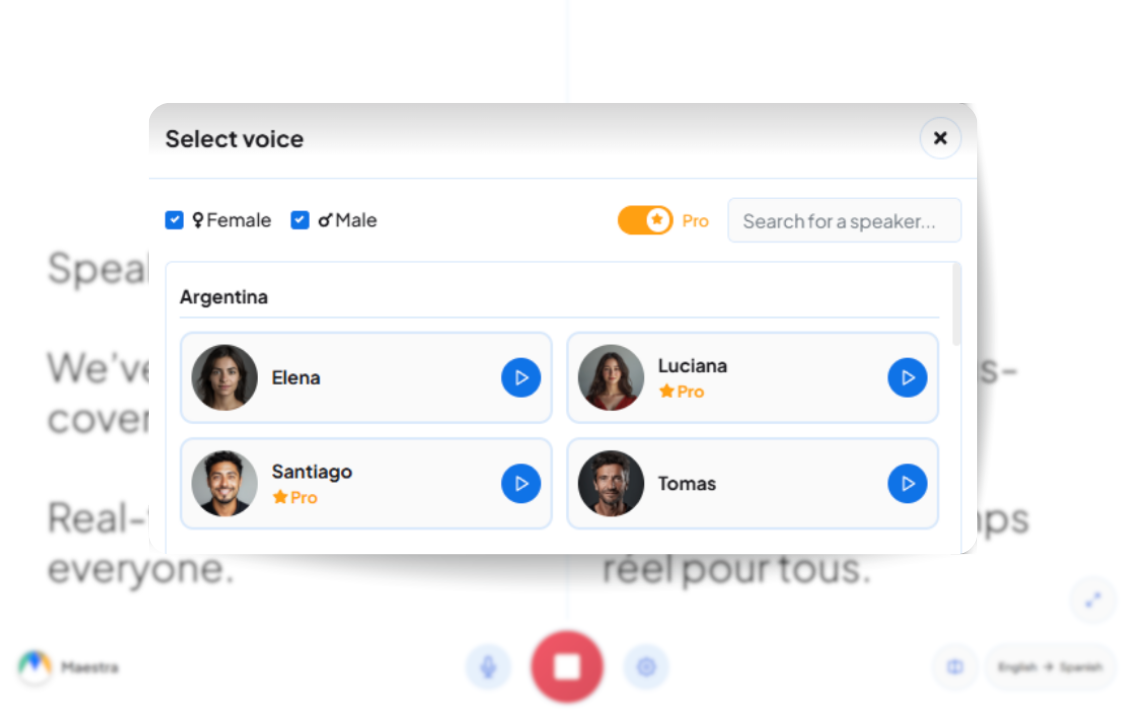
Maestra is an all-in-one platform built for content creators — it transcribes, translates, and generates AI voiceovers in a single workflow.
Key features:
- 125+ languages with regional dialect options
- AI voice cloning — reproduces the original speaker’s voice in any target language
- AI dubbing with editable voiceover (adjust pacing, timing, volume, and pronunciation)
- Automatic subtitle and transcript export in SRT, VTT, DOCX, PDF, JSON
- Live translation with real-time captions in 125+ languages
- Integrations with YouTube, TikTok, Zoom, Slack, and Zapier
- Supported audio formats: MP3, WAV, M4A, FLAC
Pricing: Pay-as-you-go starts at $12 for 60 credits (1 credit = 1 minute of audio). Subscription plans from $23/month (180 min) to $79/month (900 min). Free trial available with no account required.
Website: maestra.ai
Maestra is the strongest pick if you need both translated subtitles and a dubbed audio track — for podcasts, YouTube videos, or online courses.
Notta
Notta prioritizes transcription accuracy and is built for meetings and interviews where getting every word right matters.
Key features:
- 98.86% transcription accuracy claim, with 1 hour of audio processed in roughly 5 minutes
- 58 transcription languages and 42 translation languages
- Speaker identification — automatically labels different speakers in multi-person conversations
- Meeting bot that auto-joins and records Zoom, Teams, Google Meet, and Webex calls
- AI-generated summaries with key points and action items
- Exports to DOCX, PDF, TXT, SRT, XLSX
- Supported audio formats: MP3, WAV, M4A, MP4
- Enterprise security: AES-256 encryption, SOC 2 Type II, ISO 27001, GDPR, HIPAA compliant
Pricing: Free plan (120–200 min/month, 3-min limit per recording). Pro at $8.17–$14.99/month (1,800 min). Business at $27.99/month (unlimited transcription, team workspaces). Translation available on Pro and above.
Website: notta.ai
Notta is the best choice when you need an accurate transcript first and translation second — especially for multi-speaker meetings where knowing who said what is as important as what was said.
OpenL
OpenL takes a different approach: it translates audio into clean, readable text — no dubbing, no voiceover, just the translated content.
Key features:
- 100+ languages with automatic source language detection
- Supported audio formats: MP3, MP4, WAV, M4A, WEBM (up to 100 MB on Pro plan)
- DeepThink Pro — allocates extra computing resources for complex or specialized audio (technical lectures, industry jargon)
- Smart Context Pro — analyzes surrounding speech segments to improve accuracy on homophones and ambiguous phrases
- Built-in text-to-speech for reading translations aloud
- Also handles documents, images, and scanned PDFs in the same platform
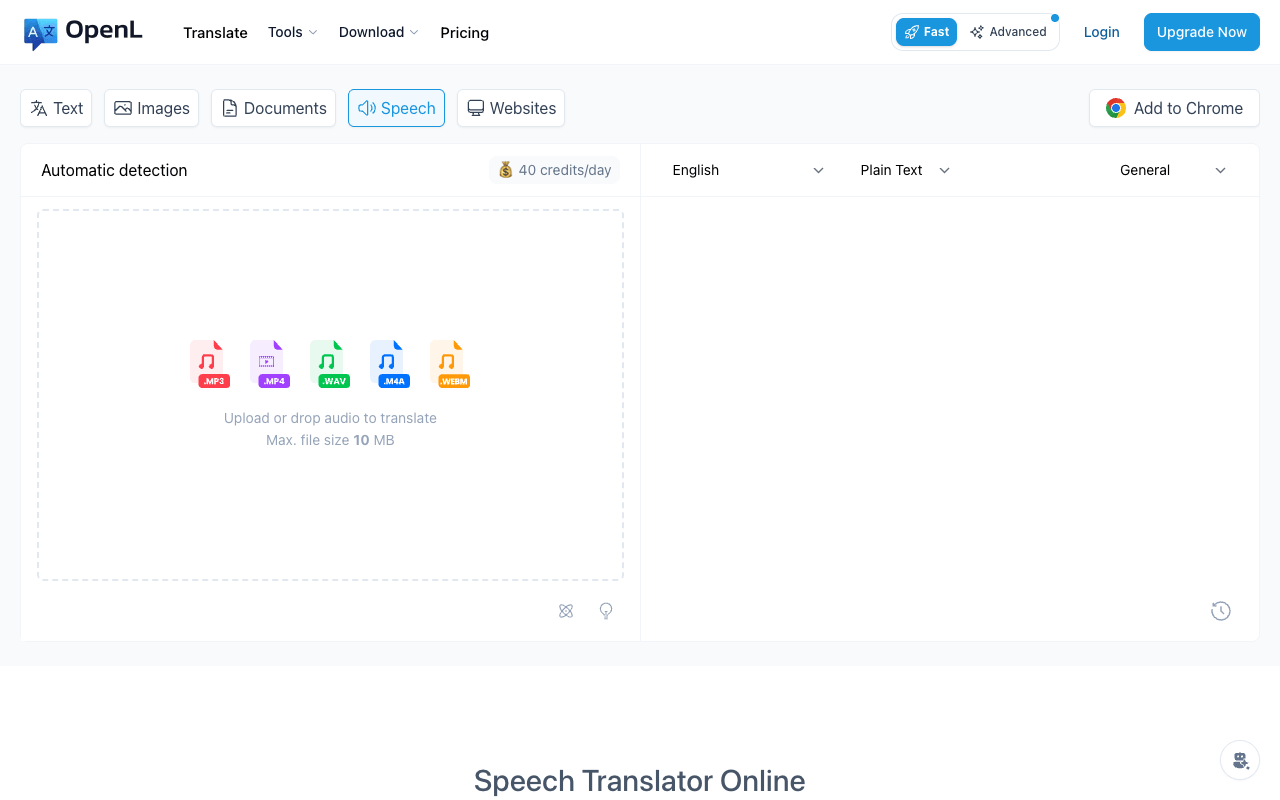
Pricing: Free (10 speech translations/day, 1,500 characters, 10 MB files). Starter at $8.90/month. Pro at $9.90/month (100,000 characters, 100 MB files, DeepThink + Smart Context). Ultimate at $24.90/month (unlimited).
Website: openl.io
OpenL is the right tool when you don’t need voice output — you just want to understand what was said in a recording and get a clean translation. It’s also a practical choice if you already use OpenL for document and image translation, since everything lives in one platform.
If you need a step-by-step walkthrough, see our guide on how to translate audio files.
ElevenLabs
ElevenLabs leads in AI voice quality. Its dubbing tool (refreshed with Dubbing v2 in May 2026) doesn’t just translate — it recreates the speaker’s voice in another language with natural pacing and emotional tone.
Key features:
- 29 languages for AI dubbing with voice cloning
- 90+ languages and accents available in the broader voice library
- Audio-to-audio model — translates directly from the source audio instead of the traditional transcribe→translate→speak pipeline, which means fewer errors and more of the original performance preserved
- Sync-aware translation — translated speech timing aligns with the original
- Two delivery paths: ElevenCreative (self-service, automated) and ElevenProductions (studio-grade with human translators and professional mixing)
- Dubbing Studio editor for fine-tuning translated audio
- Text-to-speech with 5,000+ AI voices across the platform
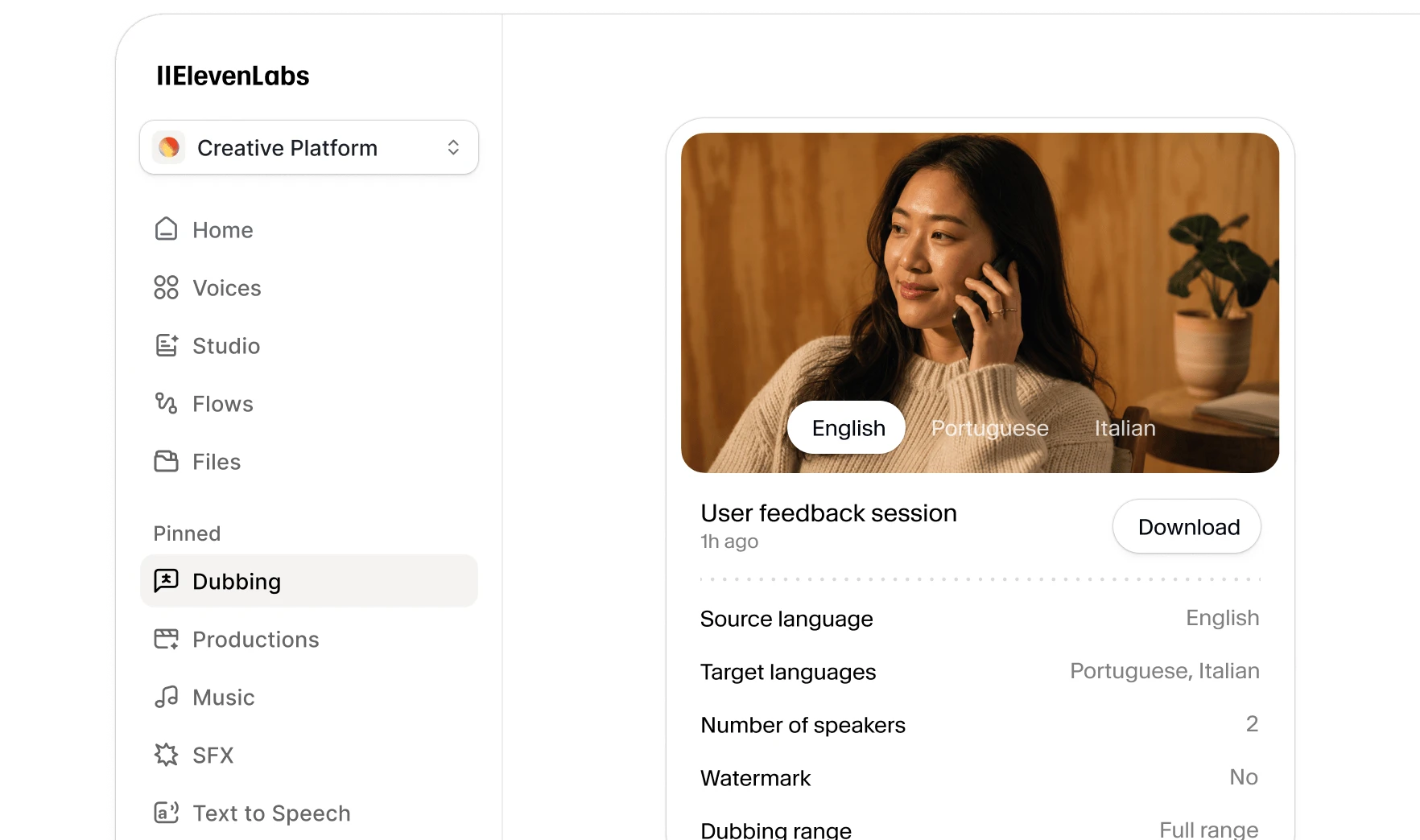
Pricing: Free (1 minute of dubbing, watermarked). Starter at $5–$6/month (~15 minutes dubbing). Creator at $22/month (~30 minutes, professional voice cloning). Pro at $99/month (frequent production). Enterprise with managed dubbing available on custom pricing. API access at $0.33/min (watermarked) or $0.50/min (clean).
Website: elevenlabs.io/dubbing
ElevenLabs is the pick when voice quality is non-negotiable — podcasts, audiobooks, video narration, or any content where a robotic translation voice would undermine the production value.
Comparison Table
| Google Translate | Maestra | Notta | OpenL | ElevenLabs | |
|---|---|---|---|---|---|
| Languages | 70+ | 125+ | 42 (translation) | 100+ | 29 (dubbing) |
| Free tier | Unlimited | Free trial | 120–200 min/mo | 10/day | 1 min (watermarked) |
| Voice/dubbing output | Yes | Yes | No (text only) | No (text only) | Yes |
| Speaker identification | No | No | Yes | No | No |
| Subtitle export | No | Yes (SRT, VTT) | Yes (SRT) | No | No |
| Starting paid price | Free | $23/mo | $8.17/mo | $8.90/mo | $5/mo |
| Best for | Travel, casual conversation | Content creators | Meetings, interviews | Quick text translation | Studio-quality dubbing |
Which One Should You Pick?
Pick Google Translate if you need free, real-time speech translation on your phone — for travel, casual conversations, or understanding someone speaking another language.
Pick Maestra if you’re a content creator who needs the full package: transcription + translation + AI dubbing + subtitles, all in one editor.
Pick Notta if your priority is accurate meeting transcripts with speaker labels, and translation is the second step after getting a clean transcript.
Pick OpenL if you only need the translated text from an audio file — no voiceover, just a clear, accurate translation you can read or copy. Also a strong choice if you already translate documents and images with OpenL.
Pick ElevenLabs if voice quality is the deciding factor — for podcasts, audiobooks, or video content where a natural-sounding voice preserves the production value.
For a broader look at translation tools beyond audio, see our roundup of the best free online translators in 2026.
Sources
- Google Blog — Gemini 3.5 Live Translate — official announcement of real-time speech translation with voice preservation
- Maestra Audio Translator — official product page with features and supported languages
- Maestra Pricing — 2026 pricing breakdown by Sonix
- Notta Translation Guide — official feature overview and language support
- Notta Plan Comparison — official pricing and plan details
- Notta Review 2026 — independent feature and pricing verification by MeetGeek
- OpenL Speech Translation — official audio translation tool page
- OpenL Pricing — official pricing page with plan comparison
- ElevenLabs Dubbing — official product page with features and language support
- ElevenLabs Pricing — official pricing page with plan details
- ElevenLabs Dubbing Review (ToolWorthy) — independent feature and pricing verification