Best PO Translator in 2025
 Add to Chrome
TABLE OF CONTENTS
If you ship software in more than one language, you’ve almost certainly run into PO files — those .po or .pot files full of msgid / msgstr pairs that power your app’s translated UI. They’re the backbone of gettext-based localization used by WordPress, Drupal, Django, and countless Linux applications.
Fast-forward to 2025 and the landscape looks very different. Release cycles are shorter, products launch in more languages, AI translation is part of the default toolkit, and localization is expected to plug cleanly into CI/CD. The “best PO translator” today isn’t just about turning English into something else — it’s about:
- Preserving structure and placeholders,
- Fitting into your existing workflow, and
- Scaling as your product and team grow.
In this post, we’ll walk through what makes a good PO translator, and look at several real tools — including our own OpenL Doc Translator — plus POEditor, Localazy, and TranslatePOT.
What Makes a Good PO Translator?
Before we name any tools, it’s worth being clear on what “good” actually means in the PO world.
Translation Quality
You’re usually dealing with short UI strings: button texts, labels, error messages, menu items. A good PO translator:
- Produces natural, context-appropriate translations,
- Respects placeholders like
%s,{user},:name, and - Doesn’t “helpfully” translate or move those placeholders around.
Break a placeholder, break your build.
Structure Preservation
PO files are more than just key–value pairs. A solid tool keeps:
- Headers and metadata,
- Plural forms (
msgid_plural,msgstr[0],msgstr[1], …), - Comments and flags (like
fuzzy), - The overall file structure your existing tooling expects.
The output should be valid .po that Poedit, gettext, and your framework can consume without surprises.
Workflow Integration
Tools that live in isolation don’t age well. In 2025, PO translators should ideally support:
- Batch processing and ZIP uploads,
- APIs or CLI tools,
- Git integrations and webhooks,
- CI/CD hooks for continuous localization.
The more your PO translator fits into your pipeline, the less manual glue you need.
Team Features
As soon as localization involves more than one person, you start caring about:
- Roles and permissions,
- Review and approval workflows,
- Translation Memory (TM) to avoid re-translating the same strings,
- Glossaries / term bases for brand and technical terms.
A proper TMS makes this much easier than trying to manage PO files by hand.
Pricing & Scalability
Finally, the boring but important part:
- Is there a free tier you can experiment with?
- How do paid plans scale with strings, languages, and users?
- Can you predict costs as your product grows?
With that in mind, let’s look at the tools.
Top PO Translators in 2025
1. POEditor – The Collaboration Workhorse
Website: https://poeditor.com
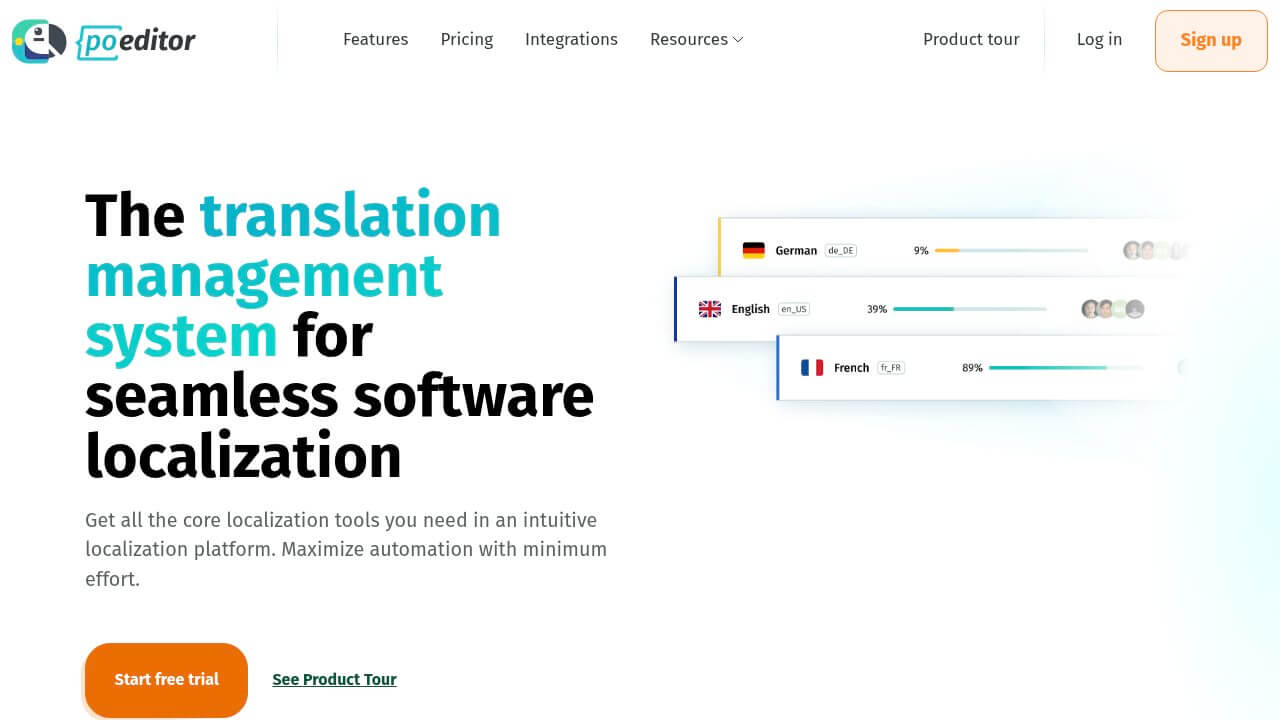
POEditor is a mature translation management system (TMS) built for software. PO files are first-class citizens, and the whole platform is geared towards teams that need structure and collaboration around localization.
What it offers
- Support for hundreds of languages and thousands of active projects
- Continuous localization flow: import PO → translate in the browser → sync back to your repo
- Collaborative editor with glossary, QA checks, and private Translation Memory
- Integrations with Git services, Figma, WordPress, webhooks, and a REST API
- Audit logs and reporting so you can see who changed what and when
Pricing (high-level)
- Free plan for up to 1,000 strings with unlimited projects
- Paid plans start around the mid-teens USD per month and scale with the number of strings and features
- Exact tiers and names change from time to time — always check the official pricing page for the latest details
Strengths
- Excellent fit for teams of 3+ people
- Strong collaboration and review features
- Mature integration ecosystem
- Easy for non-developers to use once set up
Limitations
- Overkill for one-off jobs or very small projects
- Steeper learning curve if you just want a quick translation
- Costs grow as your string count grows
Best for: Teams that need ongoing localization, multiple languages, and proper auditability and access control.
2. OpenL Doc Translator – Fast, High-Quality PO Translation
Website: https://doc.openl.io
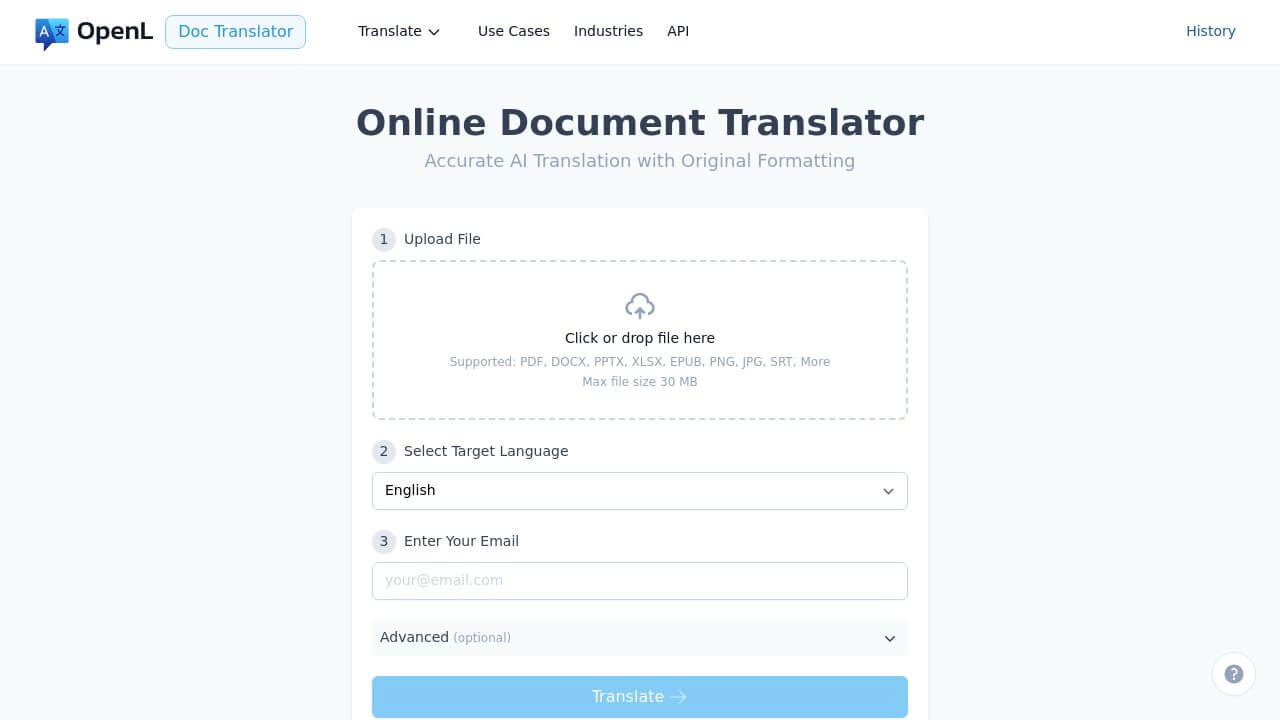
OpenL is best known as an AI-powered document translator (PDF, Word, Excel, PowerPoint and more) and now also supports dedicated PO file translation. The focus here is speed, quality, and low friction — especially useful when you want strong output without adopting a full-blown TMS.
What it offers
- Dead-simple workflow: upload a PO file (or a ZIP of PO files) → choose target languages → download translated PO
- Support for 100+ languages via a modern AI translation engine
- Structure-aware translation that preserves
msgid/msgstrpairs, comments, and placeholders - Consistent AI quality across both PO files and other document types
- No complex project structure required — you can just use the web UI when you need it
Pricing (high-level)
- Pay-per-use model based on document length and selected features
- PO files follow the same general billing approach as other document types
- The UI and pricing page will show you an estimated cost before you commit, so there are no surprises
Strengths
- Very fast — ideal when you’re on a tight deadline
- Minimal setup: no TMS to configure, no long onboarding
- Great for occasional or bursty PO translation needs
- High-quality AI output that significantly cuts down on manual work
- If your localization stack also includes manuals, marketing PDFs, or other content, you get one AI engine across all of it
Limitations
- Not a full TMS (no built-in multi-user project management or review workflows)
- No persistent, user-visible Translation Memory across separate sessions
- Pay-per-use can add up for very frequent, large PO updates
- Collaboration and review need to piggyback on your existing tools (e.g., Git, Poedit, or a separate TMS)
Best for: Solo developers, small teams, one-off or infrequent PO translation jobs, and organizations already using OpenL for documents who want to extend that workflow to PO files.
3. Localazy – Built for Automation and CI/CD
Website: https://localazy.com
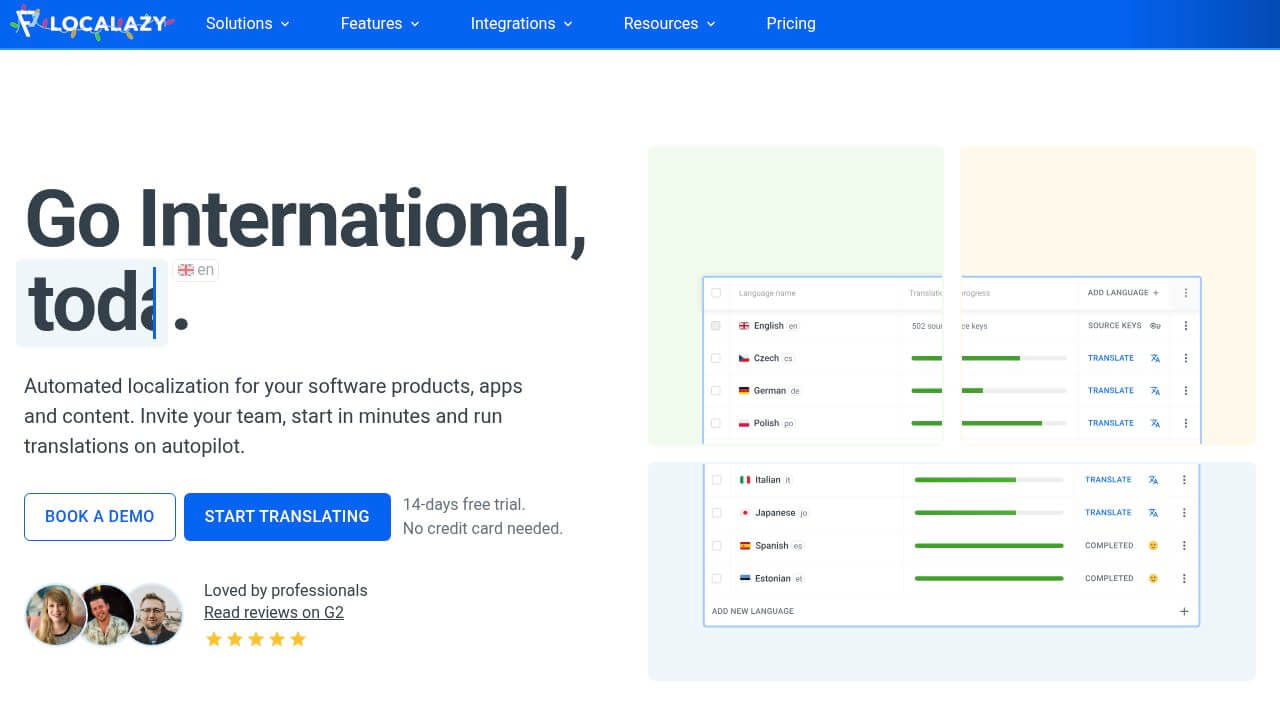
Localazy takes a clear developer-first stance. It leans heavily on CLI tooling and automation, and is aimed squarely at teams that want localization wired into CI/CD from day one.
What it offers
- CLDR-based plural rules for all supported languages, so you don’t have to hand-roll plural logic
- Placeholder detection to highlight variables and code snippets and keep translators from breaking them
- A powerful CLI for uploading POT/PO files and pulling down translations as part of your pipeline
- Translation Memory, glossary, QA checks, and AI translation for productivity
- Screenshots / context features so translators know where strings appear in the UI
Pricing (high-level)
- Free plan for very small projects (limited strings and languages)
- Paid subscriptions start roughly in the $30–40/month range for professional use, with higher tiers for larger teams and higher volumes
- Limits and plan names evolve, so it’s worth checking the Localazy pricing page for exact numbers
Strengths
- Great developer experience thanks to CLI and automation support
- Excellent plural handling (a big deal for complex languages)
- Well-suited to continuous localization and frequent releases
- Lets engineering teams treat localization like any other build step
Limitations
- Requires some initial setup and configuration
- Can feel too technical if translators are working solo without dev support
- Free tier is intentionally small — more of a trial than a long-term plan for bigger apps
Best for: Engineering-led teams with CI/CD, SaaS products with frequent UI changes, and projects where automation and plural correctness really matter.
4. TranslatePOT – Simple and Free
Website: https://translatepot.app
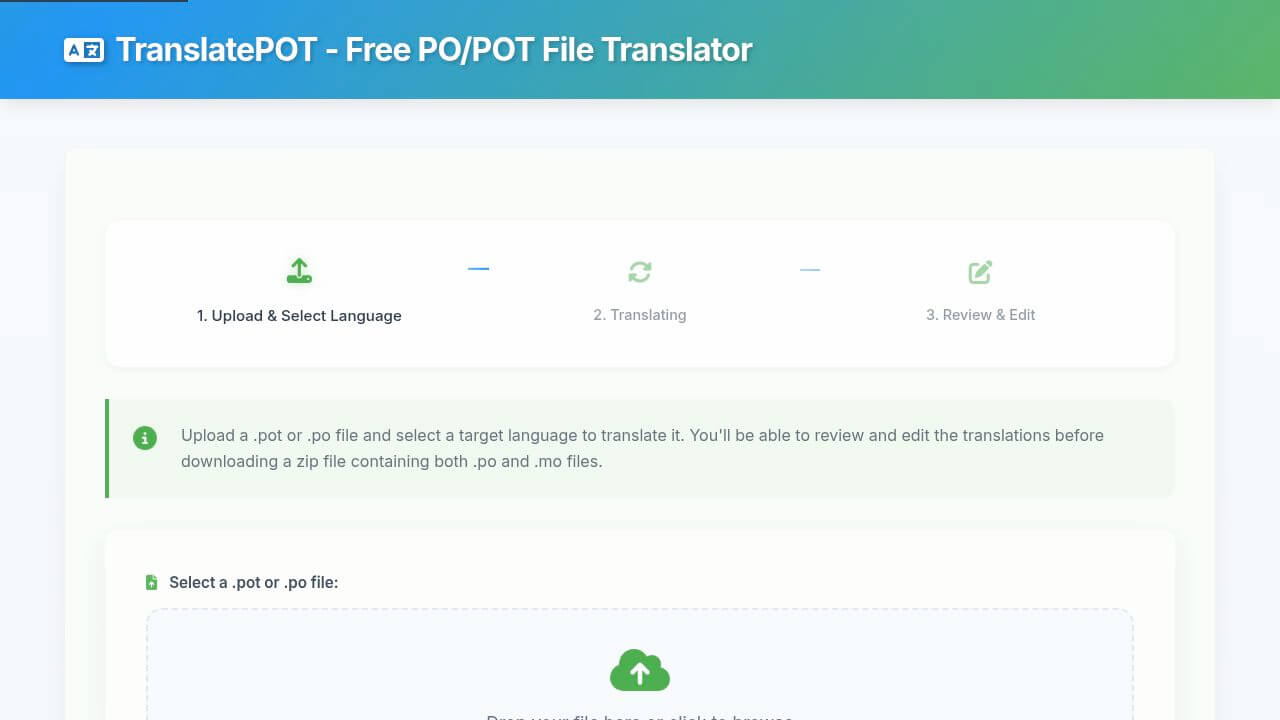
TranslatePOT is a free online tool laser-focused on PO/POT translation. There’s no platform to learn and no account to create — you just upload, translate, and download.
What it offers
- Support for 100+ languages
- In-browser editor for reviewing and tweaking translations
- Exports both
.poand.mofiles in a ZIP, ready to drop into your app - No registration required for typical usage
- Fully free to use
Pricing: Free.
Strengths
- Zero cost
- Automatic
.mofile generation (nice quality-of-life improvement) - Very simple UI
- Great for learning how PO works and for smaller side projects
Limitations
- Translation quality is serviceable but more variable than paid options
- No Translation Memory, glossary, or advanced QA
- No team features or integrations
- You’ll want to manually double-check placeholders and critical strings
Best for: Hobby projects, student projects, open-source work on a tight budget, and quick experiments where “free and simple” beats “powerful and integrated”.
Quick Comparison
| Tool | Best For | Pricing (high-level) | Key Strength |
|---|---|---|---|
| POEditor | Teams & collaboration | Free tier + paid plans from mid-teens USD/mo | Full TMS with rich integrations |
| OpenL Doc | Fast PO translation | Pay-per-use based on document length | Speed, simplicity & AI translation quality |
| Localazy | Dev automation | Free tier + paid plans from ~$30–40/mo | CLI, automation & CLDR-based plural rules |
| TranslatePOT | Zero-budget use cases | Free | No cost, includes .mo generation |
All pricing is approximate and subject to change. Always refer to each tool’s official pricing page for current details.
How to Choose
Solo developer with occasional needs
If you mostly work alone and only touch PO files now and then:
-
Have some budget and care a lot about quality and time-to-market? → OpenL Doc Translator is a great fit: high-quality AI, no setup overhead.
-
Absolutely no budget and you’re OK with manual review? → TranslatePOT gets the job done for free, just plan extra time for testing.
Small team (2–5 people) with regular updates
If you have a small product team and ship updates regularly:
-
Need shared context, review, and a browser UI for translators? → POEditor is a solid starting point with its free tier and straightforward upgrade path.
-
Your team is very dev-centric and comfortable with CLI tools? → Localazy free/entry-level plans can work well, especially if you already invest heavily in automation.
Dev team with CI/CD and frequent releases
If you’re pushing to production all the time and localization needs to keep up:
-
Want localization fully integrated into your pipelines? → Localazy is built for this style of workflow — use its CLI in CI/CD and let translators work in the web UI.
-
Prefer a more web-driven approach but still want automation? → POEditor plus its REST API, webhooks, and Git integrations is another strong option.
In either case, you can still bring OpenL Doc Translator into the mix for quick “AI boosts” — e.g., generating a first draft translation for a new language, then importing that into your TMS for refinement.
Enterprise setups with 50k+ strings
If you’re at the larger end of the spectrum:
- POEditor Enterprise is a natural candidate if you like its workflow and integrations.
- You might also evaluate enterprise-focused platforms like Lokalise, Phrase, or Crowdin (not covered in detail here) for additional features like advanced permissions, SSO, and deep in-context editing.
OpenL still plays a strong supporting role here for translating manuals, legal docs, marketing materials, and other content that lives outside of PO files, so you can keep your written content under one AI “voice”.
Real-World Scenarios
Indie Game: 1,200 strings, 8 languages, quarterly updates
-
Profile: 1–2 developers, limited budget and time.
-
Approach:
- Export your English PO file.
- Run it through OpenL Doc Translator for 7 additional languages.
- Test in-game and manually refine the most visible strings.
Result: a multi-language game in a day or two instead of a week. If budget is tight, TranslatePOT is an option, but plan extra time for review.
SaaS Startup: 3,500 strings, 12 languages, bi-weekly releases
-
Profile: Small engineering team, paying customers, constant change.
-
Approach:
- Use Localazy with its CLI in your CI pipeline.
- After each merge, upload POT/PO files, auto-translate, then send new strings into a review queue.
- Pull updated PO files before deployment.
Result: localization becomes just another step in your deployment pipeline instead of a painful, manual afterthought.
Open Source: 800 strings, 25 languages, volunteer translators
-
Profile: Maintainer plus community, zero budget.
-
Approach:
- Use POEditor free tier with a public project and invite contributors.
- Or combine initial machine translation (TranslatePOT or OpenL) with manual cleanup in Poedit.
Result: you avoid email chaos with .po attachments and give contributors a nicer experience.
WordPress Plugin: 2,000 strings, 15 languages, quarterly updates
-
Profile: Plugin author with a mix of free and paid users.
-
Approach:
- Use Localazy or POEditor for continuous localization and WordPress-friendly workflows.
- Or, when you need a quick catch-up on languages, run PO files through OpenL Doc Translator to get strong initial translations, then lightly review.
Result: better localized plugins, happier users, and far less manual string shuffling every quarter.
Common Mistakes to Avoid
Don’t:
- Assume placeholders are safe just because the PO file parses — always test in the app.
- Ship fully auto-translated UI with no human eyeballs on critical flows.
- Ignore plural forms; test with 0, 1, 2, and many items.
- Copy/paste PO content into generic web translators, which will almost certainly break structure.
Do:
- Test translations in a staging environment that mirrors production.
- Review key user-facing flows manually: onboarding, billing, errors, navigation.
- Create and maintain a glossary for brand, product, and technical terms.
- Write clear, translation-friendly source strings.
- Keep PO files under version control and treat them like code.
When to Look Beyond PO Files
PO files are fantastic for gettext-based stacks, but they aren’t the only option.
You might want other formats if you’re:
- Building modern JS frontends → JSON-based i18n (react-i18next, vue-i18n, etc.)
- Needing richer formatting and parameters → ICU MessageFormat
- Managing content-heavy sites → a CMS with built-in localization workflows
- Requiring heavy screenshot context and in-app editing → platforms like Lokalise or Phrase
PO remains a great fit for a huge number of projects, but it’s okay to mix and match when your architecture demands it.
Bottom Line
There’s no universal “best PO translator” in 2025. There is a best one for your team and your workflow:
- Best overall TMS for PO workflows: POEditor — strong collaboration, integrations, and a clear path from small to large projects.
- Best for developers and automation: Localazy — CLI-friendly, automation-ready, and serious about plural rules.
- Best for fast, high-quality PO translation: OpenL Doc Translator — the quickest route from upload to strong AI output, especially if you already rely on OpenL for documents.
- Best free option: POEditor’s free tier for teams, TranslatePOT for solo work and experiments.
Start with the simplest tool that fits how you ship today, but keep an eye on how your needs will evolve. A lot of teams begin with free tools or OpenL for quick wins, then move into POEditor or Localazy as their projects and teams grow.
Whatever you choose, remember: tools help, but clear source strings, context, human review, and good testing are what really make your localized product feel native.
Happy localizing!