Best Voice to Text Apps in 2026
 Add to Chrome
TABLE OF CONTENTS
The best voice-to-text app in 2026 depends less on raw recognition quality than on workflow. Some tools are built for fast dictation, some for meetings, some for offline privacy, and some for production-grade transcription APIs. This guide focuses on choosing the right fit, not pretending one app wins every category.
Most people do not need the same thing from speech recognition. A student dictating lecture notes, a podcaster cleaning up interview transcripts, and a legal team handling sensitive recordings should not be buying the same tool. That is why this article is organized around real use cases first, product features second.
How We Evaluated These Tools
Every app in this guide was judged on the same factors:
- Recognition quality in normal use — not just marketing claims, but how well the tool generally handles accents, background noise, and natural speech.
- Workflow fit — live dictation, recorded-file transcription, meetings, editing, and sharing.
- Privacy and deployment — browser-based, cloud-only, on-device, or fully self-hosted.
- Language support — especially whether the tool is useful beyond English.
- Pricing clarity — simple consumer pricing and whether the paid plan actually unlocks meaningful value.
This list focuses on tools that a normal buyer can actually adopt in 2026: standalone apps, widely used browser tools, and a small number of platforms that shape real purchasing decisions. We did not center OS-native features such as Apple Dictation, or API-first services such as Deepgram and AssemblyAI, because most readers searching for “best voice-to-text apps” want an end-user product rather than a developer stack. We also left overlap-heavy tools such as Notta out of the main ranking when they did not differentiate clearly enough from stronger entries like Otter.ai or Sonix.
Because pricing, limits, and feature bundles change frequently, treat any numbers here as a guide and verify the latest details on each vendor’s pricing page before publishing or purchasing.
Quick Picks
- Best free mobile option: Google Recorder
- Best for multilingual and privacy-first use: OpenAI Whisper
- Best for meetings: Otter.ai
- Best premium API / production transcription: ElevenLabs Scribe
- Best for compliance-focused teams: Sonix
- Best for creators editing audio and video: Descript
- Best no-signup browser option: OpenL Speech-to-Text
Comparison Table
| Tool | Best For | Works Offline? | Language Support | Concrete Strength | Starting Price |
|---|---|---|---|---|---|
| Google Recorder | Free mobile dictation | Yes, on supported Pixel devices | Mainstream spoken-language use | Searchable on-device transcripts | Free |
| OpenAI Whisper | Multilingual and private workflows | Yes, if self-hosted | 100+ languages | Open-source model with local deployment | Free self-hosted / usage-based API |
| Otter.ai | Meetings and team notes | No | English, French, Spanish | Auto-join, summaries, and shared meeting notes | Free / paid monthly plans |
| ElevenLabs Scribe | High-end transcription workflows | No | 90+ languages | API-first transcription with realtime options | Usage-based |
| Sonix | Compliance and transcript editing | No | 50+ languages | Browser editor plus enterprise controls | Usage-based |
| Descript | Podcasts and video teams | No | Best fit for English-first creator workflows | Edit audio and video by editing text | Free / paid monthly plans |
| OpenL Speech-to-Text | Instant browser dictation | Browser-based | Multilingual quick-use workflow | No-signup editable browser output | Free / paid plans |
A note on accuracy: vendors, reviewers, and benchmark sites often use different datasets and scoring methods, so headline comparisons can be misleading. In practice, microphone quality, accent, domain vocabulary, speaker overlap, and background noise usually matter more than a single published benchmark number.

The Best Voice-to-Text Apps in 2026
1. Google Recorder — Best Free Mobile Dictation
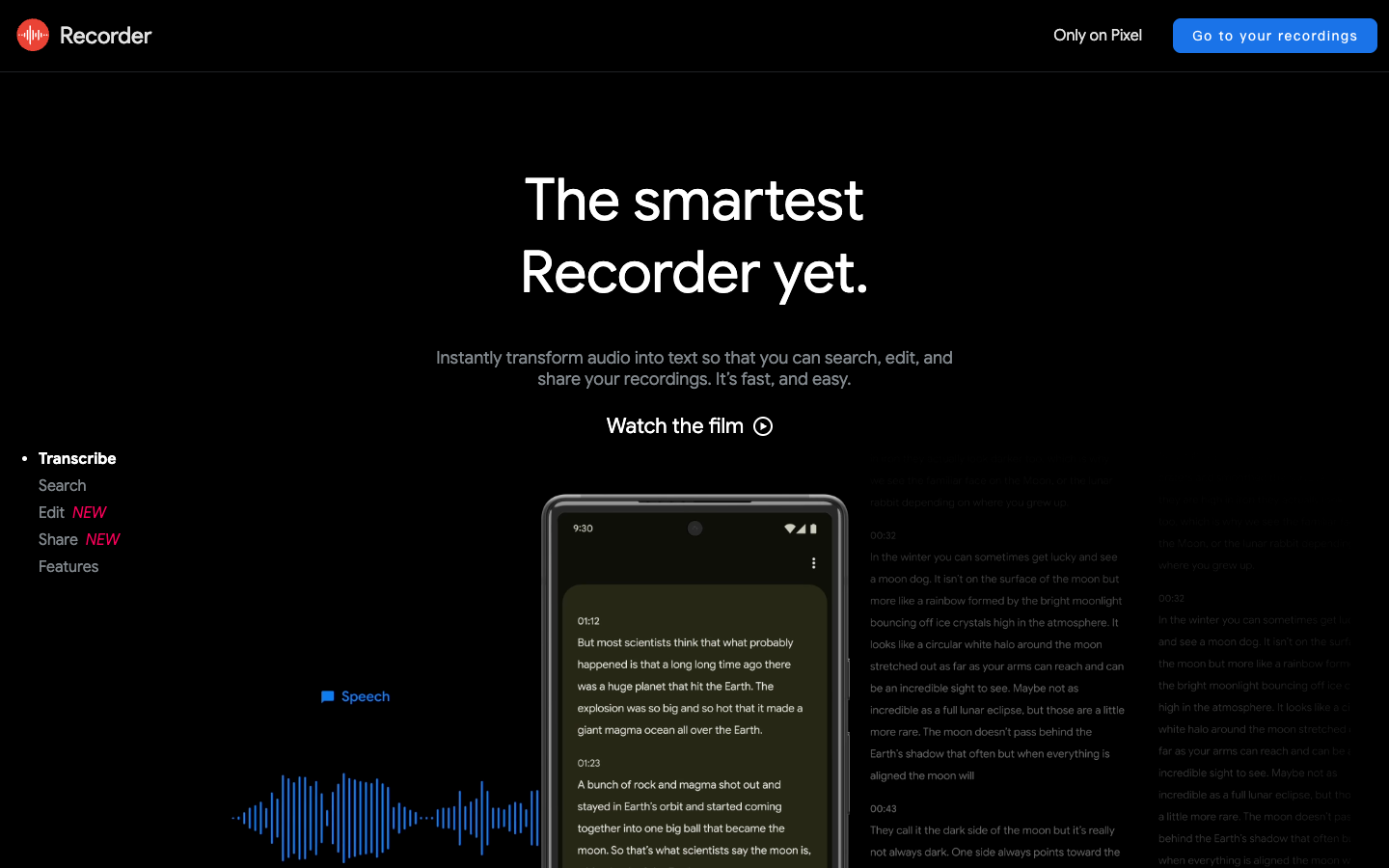
Google Recorder is the best free starting point if you use a Pixel device and want speech-to-text with almost no setup.
Why it stands out
- It runs as a dedicated mobile app rather than a browser workaround, which makes it faster and easier to use on the go.
- Searchable transcripts are genuinely useful for lectures, voice notes, interviews, and quick field capture.
- For many everyday tasks, free on-device dictation is more valuable than paying for a complex workflow you will never use.
Where it falls short
- The experience is strongest on Pixel, so it is not a universal recommendation across devices.
- It is built for capture and recall, not team collaboration or workflow automation.
- If you need multilingual breadth or deeper editing, you will hit its limits quickly.
Best for: Pixel users, students, and anyone who wants free mobile dictation with minimal friction.
2. OpenAI Whisper — Best for Multilingual and Privacy-First Use
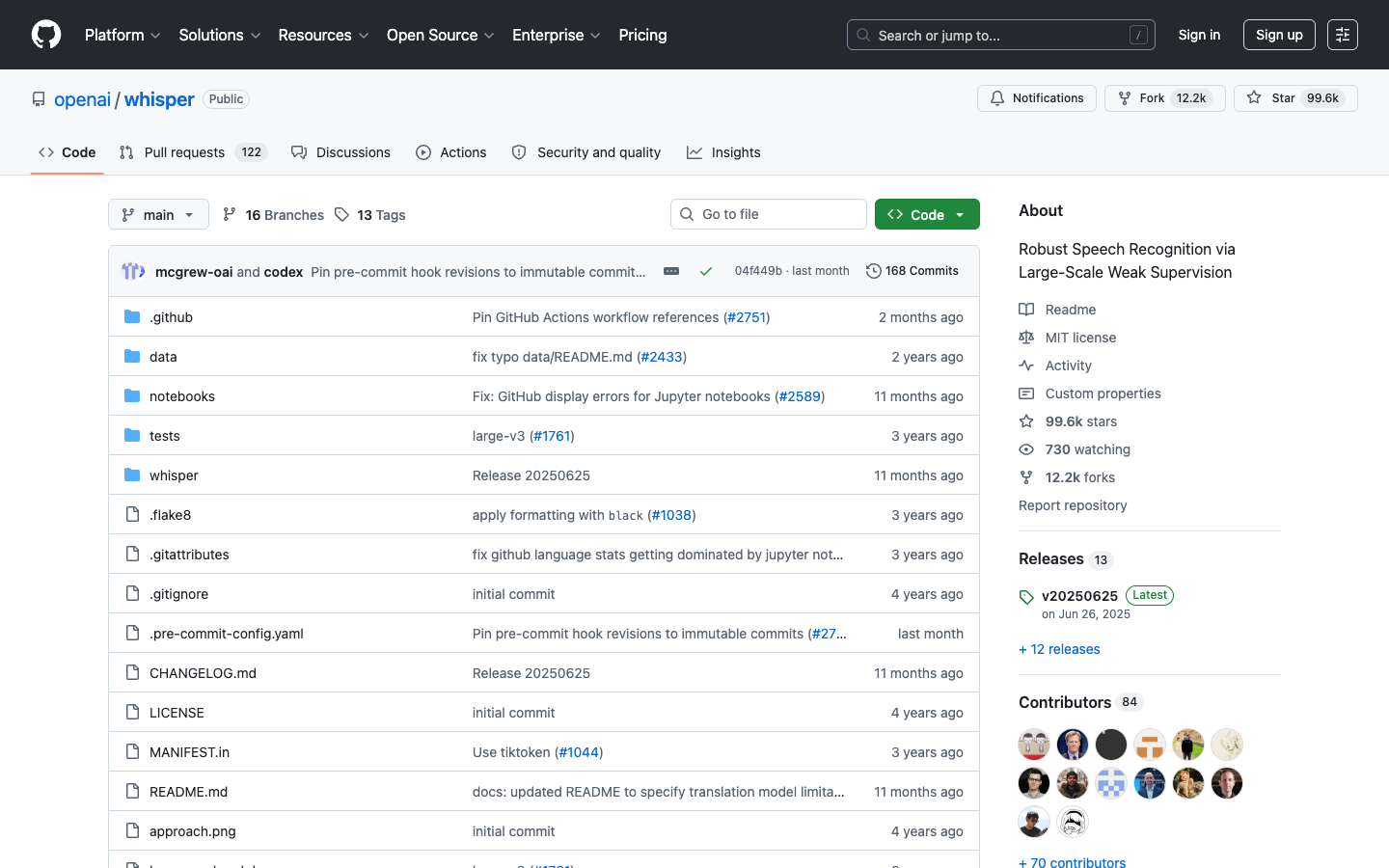
Whisper remains the most important voice-to-text model in the market because it gives users something cloud-first apps cannot: control.
Why it stands out
- It supports a very wide range of languages and remains a strong option for multilingual audio.
- You can run it locally, which matters for journalists, researchers, legal teams, and privacy-sensitive workflows.
- It has a huge ecosystem around it, from developer libraries to desktop wrappers and mobile apps, because the core model is open source.
Where it falls short
- Raw Whisper is a model, not a polished end-user product. You often need extra tooling for speaker labels, editing, search, or summaries.
- Local performance depends heavily on your hardware.
- For non-technical users, setup can be more work than it is worth.
Best for: Developers, multilingual users, and teams that care more about control and privacy than convenience.
3. Otter.ai — Best for Meetings
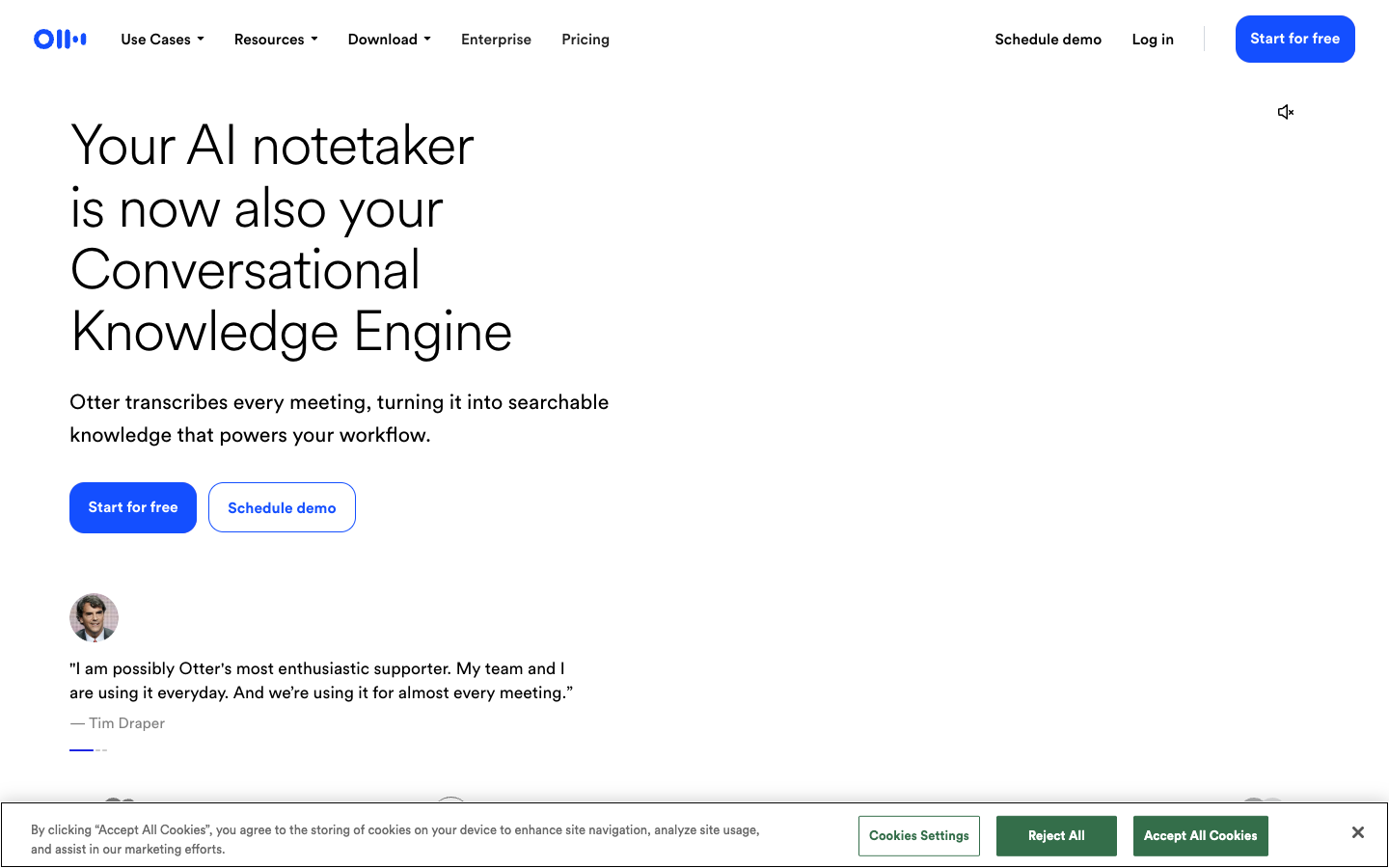
Otter.ai is less impressive as a general dictation tool than it is as a meeting system. That distinction matters.
Why it stands out
- It is built around the meeting workflow: joining calls, capturing transcripts, labeling speakers, and generating summaries.
- Teams can search past conversations, share notes, and pull action items without extra manual cleanup.
- The product feels opinionated in a good way: it knows what meeting-heavy users want.
- It is much more compelling as a meeting product than as a general dictation app, especially given its English-first language focus.
Where it falls short
- Language support is much narrower than what you get from multilingual transcription tools, with its strongest fit in English and a small number of additional languages.
- It is cloud-based, so it is a poor fit for strict privacy requirements.
- If you only want simple dictation, the meeting-specific workflow can feel like overhead.
Best for: Professionals, sales teams, founders, and managers who live inside Zoom, Teams, or Google Meet.
4. ElevenLabs Scribe — Best Premium API for Production Workflows
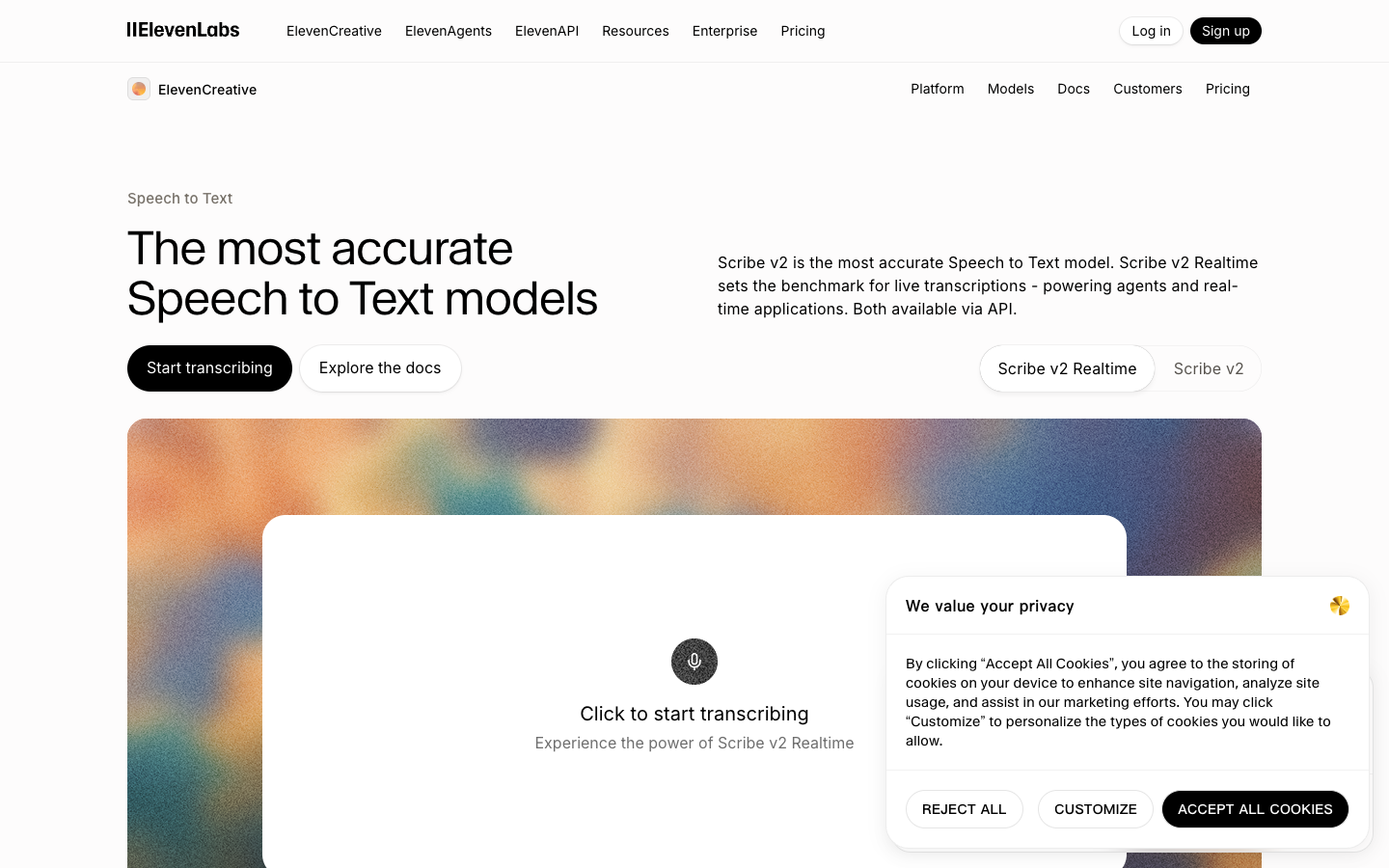
ElevenLabs has become one of the strongest premium options for teams that want a modern speech stack rather than a simple dictation button.
Why it stands out
- It is designed for developers and product teams that want transcription as part of a larger application workflow.
- Language detection, speaker handling, and real-time capabilities make it attractive for customer support, media, and voice-product use cases.
- The product experience feels current: strong API focus, fast iteration, and good fit for AI-native products.
- It also fits buyers who care more about shipping a transcription feature than about buying a classic dictation app.
Where it falls short
- It is not the simplest choice for non-technical users.
- Usage-based pricing is efficient at scale but less intuitive for casual buyers.
- Cloud dependency can be a blocker for some regulated or offline-first environments.
Best for: Teams building transcription into products, automation pipelines, or large-scale media workflows.
5. Sonix — Best for Compliance and Review Workflows
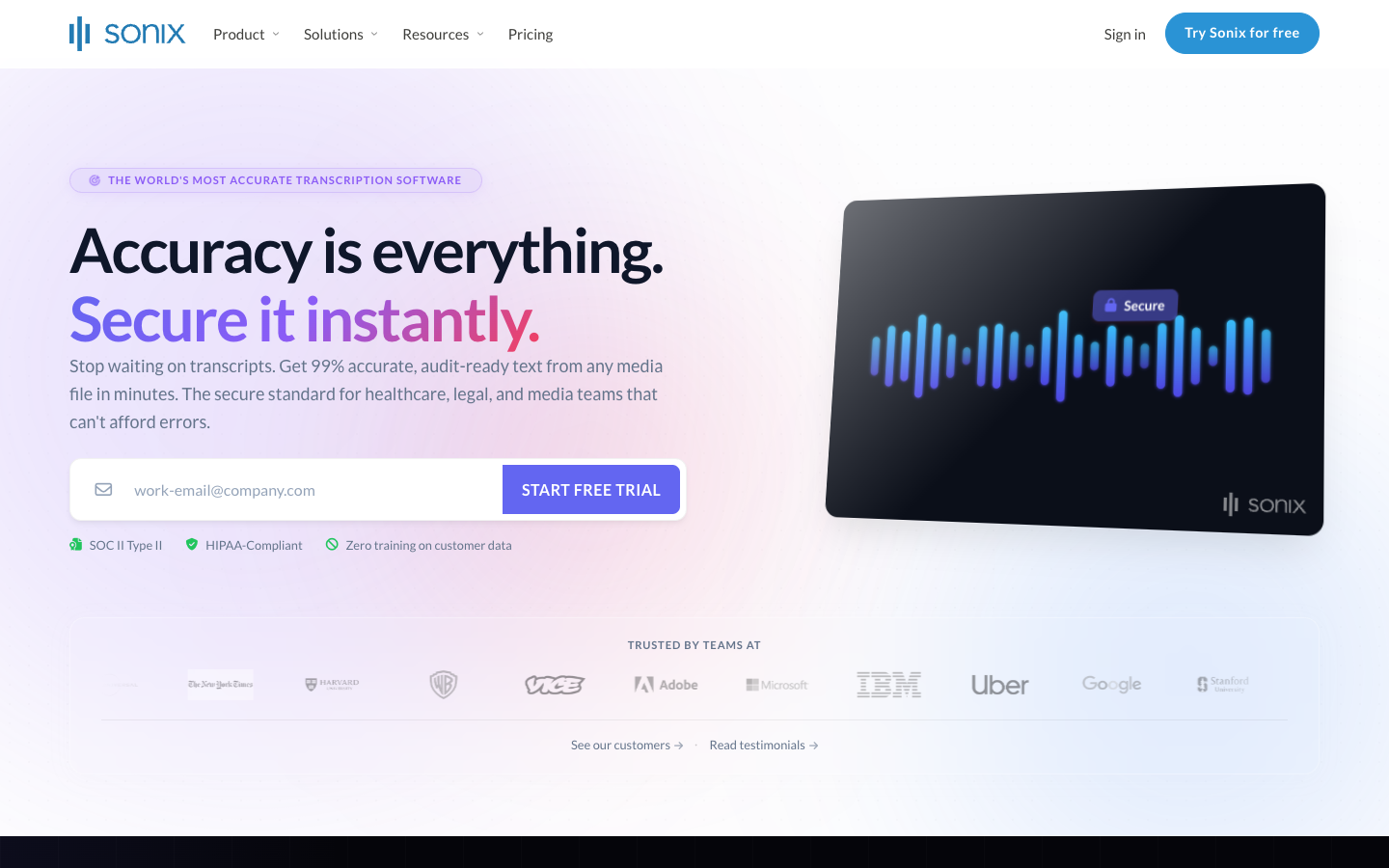
Sonix is strongest when transcription is only one step in a broader review and governance process.
Why it stands out
- The browser editor is a real strength. It is built for reviewing, correcting, and managing transcripts after upload.
- Enterprise features, integrations, and admin controls make it a more practical business tool than many consumer-first apps.
- It is a better fit for organizations that need process, not just output.
- Its broader language coverage makes it a stronger enterprise option than meeting-note products that are mostly English-centric.
Where it falls short
- It is less compelling for casual solo users.
- Pricing can climb quickly once teams, volume, and advanced features are involved.
- It is more about managed transcription than instant everyday dictation.
Best for: Agencies, research teams, legal and healthcare-adjacent workflows, and businesses that need searchable, auditable transcripts.
6. Descript — Best for Creators and Podcast Teams
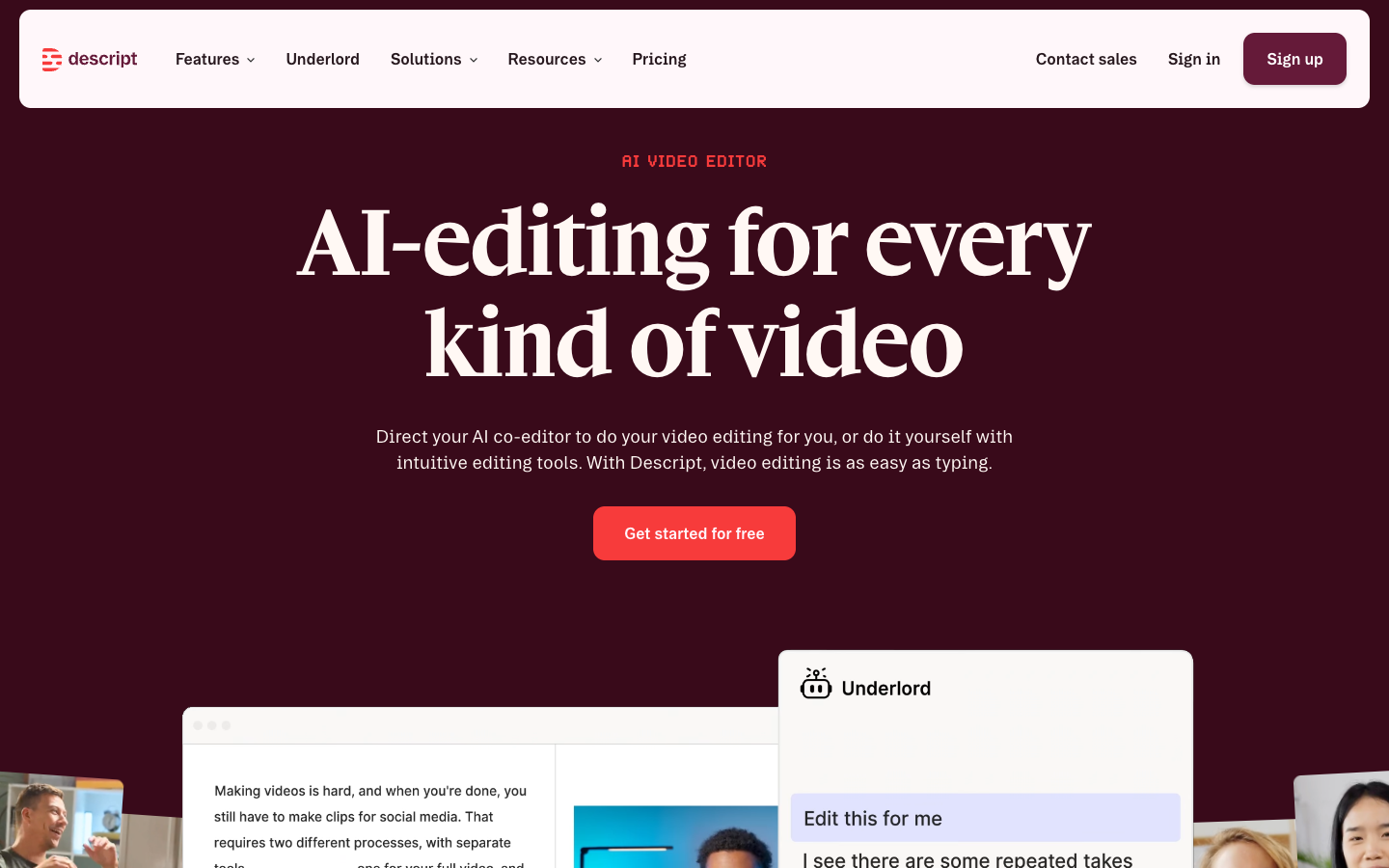
Descript deserves a place in this list because many people searching for “voice-to-text” actually need transcription inside an editing workflow.
Why it stands out
- Its core value is not raw transcription alone but the ability to edit audio and video by editing the transcript.
- That makes it unusually efficient for podcasts, interviews, video essays, and social clips.
- It is one of the few tools where transcription directly improves production speed.
- That creator-first workflow is the reason it makes this list even though it is not trying to be a general office dictation tool.
Where it falls short
- It is overkill if you only want quick dictation or meeting notes.
- The value depends on whether you also need editing, publishing, or creator collaboration tools.
- It is not a privacy-first or offline product.
Best for: Podcasters, YouTubers, video teams, and creators who treat transcripts as part of content production.
7. OpenL Speech-to-Text — Best No-Signup Browser Option
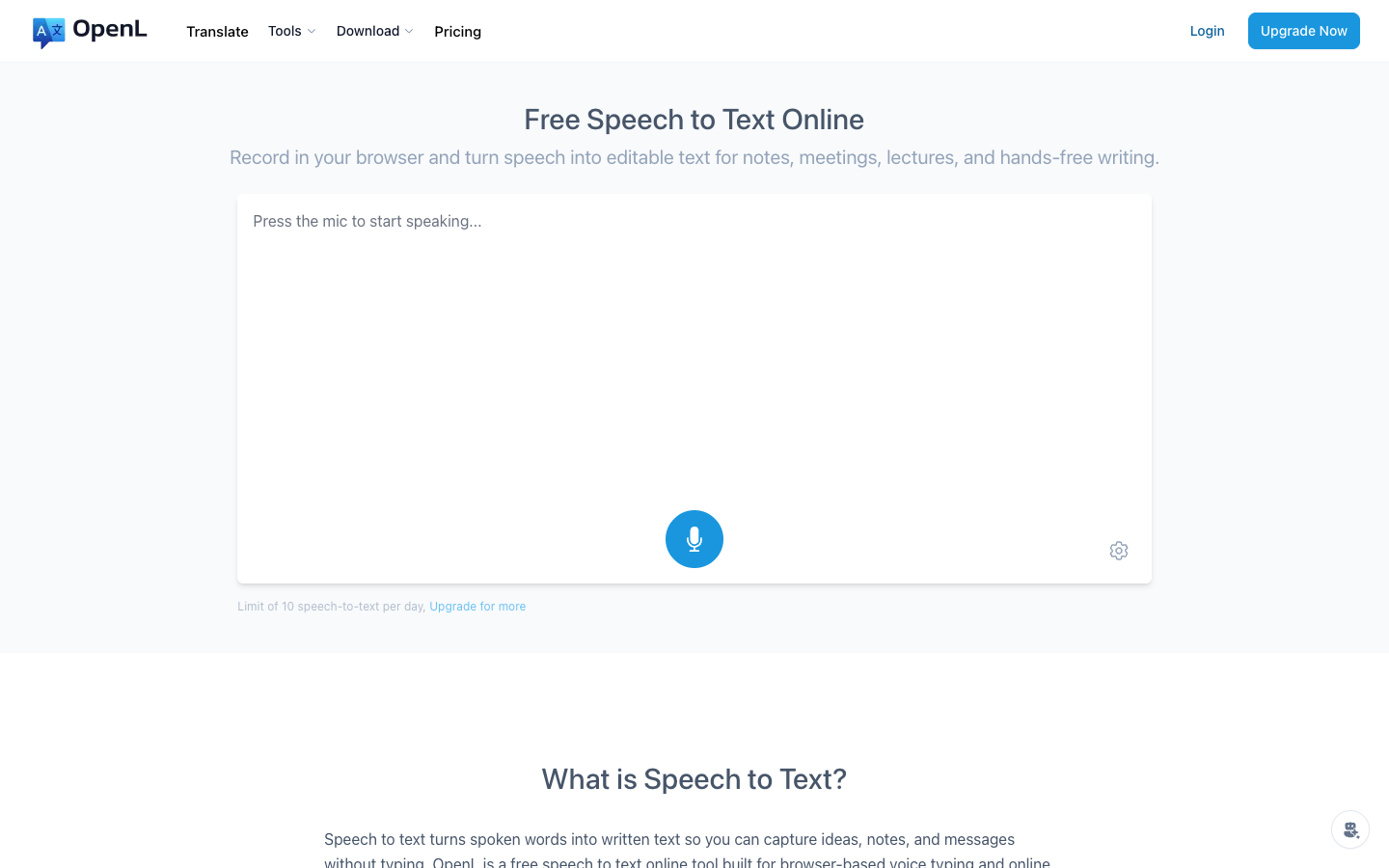
OpenL Speech-to-Text is most useful when you want the shortest possible path from speaking to editable text.
Why it stands out
- It runs in the browser with almost no friction.
- The output is immediately editable, which is exactly what many casual users want.
- It fits naturally into a translation workflow if you already use OpenL for multilingual tasks.
Where it falls short
- It is not trying to replace meeting intelligence platforms or enterprise transcription systems.
- OpenL does not position it as a benchmark-driven transcription platform, so buyers looking for heavily documented enterprise accuracy testing may prefer API-first vendors.
- Power-user features such as advanced speaker management and rich workflow automation are not the focus.
Best for: Casual dictation, quick browser use, and users who want speech-to-text plus translation in one place.
Notable Alternatives
These tools are worth knowing about even though they are not the center of this guide:
- Google Docs Voice Typing is a solid free option if you already use Google Docs, supporting 40+ languages directly in the browser.
- Dragon Professional is still relevant for accessibility and full hands-free desktop control, but it feels dated compared to newer AI-native alternatives.
- Apple Dictation is excellent if you already live inside the Apple ecosystem, but it is better understood as a platform feature than a standalone app.
- Deepgram and AssemblyAI are strong choices if you are comparing developer APIs rather than end-user products.
- Notta is a credible meeting-notes option, but its positioning overlaps heavily with Otter.ai and Sonix, which is why it did not make the main list.
How to Choose the Right Tool
Start with the workflow, not the model.
- Choose Google Recorder if you want free mobile dictation on Pixel.
- Choose Whisper if privacy, local processing, or multilingual coverage matters most.
- Choose Otter.ai if meetings are the job to be done.
- Choose ElevenLabs Scribe or Deepgram-style APIs if you are building a product.
- Choose Sonix if your team needs review, compliance, and integrations.
- Choose Descript if transcription is part of media production.
- Choose OpenL if you want a lightweight browser tool and may also need translation.
That is the simplest way to avoid overbuying. Many people start by chasing “the most accurate app” and end up paying for features that do not match their actual workflow.
Frequently Asked Questions
Is voice-to-text accurate enough for professional work?
Usually, yes. Modern tools are good enough for notes, drafts, meetings, and first-pass transcripts. For regulated, high-stakes, or publication-critical material, human review is still necessary.
Which voice-to-text app is best for free?
For most users, Google Recorder is the best free starting point. If you are technical and want more control, Whisper is the most flexible free option.
Which tool is best for offline transcription?
Whisper is the strongest offline-friendly option if you are willing to run software locally. Some device-native tools also work offline, but they serve narrower use cases.
Which tool is best for meetings?
Otter.ai is the clearest meeting-first choice in this list because the surrounding workflow matters as much as the transcription itself.
Which tool is best for multiple languages?
Whisper is the most versatile multilingual option for users who want broad language support and control. Premium API vendors can also perform well, but Whisper remains the most flexible baseline.
Do I need a paid app?
Not always. Free tools are enough for many people. Pay when you need one of four things: better workflow automation, stronger collaboration, richer transcript editing, or privacy/compliance requirements that free tools do not cover well.

The Bottom Line
The voice-to-text market in 2026 is mature enough that there is no single universal winner. Free tools are surprisingly capable, premium tools are more specialized than ever, and the smartest buying decision usually comes down to workflow fit rather than headline accuracy claims.
If you want the safest recommendations, start with Google Recorder for free dictation, Whisper for multilingual or private workflows, Otter.ai for meetings, Descript for creator workflows, and Sonix or ElevenLabs for business-grade transcription pipelines.
If you want the fastest possible browser-based option, OpenL Speech-to-Text is a clean place to start. For more on combining transcription with translation, see how to translate speech to text and how to chat across languages in real time.